
Cherry Keycaps Profile
Cherry profile is a sculpted, medium-height keycap profile originally produced by Cherry GmbH for their G80-series keyboards in the 1980s. The original tooling passed to GMK, who became the definitive producer and set the standard other manufacturers have since followed. Rows sit between approximately 8.1 mm and 9.4 mm tall, with each row angled differently to follow the natural arc of your fingers. The top surface is cylindrical, curving along one axis. Cherry profile is the default choice for most custom keyboard builds: familiar, comfortable, and available from more manufacturers than any other enthusiast profile.
Cherry Specifications
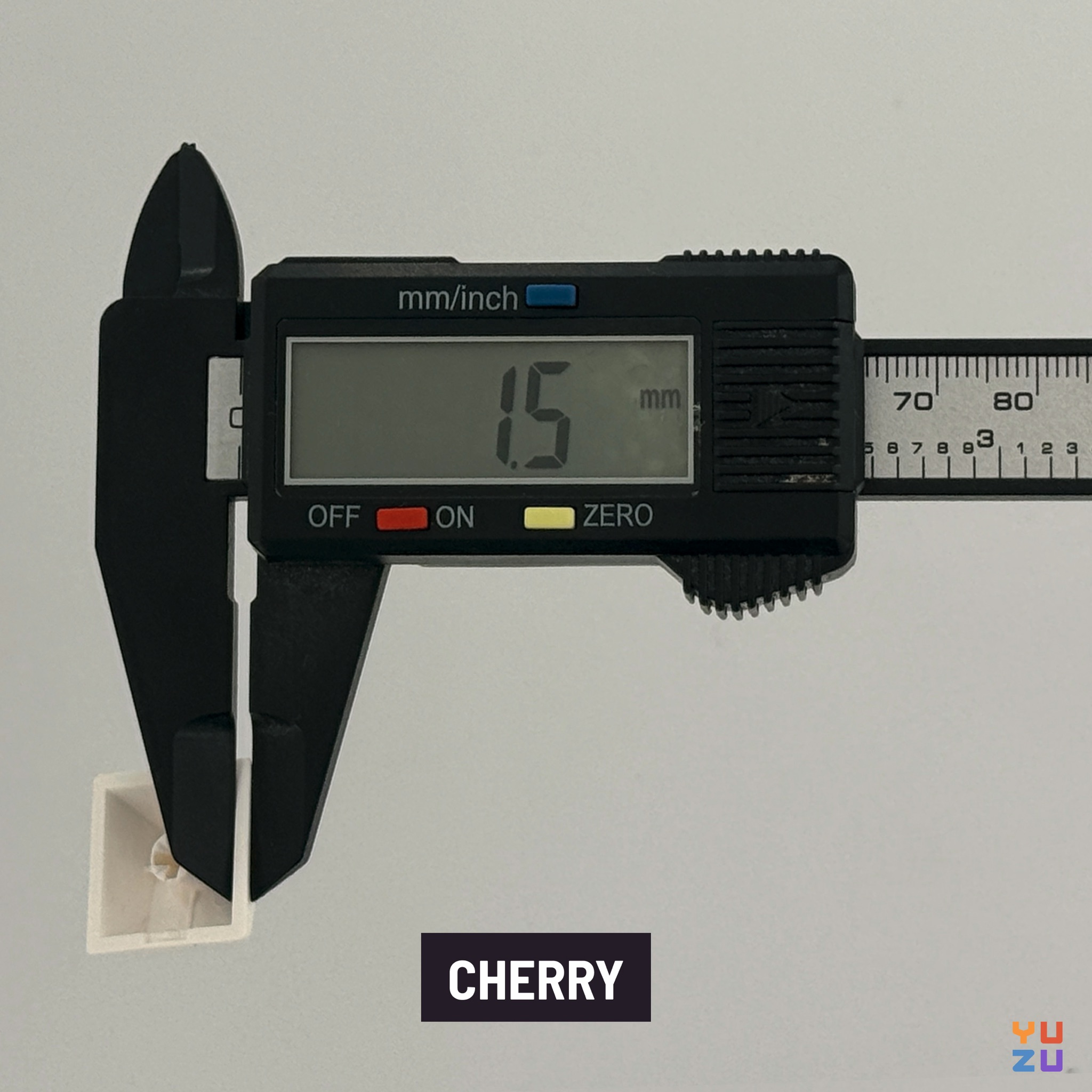
Sculpted or uniform?
Cherry profile is sculpted: each row has a distinct height and angle. The function row (R1) is the tallest and most sharply angled; the bottom row (R4) sits lower and tilts in the opposite direction. Together the rows form a gentle wave that mirrors the natural curve of fingers resting on a keyboard. The sculpt is similar in character to OEM profile, though Cherry sits 1–2 mm shorter across all rows with slightly less aggressive angles.
This matters for compatibility in one key way: keycaps are not freely interchangeable between rows. Swapping an R1 key into an R3 position produces a mismatched angle that most typists will feel immediately. On non-standard layouts like ortholinear or columnar-stagger split keyboards, you need to make sure each key is assigned the correct row for its physical position. That's manageable with the right kit, and Yuzu makes it straightforward by letting you specify row assignments per key when building a custom set.
Custom Cherry profile keycaps from Yuzu
Cherry profile is available on Yuzu, which means you're not waiting on a group buy or hoping your colorway gets a reprint. You design exactly the set you want: pick your colors from a curated palette of over 320 options, set your legends however you need them, and get dye-sublimated PBT keycaps produced to your spec.
That matters in practice because Cherry profile sets from most manufacturers are either locked into specific colorways (GMK group buys) or limited to what's in stock at any given moment. At Yuzu, the design is the product: you choose the colors, the legends, and the layout coverage, without compromising on any of them.
Where Cherry profile comes from
Cherry GmbH, the German switch manufacturer, developed Cherry profile in the 1980s as part of their G80-3000 keyboard line. The goal was practical: produce a comfortable, durable keycap for office and industrial keyboards that would hold up to years of continuous use. The cylindrical top and sculpted rows weren't a design statement. They were the result of engineering a cap that kept fingers oriented correctly during long typing sessions.
GMK eventually took over production using Cherry's original tooling, preserving the exact specifications the community had come to rely on. Today the molds in production are most likely newer, but GMK's manufacturing maintained continuity with Cherry's original geometry. GMK's version is sometimes referred to as CYL (short for cylindrical), though most of the community still uses "Cherry profile" regardless of manufacturer.
What changed under GMK was the material focus. Concentrating on doubleshot ABS, GMK pushed color accuracy, legend crispness, and consistency further than Cherry's original production ever did. The profile's reputation followed. A workmanlike office keycap became the community's benchmark for premium sets.
Since then, manufacturers including ePBT, JTK, Domikey, and a wide range of budget PBT producers have developed their own tooling to the same Cherry profile specifications, making it the most widely replicated keycap geometry in the hobby.
Typing feel and adaptation
Cherry profile's medium height makes it one of the easiest profiles to transition to from OEM or a standard office keyboard. Most typists adapt within a few days rather than weeks. The key difference from OEM is that Cherry sits 1–2 mm shorter depending on the row, which reduces wrist extension slightly and keeps your hands closer to the desk surface.
The cylindrical top guides fingers along columns but doesn't scoop aggressively. If you're used to a flat membrane keyboard or laptop keys, Cherry will feel more structured without feeling dramatically different. If you're coming from a tall profile like SA or MT3, Cherry will feel noticeably closer to the desk and faster to actuate.
One thing worth knowing: Cherry profile is slightly less forgiving of sloppy finger placement than spherical-top profiles. The cylindrical curve runs front-to-back along each key but doesn't cup the fingertip in all directions. For most people this is a non-issue, but if you're a very deliberate "search and press" typist rather than a touch typist, you might slightly prefer a spherical option like KAT or DSA.
Wrist rests are optional with Cherry profile. The height is low enough that most setups with a standard desk and chair don't require one, though personal preference varies.
Ukuran Cherry tersedia di Yuzu
Profil keycap tersedia di Yuzu
Profil Cherry adalah profil standar pada keyboard mekanik. Profil ini bersifat sculpted, artinya setiap baris memiliki ketinggian dan bentuk berbeda untuk memaksimalkan kenyamanan mengetik. Pilih opsi ini jika Anda belum yakin profil mana yang sesuai.
Profil KAM dikembangkan oleh Keyreative. Profil ini bersifat datar, artinya semua baris memiliki ketinggian dan bentuk yang sama sehingga memungkinkan kompatibilitas maksimal untuk menukar tombol keycap di berbagai baris dan layout keyboard. Pilih opsi ini jika Anda sudah familiar dengan KAM atau menyukai nuansa mengetik ala DSA/XDA.
PFF adalah profil keycap silindris yang dirancang khusus untuk switch mekanik low-profile. Ini memenuhi persyaratan unik keyboard mekanik low-profile sambil mempertahankan manfaat taktil dari keycap bertekstur untuk pengalaman mengetik yang lebih baik.
PBS menggunakan kombinasi depan dan belakang silindris dengan cerukan bulat di atas. Hasilnya adalah area kontak ceruk lebar di atas, yang memungkinkan pengalaman mengetik yang nyaman dan ergonomis.
Profil KLP Lamé dirancang khusus untuk keyboard ergonomis oleh braindefender. Tersedia dalam versi MX dan Choc agar cocok dengan sebagian besar keyboard split.