
✓ Full Compatibility Confirmed
The Wooting 60HE+ uses Lekker L60 analog hall effect switches with standard MX stems, making it fully compatible with all MX-style keycaps. Our customization tools are pre-configured for this keyboard's 61-key layout, including the unique bottom row modifier configuration and south-facing RGB LED support.
Wooting 60HE+ 的键帽相关规格
Wooting 60HE+ 自带哪种键帽?
Stock Keycap Quality
The Wooting 60HE+ ships with doubleshot PBT keycaps in OEM profile, a reliable mid-height profile commonly found on quality mechanical keyboards. At approximately 1.5mm thickness, these keycaps strike a balance between durability and acoustic properties.
Material and Construction
The doubleshot PBT construction means legends are molded from two separate plastic layers, making them essentially wear-proof. PBT plastic resists shine and oil buildup better than ABS, maintaining its textured surface even after extended gaming sessions. The material's natural properties also contribute to a lower-pitched, less hollow sound compared to ABS alternatives.
Profile and Ergonomics
The OEM profile features a moderate sculpt that most users find immediately comfortable, with each row sitting at a slightly different height to match natural finger positioning. This mid-height profile (taller than Cherry, shorter than SA) provides good ergonomics without the dramatic height differences of some enthusiast profiles.
RGB and Legends
The doubleshot construction creates crisp, clean legends that allow RGB illumination to shine through evenly. The south-facing LED configuration minimizes interference with Cherry-profile keycaps while providing excellent backlighting visibility. The font is neutral and highly legible at all viewing angles.
User Feedback
Reviewers consistently praise the stock keycaps as above-average for a gaming keyboard, with one noting they "feel great to use even after multiple hours of intense gaming." The moderate texture provides adequate grip without feeling coarse, and the legends remain sharp and clear.
While Wooting's stock keycaps deliver solid quality and functionality, many users upgrade to custom keycaps for specific profile preferences, unique colorways, or to achieve particular sound signatures. The hotswappable nature of the board makes experimentation easy.
适用于 Wooting 60HE+ 的定制键帽
Profile Options
The Wooting 60HE+'s MX-compatible switches open up the entire world of custom keycap profiles. For competitive gaming—the 60HE+'s primary use case—lower profiles like Cherry or KAM often excel due to reduced key travel distance and faster resets. The Cherry profile's 9.5mm height complements the keyboard's rapid trigger technology beautifully, while KAM's uniform sculpt can enhance muscle memory for WASD-heavy games.
For those seeking premium typing feel alongside gaming performance, PBS (Penguin Burst Spherical) offers a comfortable middle ground with spherical tops that cradle fingertips. MT3 profile enthusiasts should note that while these tall sculpted caps will physically fit, they may feel incongruous with the board's fast-actuation gaming DNA.
The OEM-profile stock keycaps provide an excellent baseline, making it easy to evaluate what you might want in a custom set.
Material Options
When selecting custom keycaps for the 60HE+, PBT remains the gold standard for gaming applications. Its resistance to shine and superior texture retention means your keycaps will look and feel fresh through countless gaming marathons. Dye-sublimation printing on PBT delivers fade-resistant legends that won't wear down even under the aggressive key presses competitive gaming demands.
ABS keycaps offer their own advantages: GMK's renowned colorways come exclusively in ABS, and some users prefer the slightly slicker feel for rapid movements. However, expect visible shine within months of regular use.
Thickness matters significantly for sound and stability. Look for keycaps at least 1.4mm thick to minimize wobble on the Lekker switches and achieve a deeper, more satisfying sound profile.
Layout Compatibility Analysis
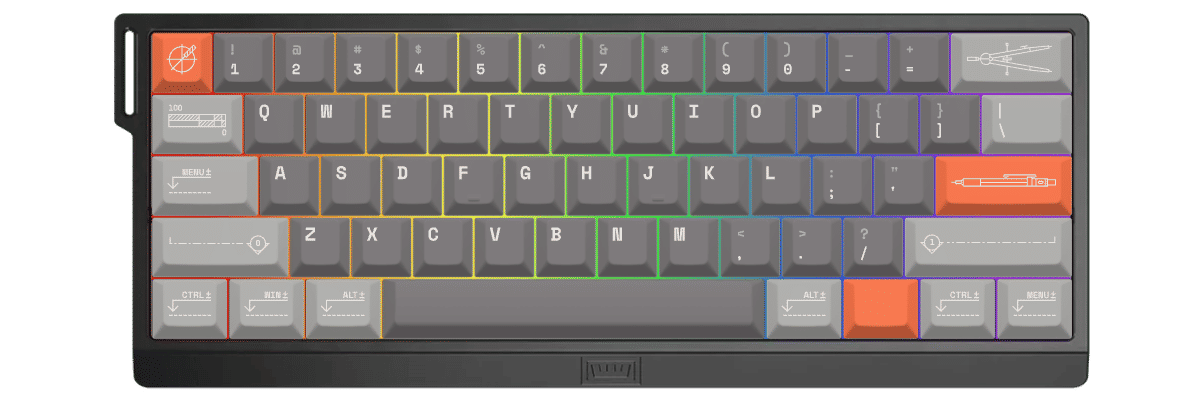
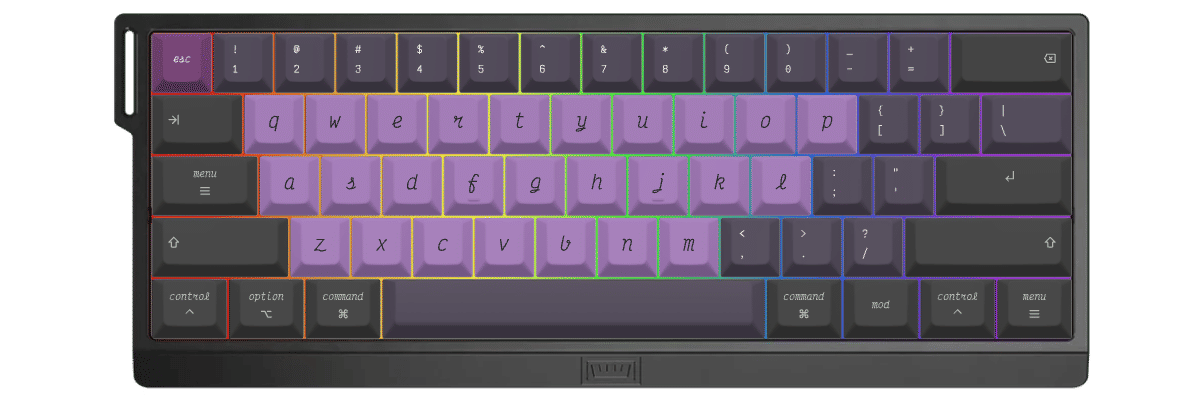
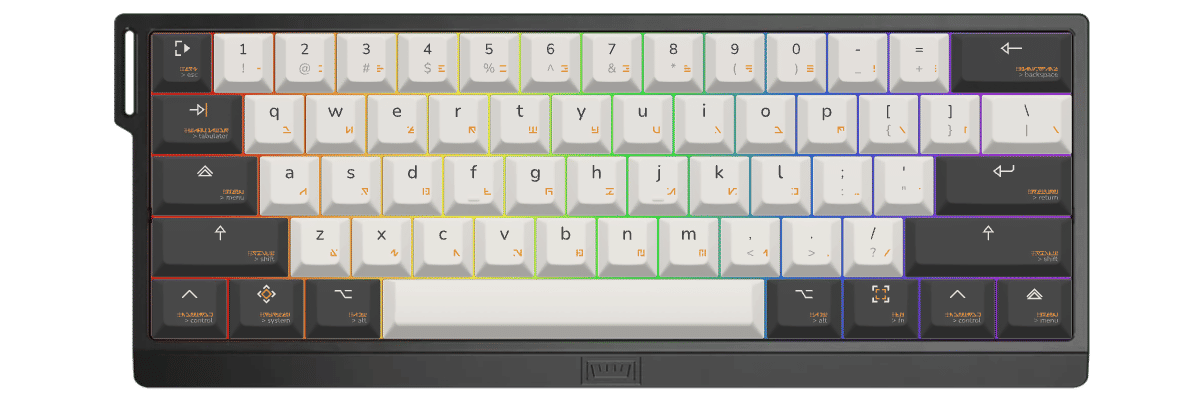
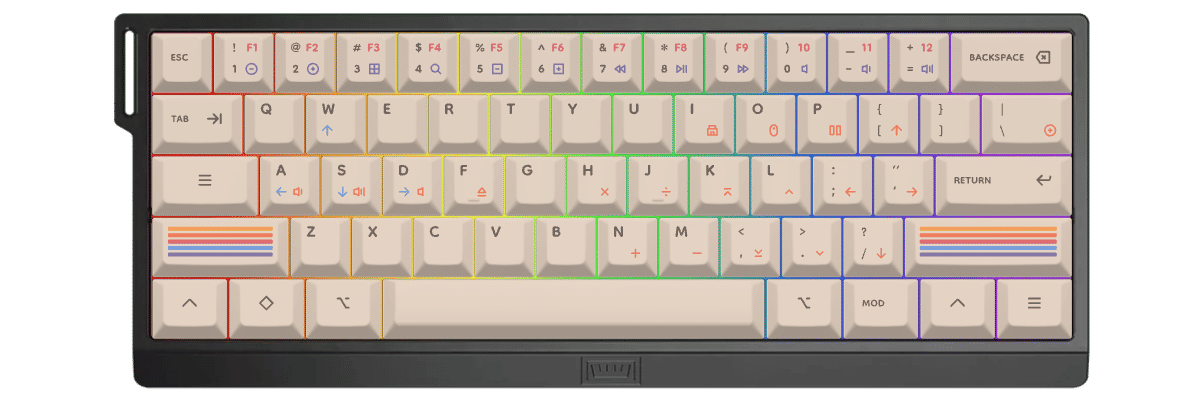
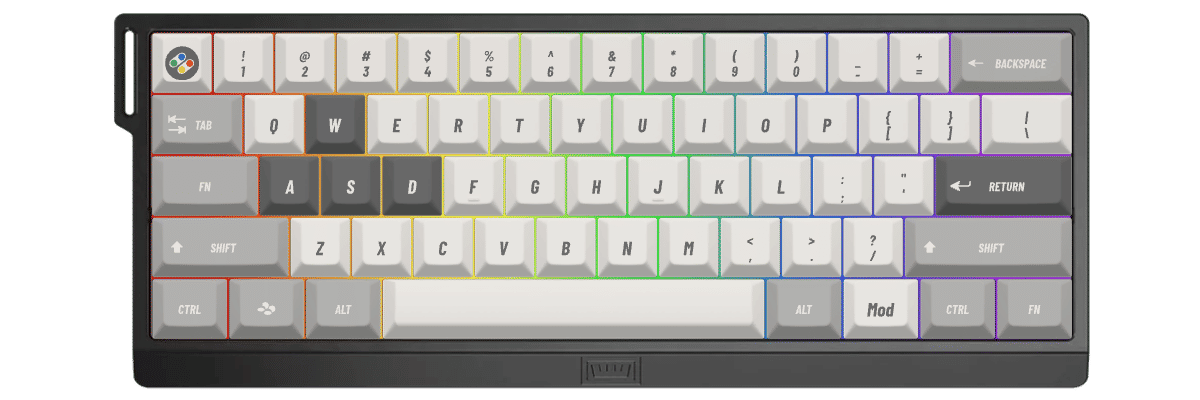
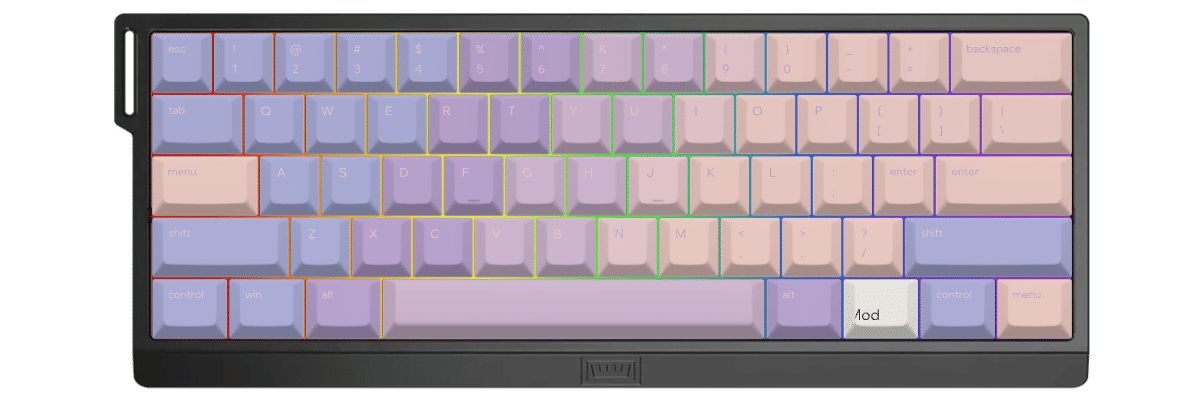
Comparing the Wooting 60HE+ layout to standard 60% keyboards reveals excellent compatibility. The board follows the conventional 60% format almost perfectly, with all keys sized standardly: 6.25u spacebar, 1.25u modifiers across the bottom row, 2u backspace, 2.25u left shift, and 2.75u right shift.
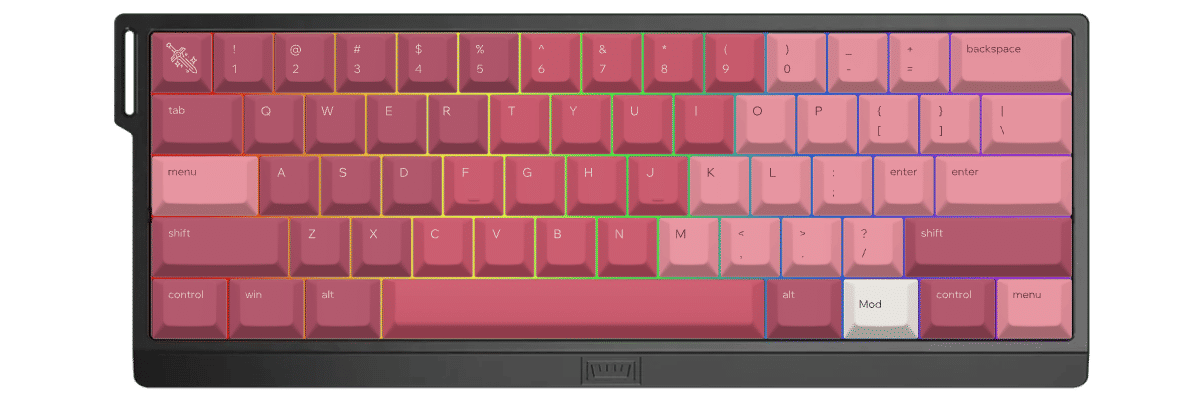
The only notable difference is the bottom row modifier labels—the Wooting features a "Mod" key where many keyboards have a second "Super" key, and the far-right position is labeled "Menu" rather than "Ctrl." However, these are purely labeling differences; the physical key sizes remain absolutely standard.
This means virtually any 60% keycap set will fit the Wooting 60HE+ perfectly. You won't need compatibility kits or unusual sizes. Even budget sets designed for standard 60% boards will work flawlessly.
The south-facing LED orientation is ideal for Cherry-profile keycaps, as it eliminates the north-facing interference issues that plague some boards. This ensures your custom keycaps will sit flush and wobble-free.
Yuzu's Solution
At Yuzu, we've pre-configured our customization tools specifically for the Wooting 60HE+:
- All 61 keys mapped correctly, including the unique bottom row modifier labels
- Cherry, KAM, PFF, and PBS profiles available in unlimited color combinations
- Professional dye-sublimation on premium 1.5mm PBT for fade-resistant legends
- South-facing LED compatibility verified for optimal RGB shine-through
- Perfect fit guaranteed for the Wooting 60HE+'s exact specifications
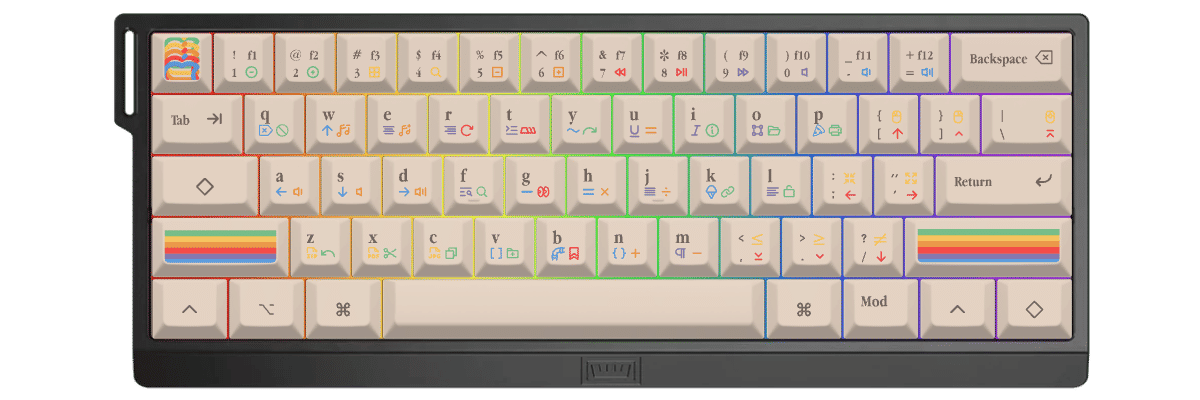
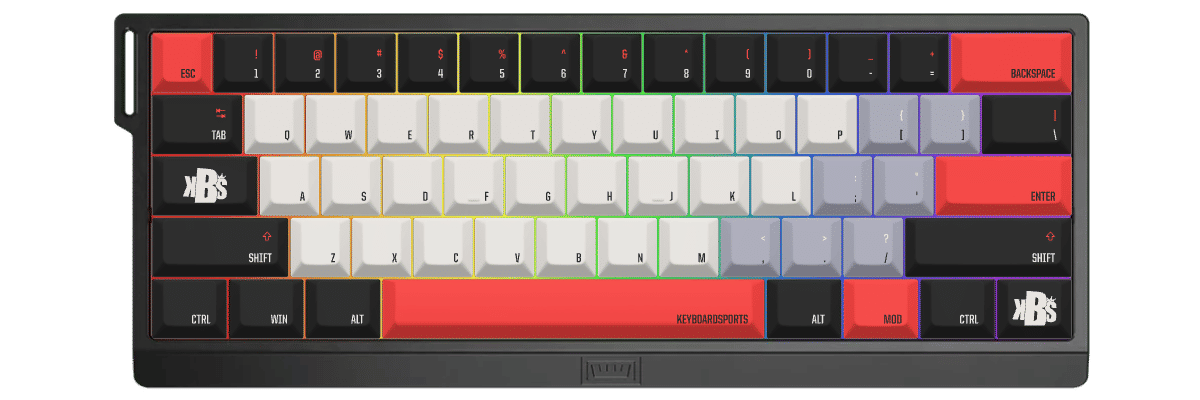
Our customization interface provides real-time preview on an accurate Wooting 60HE+ template, letting you visualize exactly how your custom set will look on this iconic competitive keyboard. Whether you're chasing performance optimization or personal aesthetics, you'll have complete creative control.
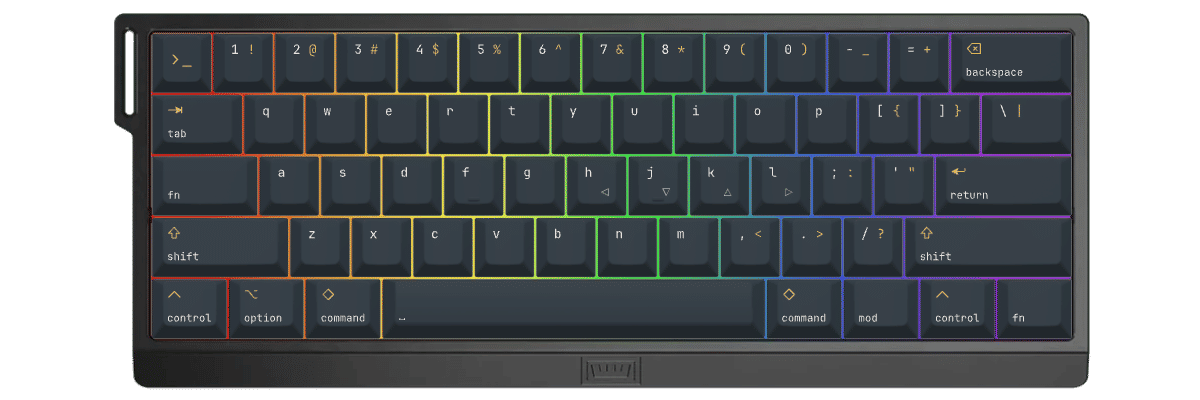
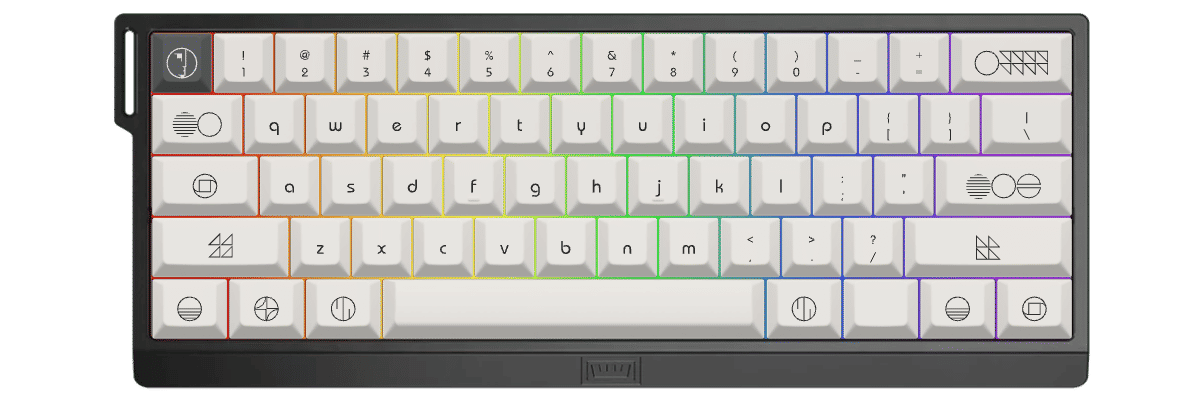
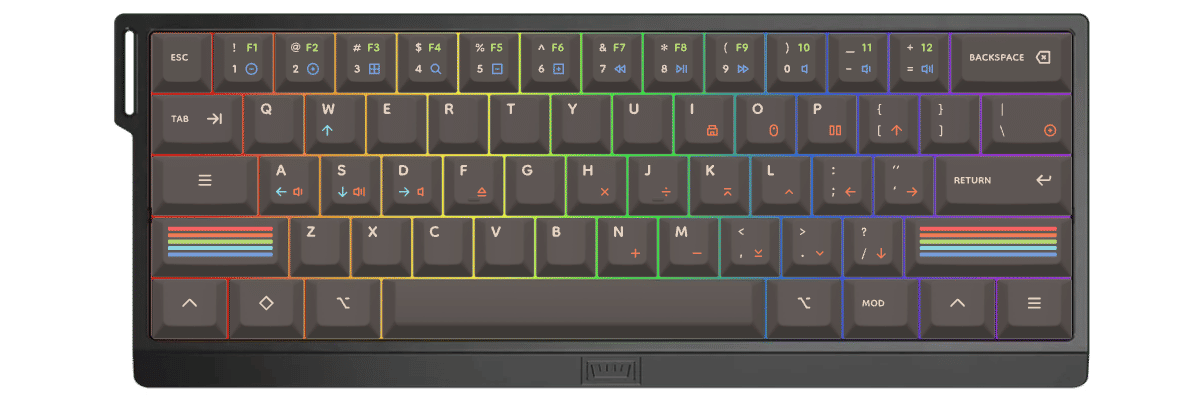
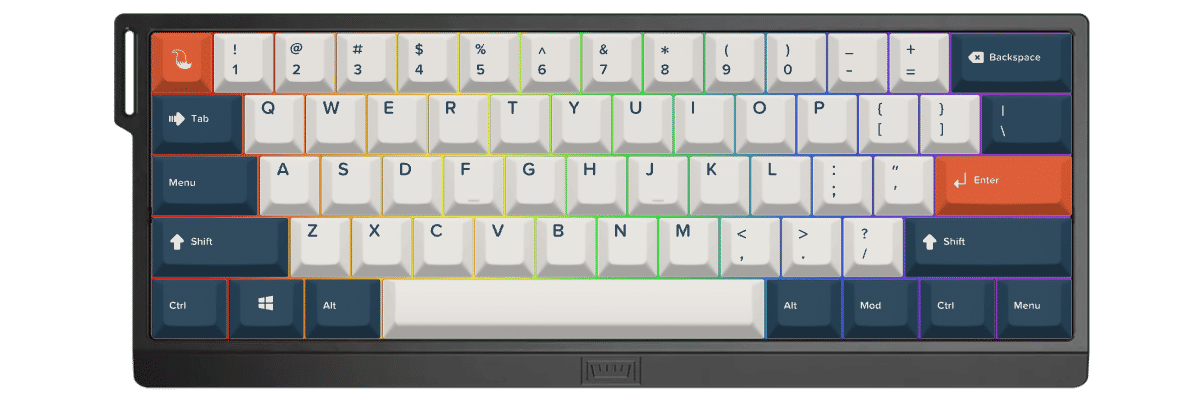
如何为 Wooting 60HE+ 制作定制键帽
Designing Your Perfect Wooting 60HE+ Keycaps
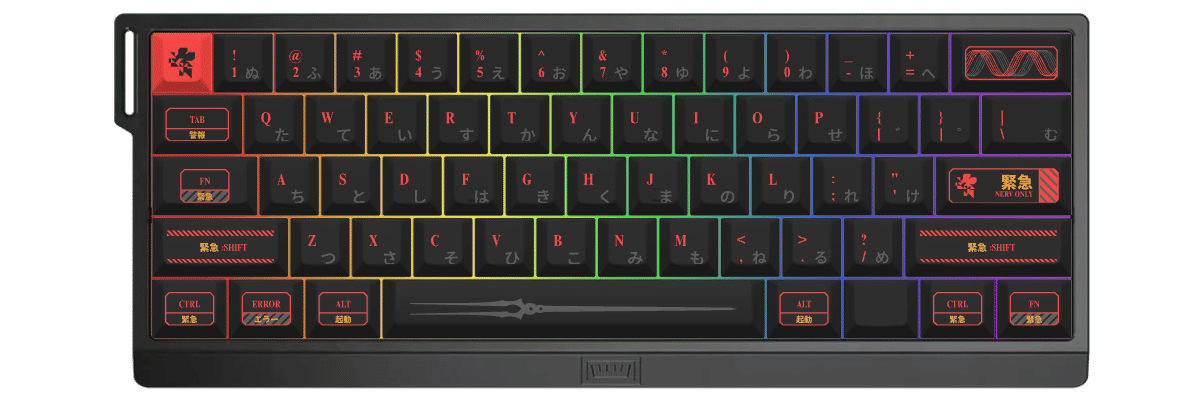
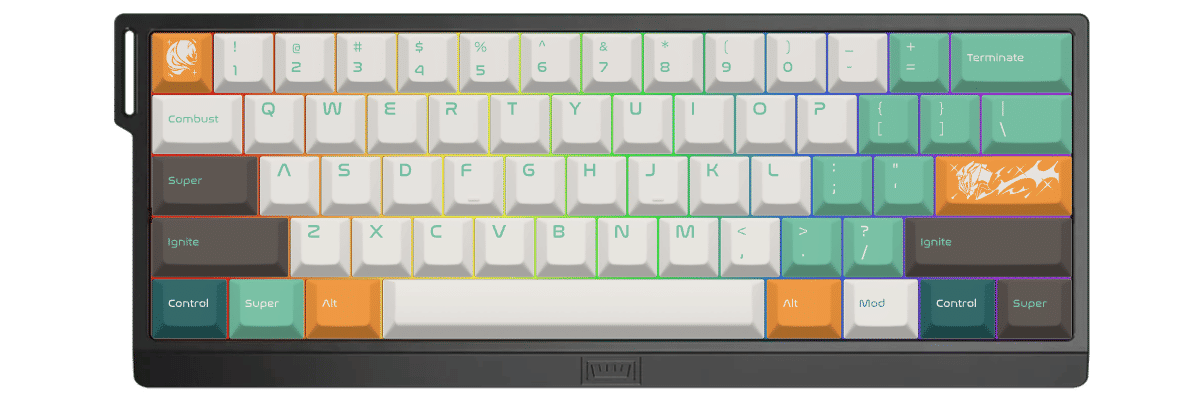
Creating custom keycaps for your Wooting 60HE+ is straightforward thanks to its standard 60% layout. Our tool automatically accounts for all 61 keys, including the bottom row modifier configuration, so you can focus on designing rather than measuring compatibility.
The Customization Process
- Select the Wooting 60HE+ from our keyboard catalog
- Choose your preferred profile—Cherry for gaming speed, KAM for versatility, or PBS for premium feel
- Design your colors, legends, and accent keys—with south-facing LEDs in mind for RGB effects
- Preview in real-time on an accurate Wooting 60HE+ template
- Order with confidence knowing every key will fit perfectly
Our system understands the 60HE+'s specifications completely: the 6.25u spacebar, standard modifier sizes, and proper spacing for hall effect switches. Since the Wooting uses completely standard key sizes, any design you create will also be compatible with most other 60% keyboards.
Rapid Trigger-Ready Designs
Consider how your color scheme will perform during intense gaming sessions. High-contrast WASD keys or directional indicators can help with rapid trigger precision, while subtle legends maintain clean aesthetics. The south-facing RGB means even solid-color keycaps will glow evenly around the edges.
New to keycap customization? Start with our Wooting-specific templates and inspiration gallery to see what works best with this competitive gaming powerhouse.
对比 Wooting 60HE+ 的键帽方案
When considering keycap options for your Wooting 60HE+, you'll typically weigh three paths: keeping the quality stock doubleshot PBT keycaps, shopping for compatible pre-made sets from various manufacturers, or creating fully custom keycaps tailored to your exact preferences. Each approach offers distinct advantages in compatibility, design flexibility, cost, and availability.
The Wooting 60HE+'s completely standard 60% layout makes it exceptionally compatible with aftermarket sets—you won't need special compatibility kits or unusual sizes. This gives you enormous freedom whether you choose off-the-shelf or custom options.
| 对比项 | 原装键帽 | 成品套装 | Yuzu 定制 |
|---|---|---|---|
| 完美适配 | ✓ 为该型号设计 | ⚠ 需确认兼容性 | ✓ 已预先配置 |
| 设计选择 | 有限 | 数百种选择 | 不受限 |
| 价格区间 | 随机附带 | 40-300 美元以上 | $67.50 |
| 交付周期 | 即时 | 取决于库存 | 9 个工作日 |
| 独一无二的设计 | ✗ | ✗ | ✓ |
| 材质品质 | Doubleshot PBT | 差异很大 | 优质 PBT |
| 字符工艺 | Doubleshot | 各不相同 | 热升华 |

常见问题
准备好设计你的 Wooting 60HE+ 键帽了吗?
Join thousands of competitive gamers who've upgraded their Wooting 60HE+ with custom Yuzu keycaps. Professional quality, unlimited design options, and perfect compatibility guaranteed.
✓ Pre-configured for Wooting 60HE+ 61-key layout
✓ Premium PBT with dye-sublimation legends
✓ Cherry, KAM, PFF, and PBS profiles available
✓ Optimized for south-facing RGB LEDs
✓ Standard 60% sizing—fits perfectly every time
✓ Perfect fit guarantee