
KAM Keycaps Profile
KAM profile is a uniform, spherical-top keycap profile manufactured by Keyreative. Development began in February 2018, evolving from the R2 row geometry of Keyreative's KAT profile. Every row sits at the same 9.05mm height with a gently spherical top surface, making any keycap interchangeable with any other regardless of position. The slightly wider top surface compared to DSA and the curved sidewall geometry give KAM a distinctive acoustic character Keyreative describes as a "HiFi tapping sound." It's the go-to uniform profile for users who want spherical-top finger feel without row-matching constraints.
KAM Specifications
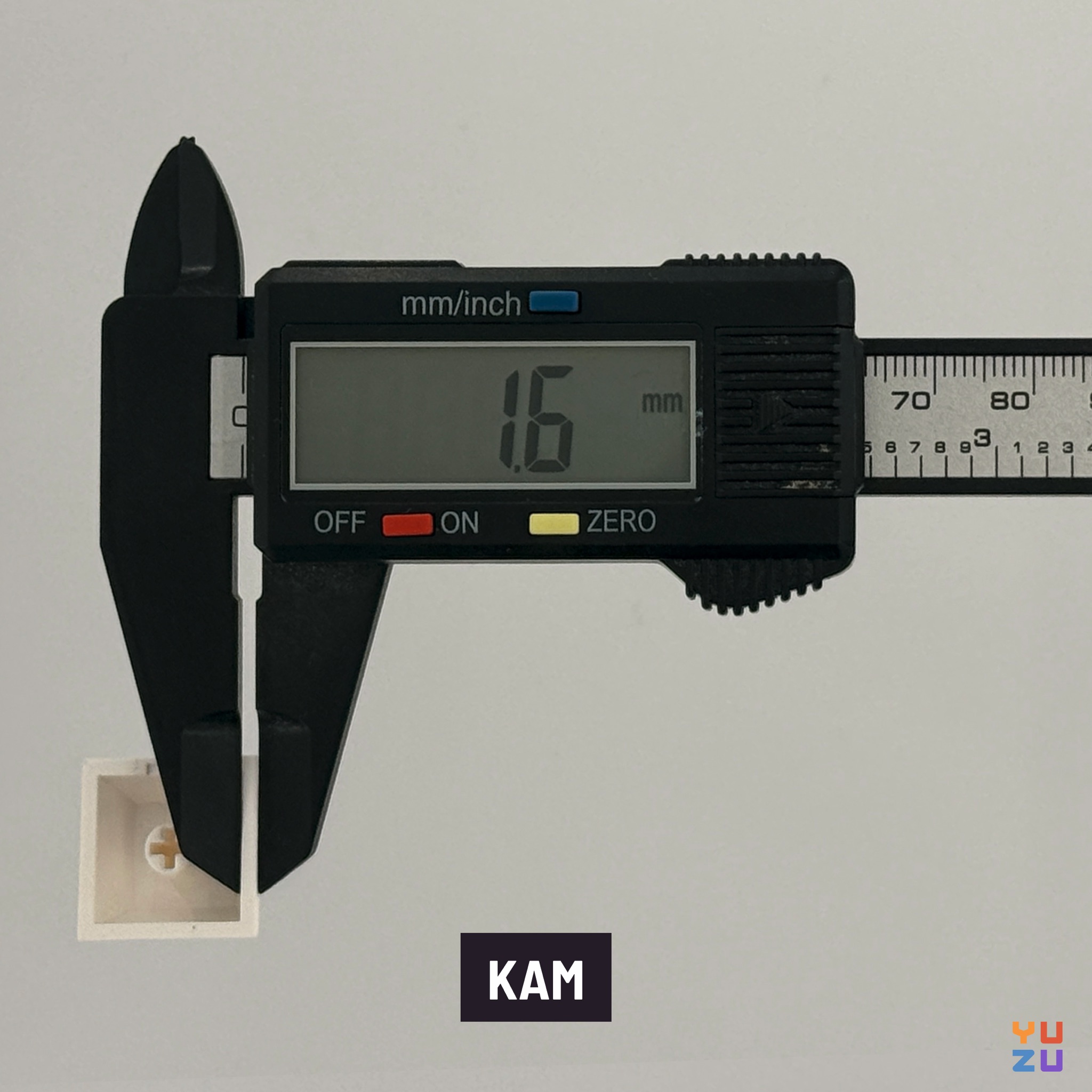
Sculpted or uniform?
KAM is a uniform profile: every keycap shares the same height and angle regardless of which row it occupies. There is no R1, R2, R3, or R4 distinction. A KAM spacebar, a KAM alpha, and a KAM modifier all come from the same mold geometry.
This matters a lot for layout compatibility. On a standard row-staggered keyboard, uniform profiles let you rearrange keys freely without any mismatched tilt angles. On ortholinear, split, and columnar keyboards like the Planck, Corne, or Kyria, this flexibility is practically essential: the keys don't follow a conventional row structure, so sculpted profiles would require careful row mapping or simply sit at wrong angles. KAM sidesteps that entirely.
The tradeoff is that uniform profiles offer no row-by-row tactile differentiation. Experienced touch typists who rely on the subtle angle changes of a sculpted profile to orient their fingers may take a short time to adjust.
Custom KAM keycaps from Yuzu
KAM keycaps on Yuzu are made to order, which means you're not waiting on a group buy timeline or hoping a particular colorway is still in stock somewhere. You design exactly the set you need: pick your legends, choose from Yuzu's curated color palette, and get dye-sublimated PBT keycaps produced to your spec.
This is especially useful for KAM users on non-standard layouts. Whether you're covering a 40-key ortholinear board, a split with an unusual bottom row, or a full-size ANSI layout, you can configure the exact keys your build requires without working around what a base kit happens to include.
History of KAM profile
Keyreative began developing KAM in February 2018, taking the R3 row geometry from their existing KAT profile and standardizing it across all rows. The goal was a standalone uniform companion to KAT: same manufacturer, same spherical aesthetic, same attention to wall construction, but without any row-to-row height variation.
KAT had built a following for its spherical top surface and carefully engineered internal geometry. KAM carried over the wider-than-DSA top surface and curved sidewall structure, then locked both to a single height of 9.05mm. The result sits between DSA's minimal contact area and XDA's flatter, broader top: a spherical scoop with a bit more room for the fingertip to land.
KAM sets have appeared through group buys and in-stock drops, steadily building a community following among ortholinear and split keyboard users looking for a spherical-top uniform option with credible acoustic performance.
Typing feel and adaptation
At 9.05mm, KAM sits close to Cherry profile in height, which makes the transition from Cherry or OEM straightforward for most typists. There's no dramatic height adjustment required, and a wrist rest is not necessary.
The spherical top surface is the main thing to get used to. If you're coming from a cylindrical-top profile like Cherry or OEM, the bowl-shaped scoop feels more centered and deliberate. Fingers tend to land more squarely on each key rather than rolling in from the side. Some users find this actively helpful for accuracy; others take a week or two to stop expecting the cylindrical guide rail.
For ortholinear boards, the uniform geometry means every key feels the same regardless of column or row position. That consistency is one of KAM's real strengths: once you're comfortable with the spherical top, the whole board feels cohesive. No hunting for the "right" row orientation on a Planck or Corne.
KAM is not a demanding profile to learn. Typists coming from membrane keyboards or laptop keyboards will find the height familiar and the spherical top a pleasant upgrade.
Tailles KAM disponibles sur Yuzu
Profils de keycaps disponibles sur Yuzu
Le profil Cherry est le profil standard en ce qui concerne les touches de clavier mécaniques. Il est sculpté, ce qui signifie que chaque row a une hauteur et une forme différentes pour permettre un confort de frappe maximal. Choisissez cette option si vous n'êtes pas sûr du profil que vous préférez.
Le profil KAM a été créé par Keyreative. Il est plat, ce qui signifie que toutes les rows ont la même hauteur et la même forme pour permettre une compatibilité maximale pour échanger des touches entre les rows et différents claviers. Choisissez cette option si vous connaissez KAM ou préférez la sensation de frappe de DSA/XDA qui sont des profils de touches de clavier plats similaires.
PFF est un profil de keycaps cylindrique conçu spécifiquement pour les switchs MX à profil bas. Il répond aux exigences spécifiques des claviers à profil bas tout en conservant les avantages tactiles des keycaps profilés pour une meilleure expérience de frappe.
PBS utilise une combinaison d'un avant et d'un arrière cylindriques avec une surface de contact sphérique sur le dessus. Le résultat est une large zone de contact arrondie en haut, ce qui permet une expérience de frappe confortable et ergonomique.
Le profil KLP Lamé a été conçu spécifiquement pour les claviers ergonomiques par braindefender. Il existe en versions MX et Choc pour s'adapter à la plupart des claviers split.