
Nắp phím Keychron V1
Thiết kế nắp phím tùy chỉnh khớp hoàn hảo với layout bàn phím Keychron V1 của bạn
✓ Full Compatibility Confirmed
The Keychron V1 uses standard MX switches, making it fully compatible with MX keycaps. Our customization tools are pre-configured for this keyboard's 82-key layout following the standard 75% form factor. All keys match standard sizing, including the 6.25u spacebar, 1.75u right shift, and complete F-row.
Thông số Keychron V1 liên quan đến nắp phím
Keychron V1 đi kèm nắp phím gì?
OSA Profile Design
The Keychron V1 ships with doubleshot PBT keycaps in OSA profile—a unique design that combines OEM height with SA-like spherical tops. At approximately 11.5mm tall for the top row, the OSA profile offers a comfortable middle ground between the familiarity of OEM and the ergonomic bowl shape of SA profiles.
Material Quality
The doubleshot PBT construction provides excellent durability and oil resistance. At roughly 1.4mm thick, these keycaps feel substantial without being overly heavy. The doubleshot process ensures legends won't fade, even after years of use. The textured surface provides good grip, and the material naturally resists shine development that plagues cheaper ABS alternatives.
Shine-Through Capability
While the V1 features south-facing RGB LEDs, the stock keycaps are non-shine-through. The opaque nature means you won't see much backlight bleeding around the legends—ideal for office environments where RGB might be distracting. However, the south-facing LED orientation does allow some glow to illuminate the desk beneath the board.
Sound Characteristics
Paired with the K Pro switches, the PBT keycaps produce a deeper, more muted sound compared to ABS alternatives. The thicker material dampens higher frequencies, creating a pleasant thock rather than a sharp clack. Combined with the V1's internal sound-dampening foam and silicone pad, the typing acoustics are refined right out of the box.
User Reception
Reviewers consistently praise the V1's stock keycaps as being well above average for this price point. The doubleshot legends are crisp and clear, the OSA profile feels comfortable for extended typing sessions, and the PBT material quality exceeds expectations for a sub-$100 keyboard.
While Keychron's stock keycaps are impressive for the price, many users eventually upgrade to custom keycaps for profile experimentation, unique colorways, or to achieve specific aesthetic themes that complement their desk setup.
Nắp phím tùy chỉnh cho Keychron V1
Profile Options
The Keychron V1's standard MX compatibility opens the door to virtually every keycap profile available. Cherry profile remains the most popular choice, offering a low, sculpted design that suits both gaming and typing. For productivity work, KAM profile provides uniform R3 height across all rows, making key location less critical during rapid typing.
Gamers often gravitate toward PFF (Penguin Flat Feet) or PBS profiles for their lower height and reduced finger travel distance. These profiles maintain good ergonomics while optimizing speed. The 75% layout works particularly well with sculpted profiles like MT3 or SA, which emphasize the natural curve of your fingers across the rows.
See our complete profiles guide for detailed comparisons of height, sculpting, and ergonomic characteristics.
Material Options
When upgrading from the V1's stock PBT, you'll primarily choose between PBT and ABS materials. PBT offers superior durability and oil resistance, maintaining its texture for years. ABS develops shine faster but often produces deeper, more resonant acoustics that some enthusiasts prefer. For the V1's office-friendly aesthetic, PBT typically remains the preferred choice.
Dye-sublimation produces the most durable legends for PBT keycaps, with colors permanently bonded to the plastic. Doubleshot construction works for both materials, offering legends that will never fade. Thickness impacts sound signature—1.5mm keycaps produce deeper thock, while thinner 1.2mm caps create brighter, crisper sounds.
Deep dive into keycap materials to understand how manufacturing methods affect durability, acoustics, and feel.
Layout Compatibility Analysis
Comparing the Keychron V1 layout to standard 75% keyboards reveals no compatibility concerns. The V1 follows the reference 75% specification precisely, making keycap shopping straightforward. Every key matches standard sizing: the 6.25u spacebar, 1.25u bottom row modifiers, 2u backspace, 2.25u left shift, and 1.75u right shift are all standard.
The complete F-row (ESC through Pause/Break) uses standard 1u keys, as does the navigation cluster. No stepped keys, unusual stabilizer placements, or proprietary sizing exist on the V1. This means virtually any "75% compatible" keycap set will fit perfectly without requiring additional keys or adapter kits.
When shopping for keycap sets, verify the set includes:
- 1.75u right shift (some sets only include 2.75u)
- 1u modifier keys for the right side (Alt, Super, Fn)
- Complete F13-F15 keys are not needed (V1 ends at F12)
The V1's standard layout means you won't face the frustrating scenario of missing keys that plague keyboards with non-standard bottom rows or unusual modifier sizing. A layout diagram is still helpful when shopping to confirm coverage, but compatibility concerns are minimal with this board.
Yuzu's Solution
At Yuzu, we've pre-configured our customization tools specifically for the Keychron V1:
- All 82 keys mapped correctly in standard 75% arrangement
- Cherry, KAM, PFF, and PBS profiles available in unlimited color combinations
- Professional dye-sublimation on premium PBT for fade-resistant legends
- Support for the V1's south-facing RGB LED orientation
- Perfect fit guaranteed for the V1's exact layout specifications
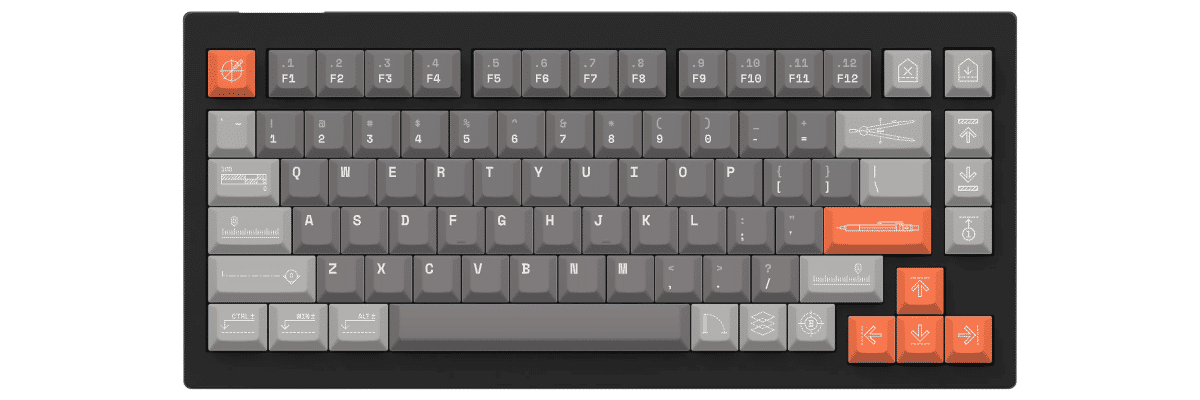
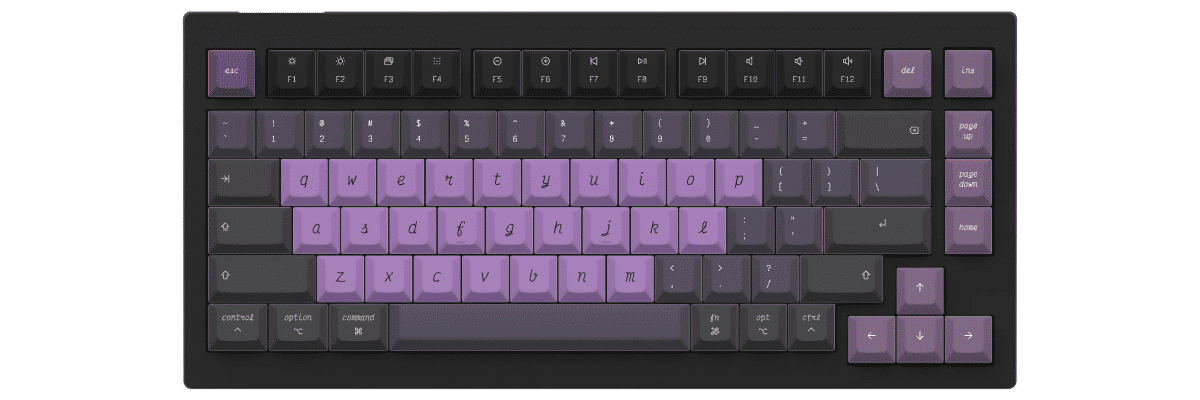
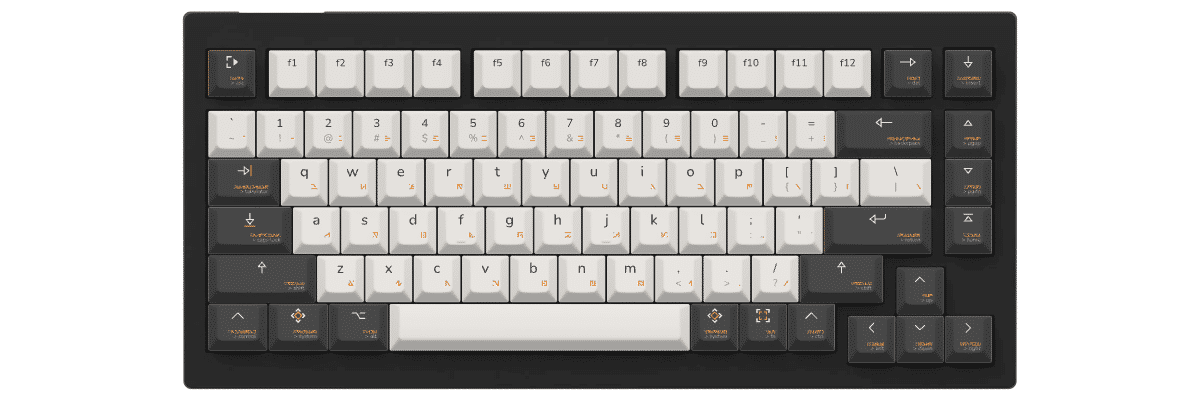
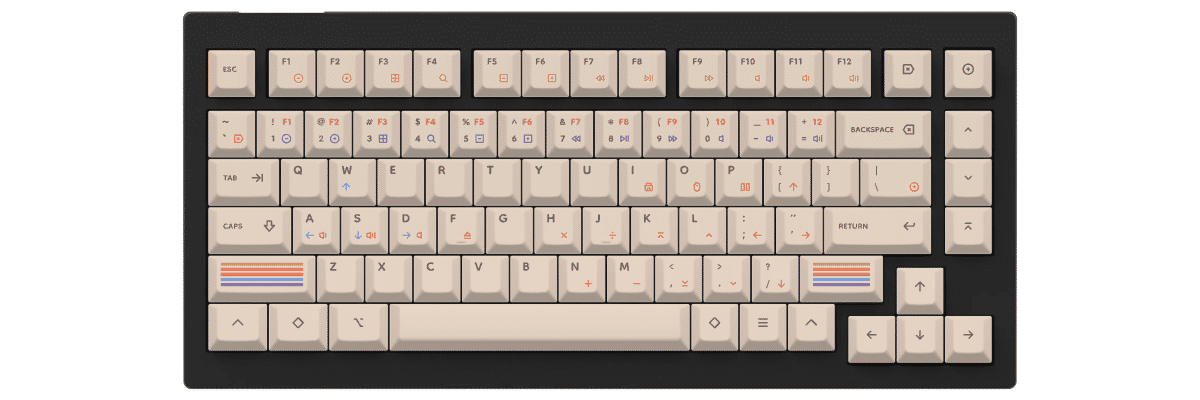
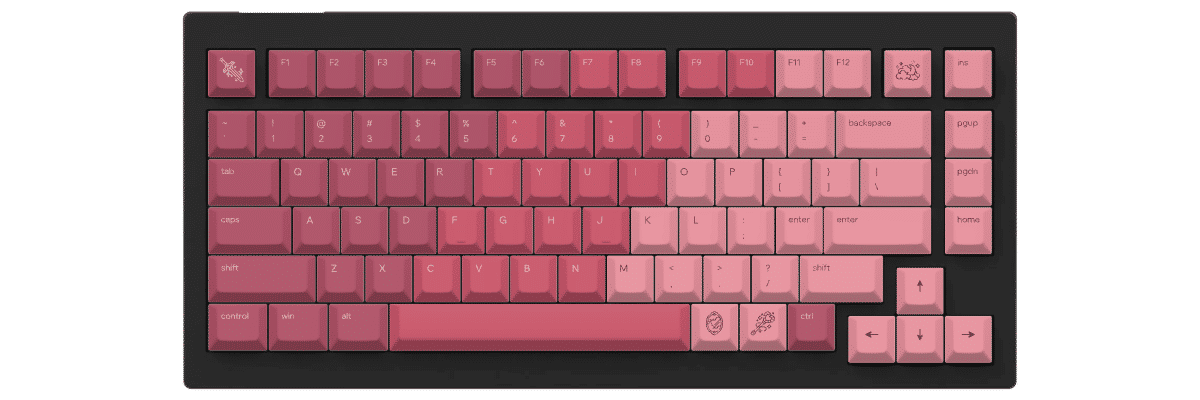
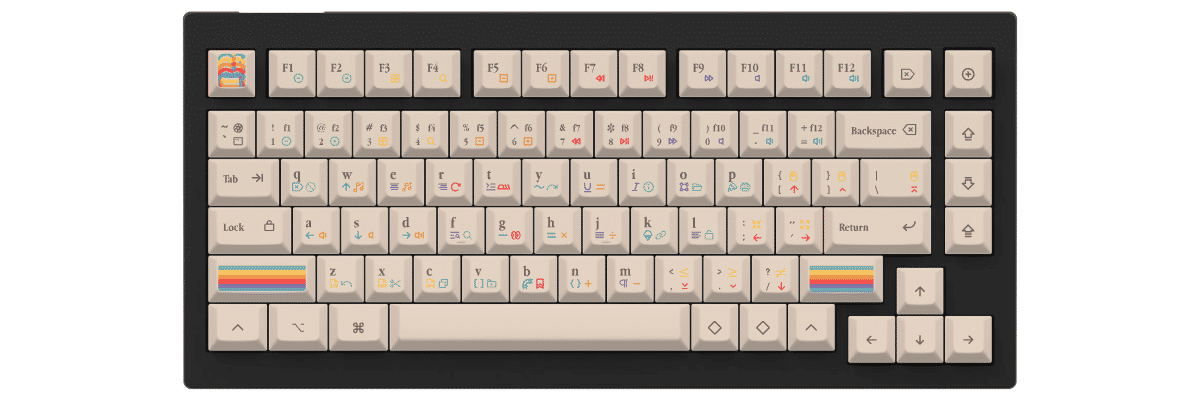
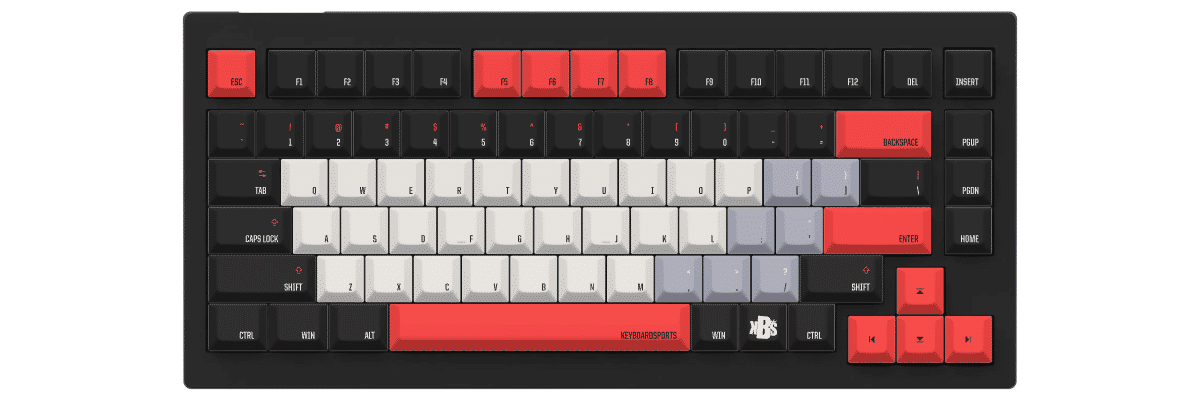
Our customization tool lets you design your keycaps with real-time preview on a Keychron V1 template. Because the V1 follows the standard 75% layout precisely, keycaps you create will also fit other standard 75% keyboards perfectly, making your investment versatile across multiple boards.
The V1's hot-swappable design means changing keycaps takes minutes—no tools required. Simply pull the old caps with the included keycap puller, press your custom Yuzu keycaps onto the switches, and enjoy your personalized typing experience.
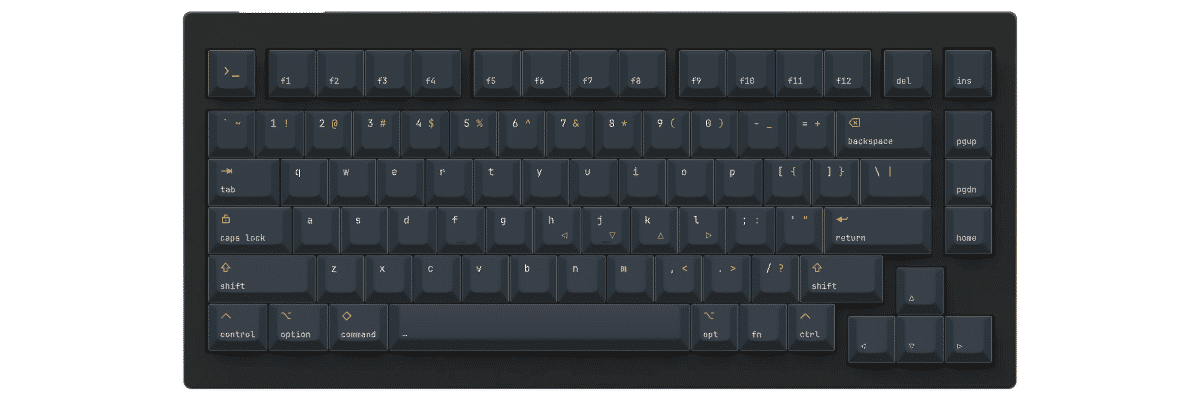
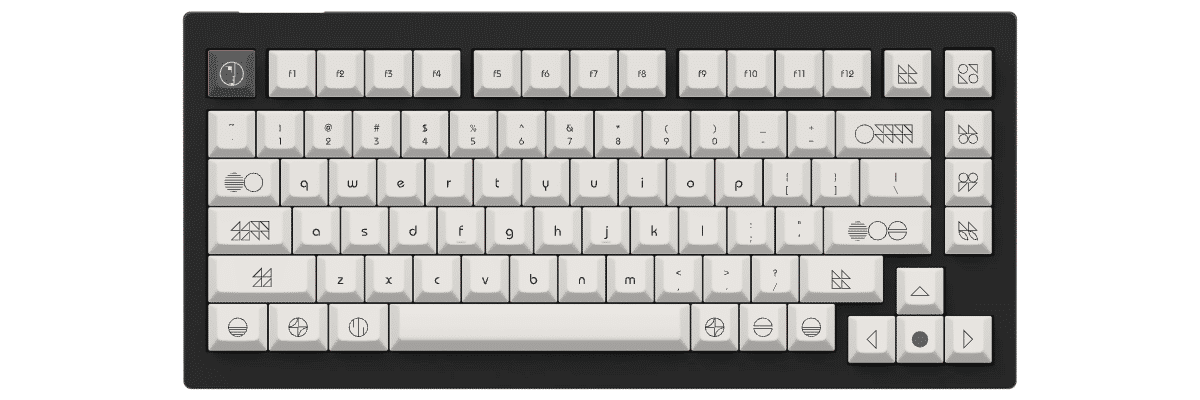
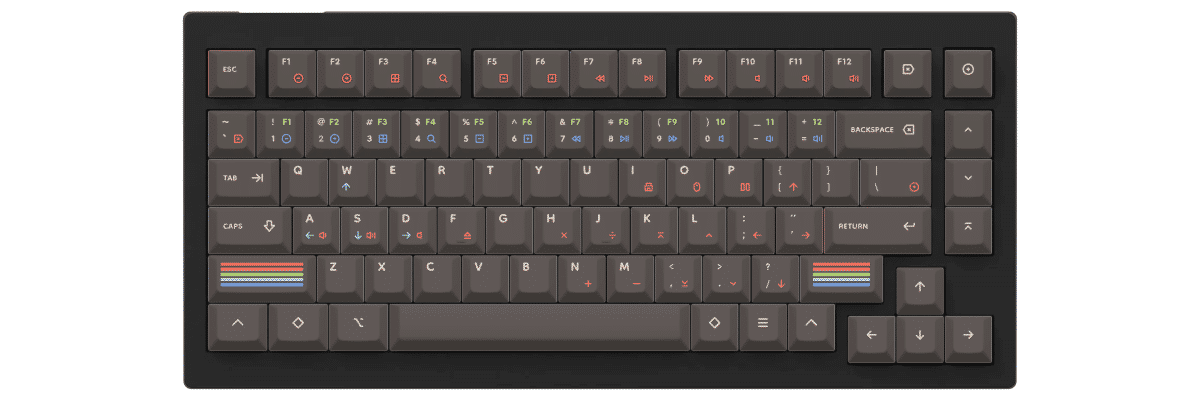
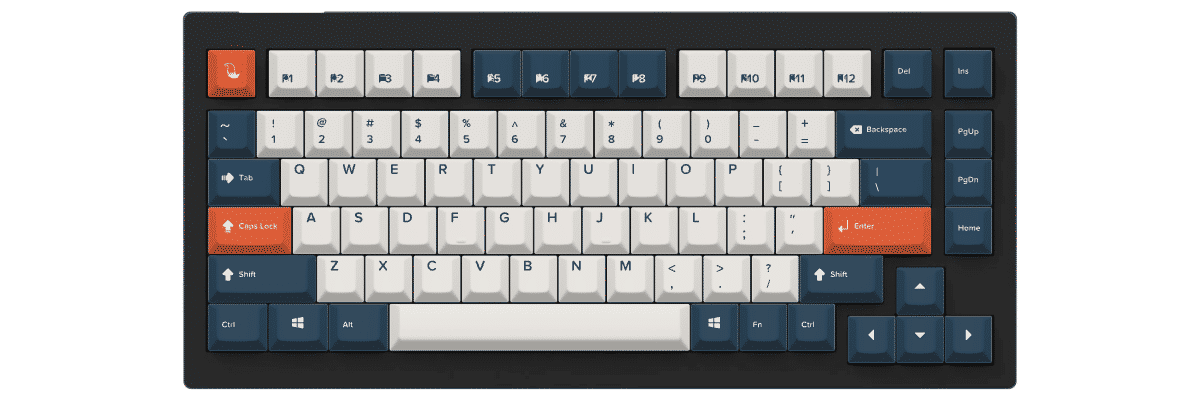
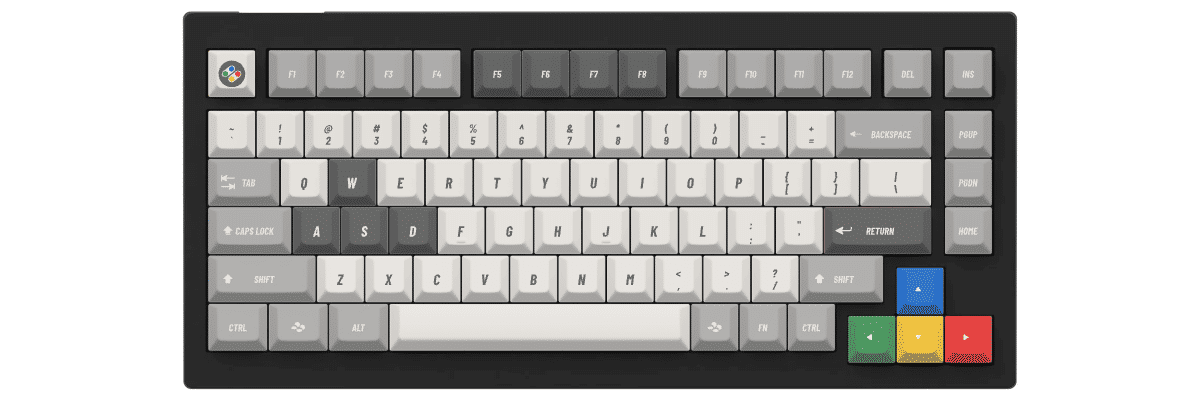
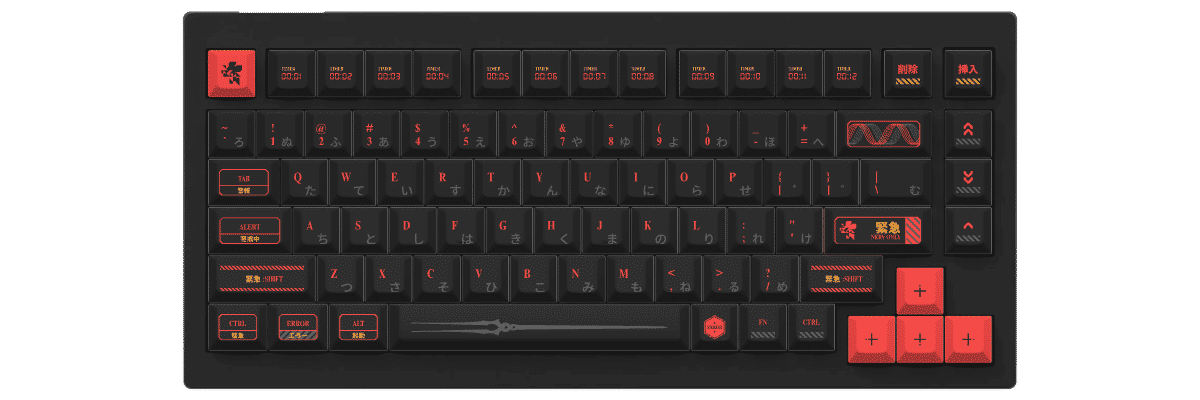
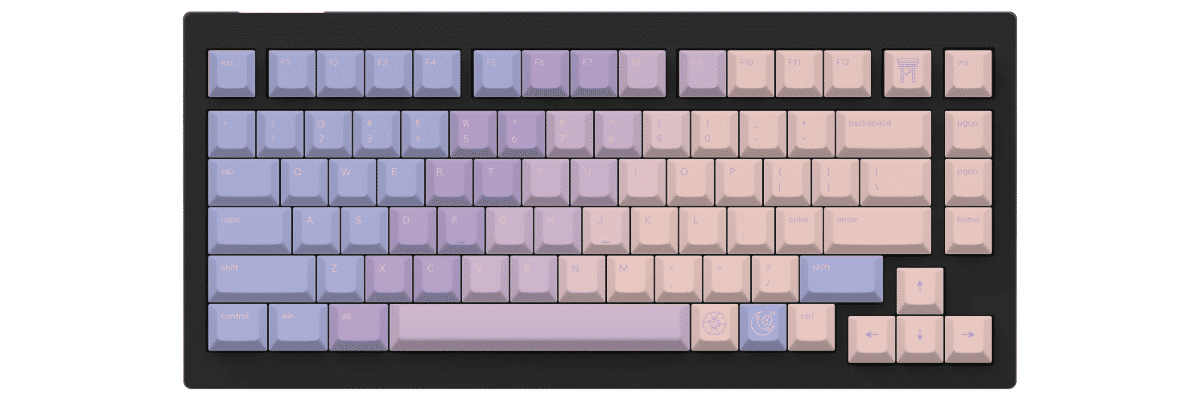
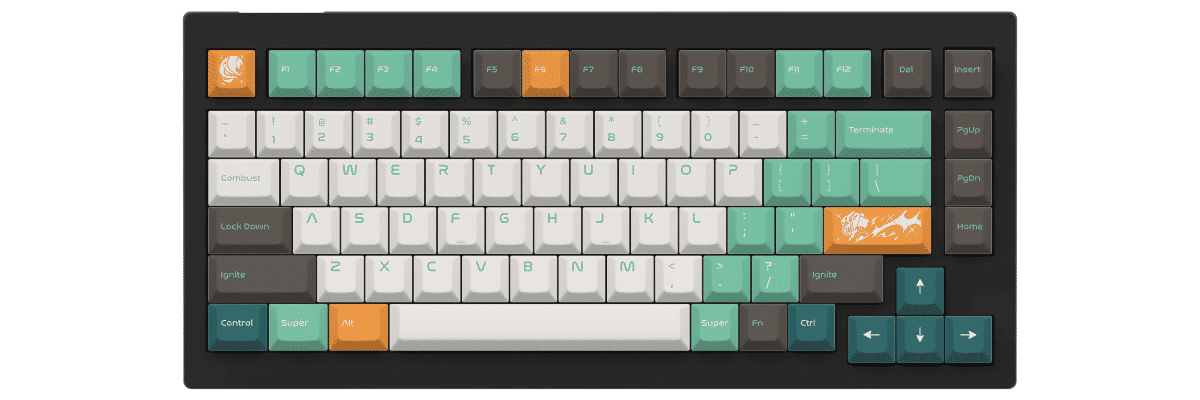
Cách tạo nắp phím tùy chỉnh cho Keychron V1
Creating custom keycaps for your Keychron V1 is straightforward with Yuzu's pre-configured templates. Our tool automatically accounts for the V1's standard 75% layout, so you can focus on designing rather than measuring compatibility.
The V1's hot-swappable design means installation takes just minutes—no soldering or technical expertise required. Simply use the included keycap puller to remove stock caps, then press your custom Yuzu keycaps onto the switches until they click into place.
The customization process:
- Select Keychron V1 from our keyboard catalog
- Choose your preferred profile (Cherry, KAM, PFF, or PBS)
- Design your colors, legends, and special keys
- Preview in real-time on an accurate V1 template
- Order your custom set with confidence in perfect compatibility
The V1's standard layout means keycaps you design will fit perfectly without adapter kits or missing keys. Because it follows the reference 75% specification, your custom set will also work on other standard 75% keyboards, making your investment versatile.
New to keycap customization? Read our complete guide covering profiles, materials, and design principles to help you create the perfect set for your V1.
So sánh các lựa chọn nắp phím cho Keychron V1
When considering keycap options for your Keychron V1, you'll typically compare three paths: keeping the stock keycaps, shopping for compatible pre-made sets, or creating fully custom keycaps. Each approach has distinct tradeoffs in compatibility, design flexibility, cost, and availability.
The Keychron V1's standard 75% layout makes keycap shopping straightforward—you won't face the compatibility headaches that plague keyboards with non-standard bottom rows or unusual modifier sizes. However, understanding the differences between stock, pre-made, and custom options helps you make the best choice for your needs and budget.
| Tiêu chí | Nắp phím zin | Bộ làm sẵn | Yuzu tùy chỉnh |
|---|---|---|---|
| Vừa khít | ✓ Thiết kế riêng cho mẫu này | ⚠ Cần kiểm tra tương thích | ✓ Đã cấu hình sẵn |
| Lựa chọn thiết kế | Hạn chế | Hàng trăm lựa chọn | Không giới hạn |
| Khoảng giá | Đã bao gồm | 40-300 $ trở lên | $75.20 |
| Thời gian sản xuất | Ngay lập tức | Tùy vào hàng còn | 9 ngày làm việc |
| Thiết kế độc bản | ✗ | ✗ | ✓ |
| Chất lượng vật liệu | Doubleshot PBT | Chênh lệch nhiều | PBT cao cấp |
| Cách in ký tự | Doubleshot | Tùy loại | In thăng hoa |

Nắp phím tùy chỉnh cho bàn phím Keychron
Dù bạn dùng mẫu này hay một bàn phím Keychron khác, Yuzu vẫn có nắp phím tùy chỉnh thiết kế đúng theo layout của bạn.
Xem tất cả bàn phím KeychronCâu hỏi thường gặp
Sẵn sàng thiết kế nắp phím Keychron V1 của bạn?
Join thousands of keyboard enthusiasts who've upgraded their Keychron V1 with custom Yuzu keycaps. Professional quality, unlimited design options, and perfect compatibility guaranteed.
✓ Pre-configured for Keychron V1's standard 75% layout
✓ Premium PBT with dye-sublimation
✓ Cherry, KAM, PFF, and PBS profiles available
✓ Hot-swappable design means easy installation
✓ Perfect fit guarantee