
Keycaps Keychron K6
Concevez des keycaps personnalisées parfaitement adaptées à la disposition de votre clavier Keychron K6
✓ Full Compatibility Confirmed
The Keychron K6 uses standard MX switches (Gateron G Pro mechanical switches), making it fully compatible with MX keycaps. Our customization tools are pre-configured for this keyboard's compact 65% layout with 68 keys including dedicated arrow keys and a compact navigation cluster.
Spécifications Keychron K6 pour les keycaps
Quelles keycaps sont fournies avec le Keychron K6 ?
The Keychron K6 ships with laser-etched ABS keycaps in OEM profile, a popular mid-height profile that balances comfort with familiarity. The OEM profile provides a comfortable typing angle with sculpted rows that guide your fingers naturally across the keyboard.
The ABS material is lightweight and smooth to the touch, with a slightly glossy finish that showcases the RGB backlighting beautifully. The laser-etched legends are crisp and small, giving the keyboard a minimalist, professional appearance that works equally well in office and gaming setups. The keycaps feature shine-through design that allows the RGB lighting to illuminate the legends clearly, with 18 different lighting modes available.
In terms of durability, ABS keycaps will develop shine over time with heavy use, typically after 6-12 months of daily typing. The laser-etched legends are fairly durable and won't fade as quickly as pad-printed alternatives. Users report that Keychron's ABS keycaps hold up reasonably well for the price point, though they're thinner than premium PBT alternatives.
The sound profile with stock ABS keycaps is moderately high-pitched with a slight clackiness, especially with the tactile Brown switches. The thinner ABS material contributes to a brighter acoustic signature compared to thicker PBT keycaps.
While Keychron's stock keycaps are solid for daily use and showcase the RGB lighting excellently, many users upgrade to custom keycaps for improved durability, different profiles like Cherry or KAM, premium PBT material, or unique colorways and designs that better match their setup aesthetic.
Keycaps personnalisées pour Keychron K6
Profile Options
The Keychron K6 works perfectly with all standard MX keycap profiles. Cherry profile is an excellent choice for this compact 65% board, offering a low-profile sculpted design that feels natural for both typing and gaming. The shorter height complements the K6's compact footprint beautifully.
KAM profile provides a uniform, retro-inspired aesthetic with comfortable spherical tops that work exceptionally well on smaller boards. For those who prefer something between OEM and Cherry, PBS profile offers a slightly taller sculpted option with excellent ergonomics.
If you're using the K6 primarily for gaming, PFF profile at just 5mm tall can provide a fast, responsive feel, though it's specifically engineered for low-profile switches. Since the K6 uses standard-height MX switches, Cherry or KAM profiles will deliver better ergonomics for everyday use.
See our complete profiles guide to explore all available options and find the perfect match for your typing style.
Material Options
PBT (polybutylene terephthalate) is the premium choice for custom keycaps, offering superior durability and a textured matte finish that resists shine development even after years of use. Dye-sublimation printing on PBT produces incredibly durable, fade-resistant legends that will outlast your keyboard.
Thicker PBT keycaps (1.4-1.5mm) also improve the acoustic profile, producing a deeper, more satisfying "thock" sound compared to the brighter tones of thinner ABS. For the K6's wireless setup, the slightly heavier PBT keycaps won't impact battery life noticeably while dramatically improving typing feel.
Deep dive into keycap materials to understand the differences and make an informed choice.
Layout Compatibility Analysis
The Keychron K6 follows the standard 65% layout perfectly, making keycap shopping straightforward. With 68 keys including dedicated arrow keys and a compact navigation cluster (Del, Home, Page Up, Page Down), the K6 uses all standard key sizes.
The bottom row features a 6.25u spacebar with standard 1.25u modifiers, which is the most common configuration. Most keycap sets designed for 60%, 65%, TKL, or full-size keyboards will include all the keys you need for the K6.
One thing to verify: ensure any set you purchase includes 65% support or has a sufficient number of 1u keys for the right-side navigation cluster. Most modern keycap sets include these, but budget sets sometimes only support TKL or full-size layouts.
The K6 is ANSI layout only, so you won't need to worry about ISO compatibility. The keyboard also includes Mac-specific keycaps (Command and Option keys), though most custom sets will include Windows/Mac compatibility keys in the base kit.
Common mistakes to avoid: Don't purchase "60% only" keycap sets, as they may lack the extra keys needed for the navigation cluster. Always check that sets include at least 65% or TKL compatibility.
Yuzu's Solution
At Yuzu, we've pre-configured our customization tools specifically for the Keychron K6:
- All 68 keys mapped correctly, including the compact navigation cluster and dedicated arrow keys
- Cherry, KAM, PBS, and PFF profiles available in unlimited color combinations
- Professional dye-sublimation on premium PBT for fade-resistant legends that last for years
- Mac/Windows key options included for seamless compatibility
- Perfect fit guaranteed for the K6's exact 65% layout
- Support for RGB-compatible legends if you want to maintain backlight visibility
Our customization tool lets you design your keycaps with real-time preview on a Keychron K6 template. Create something unique that transforms your compact wireless workhorse into a personal statement piece.
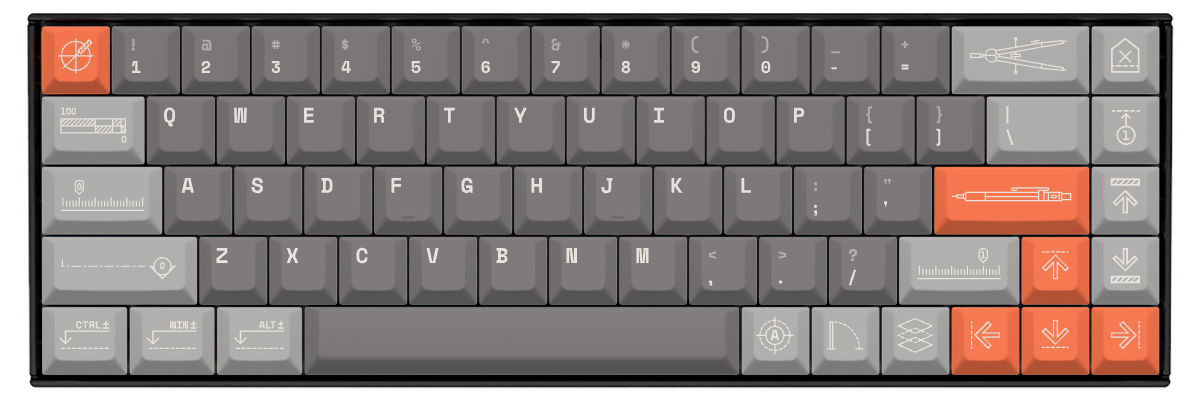
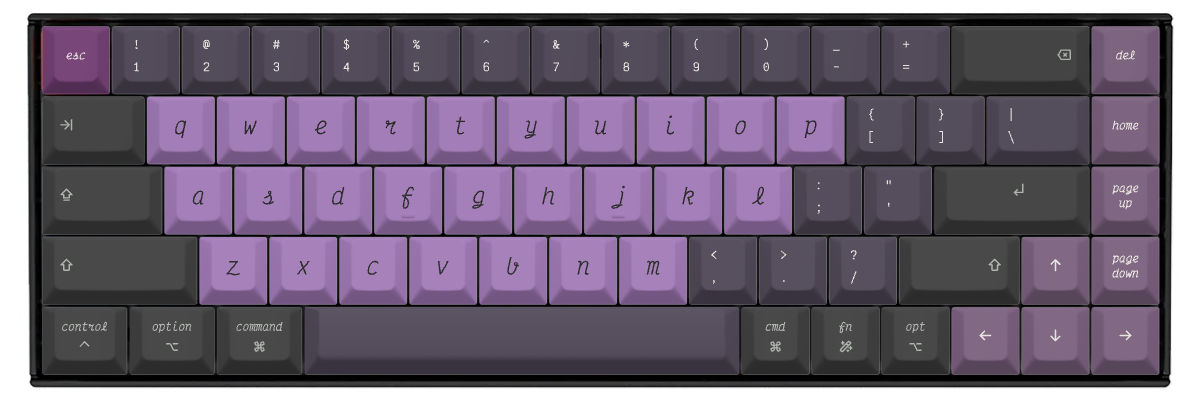
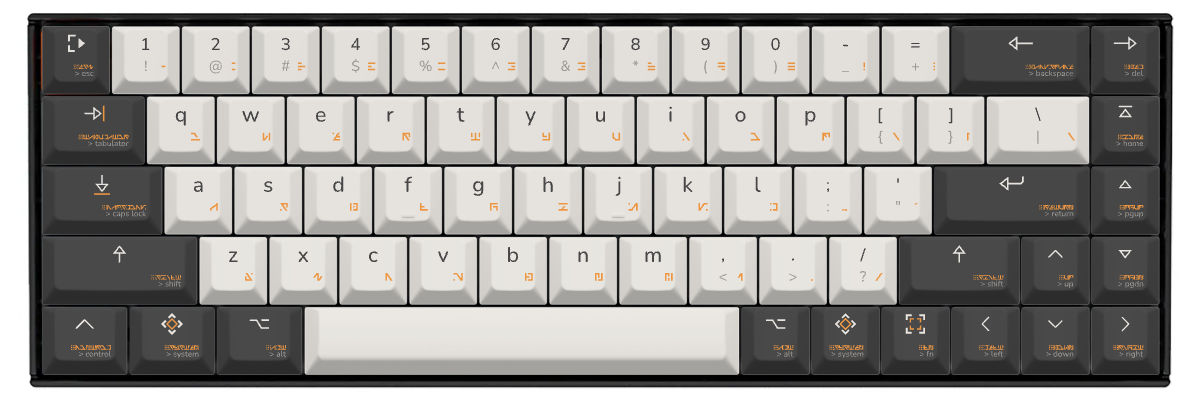
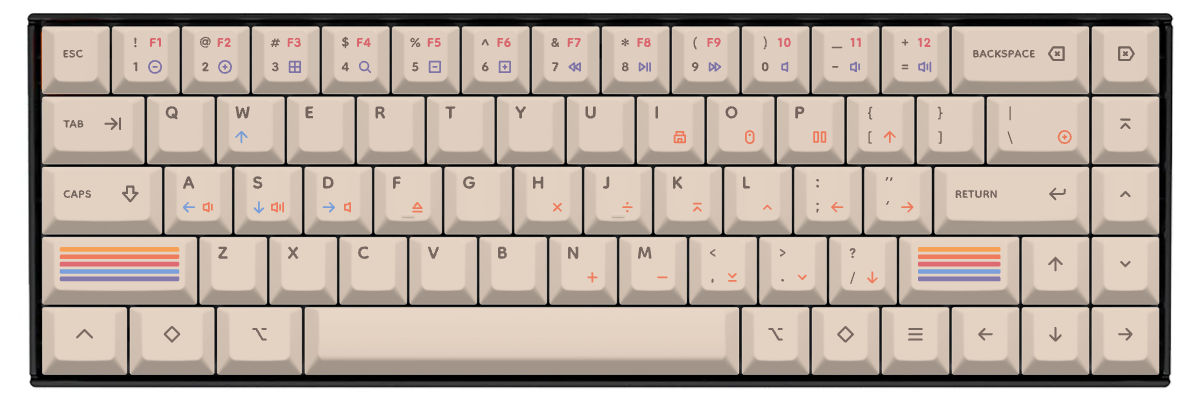
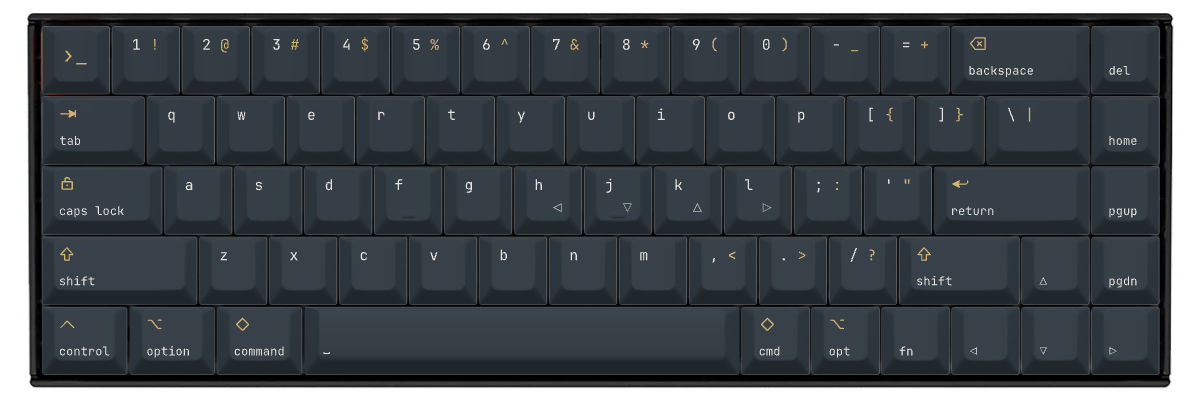
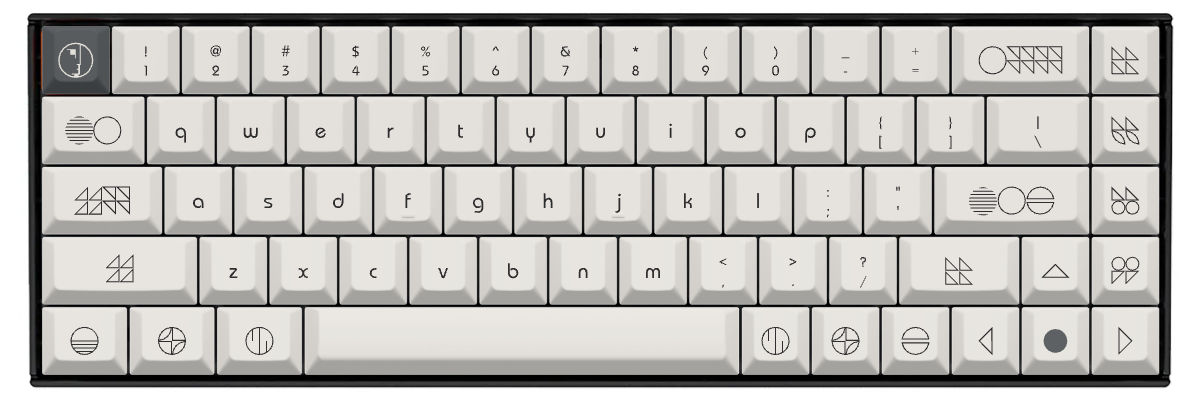
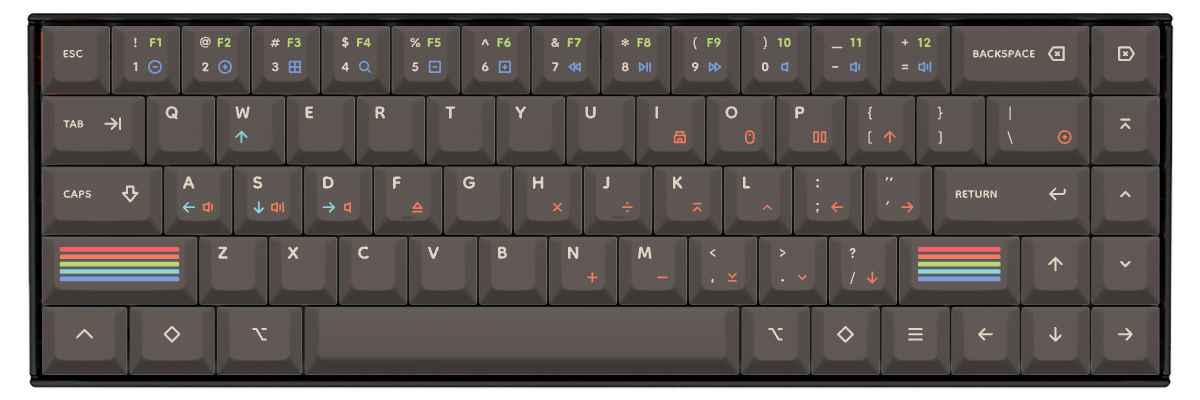
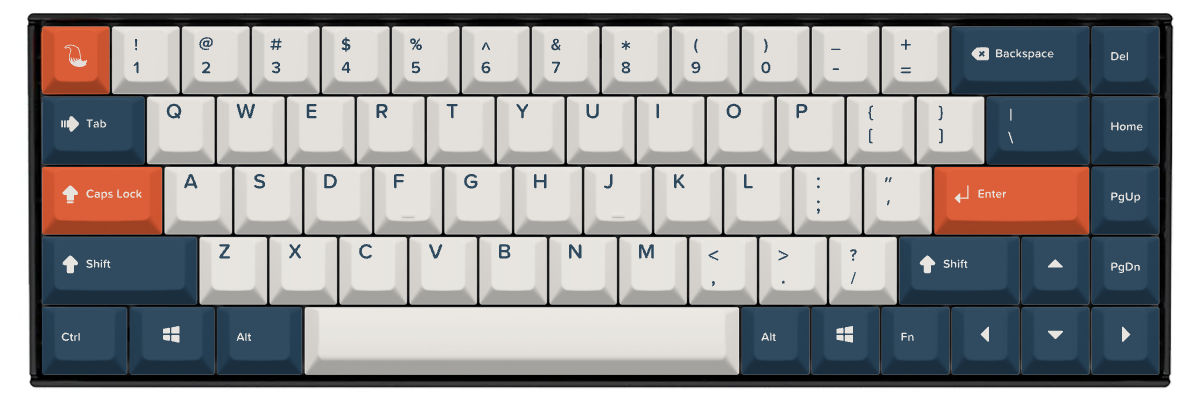
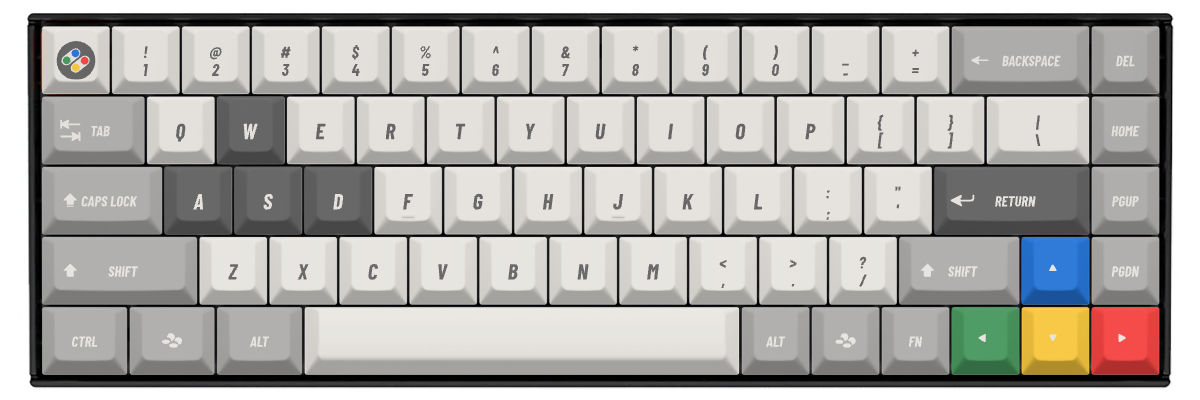
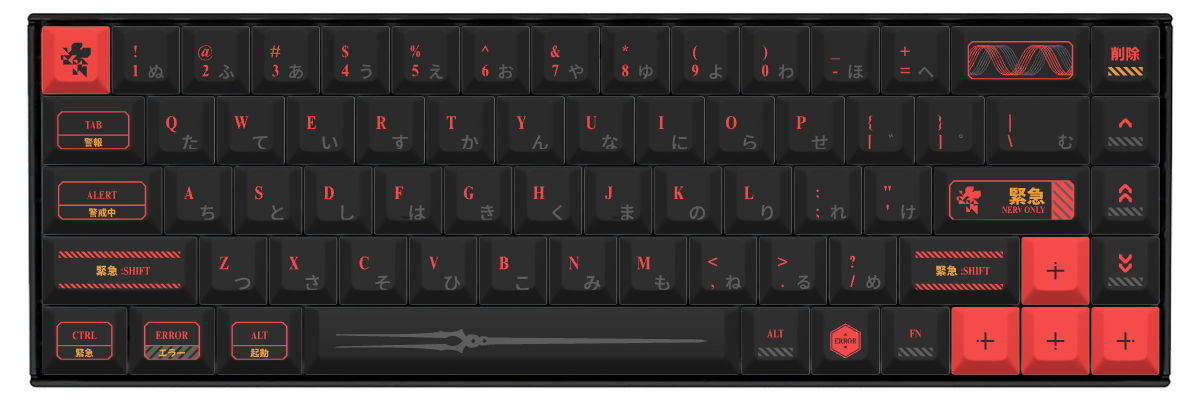
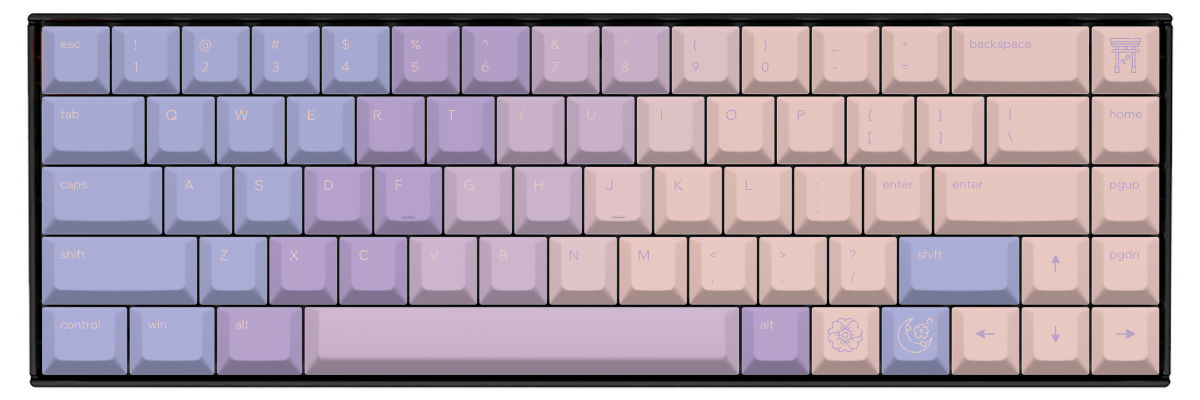
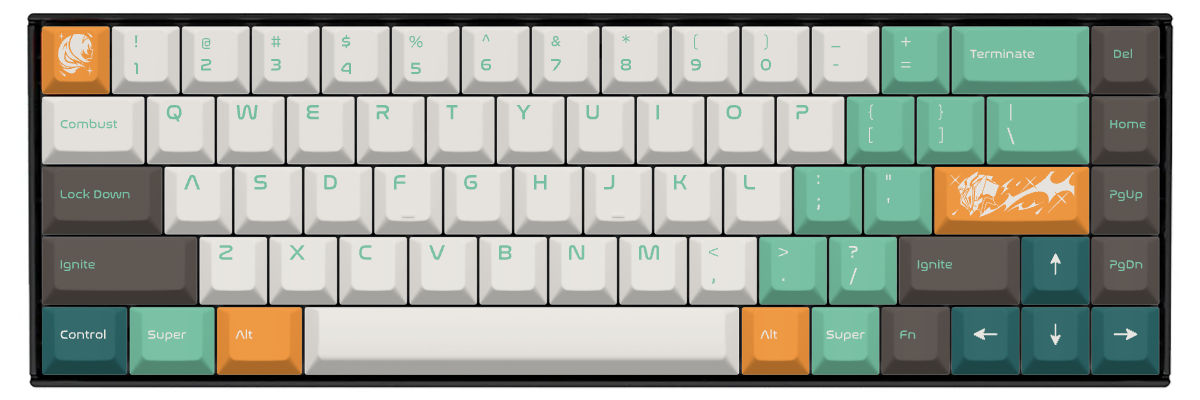
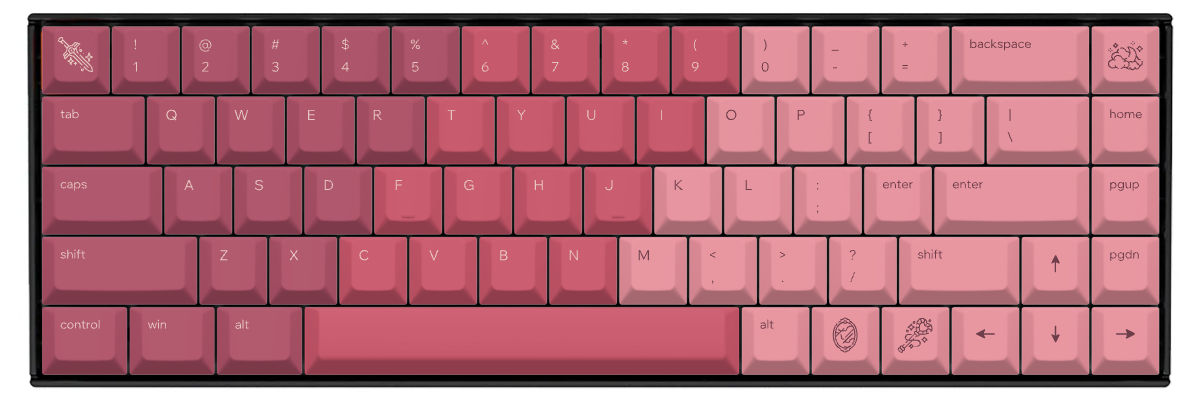
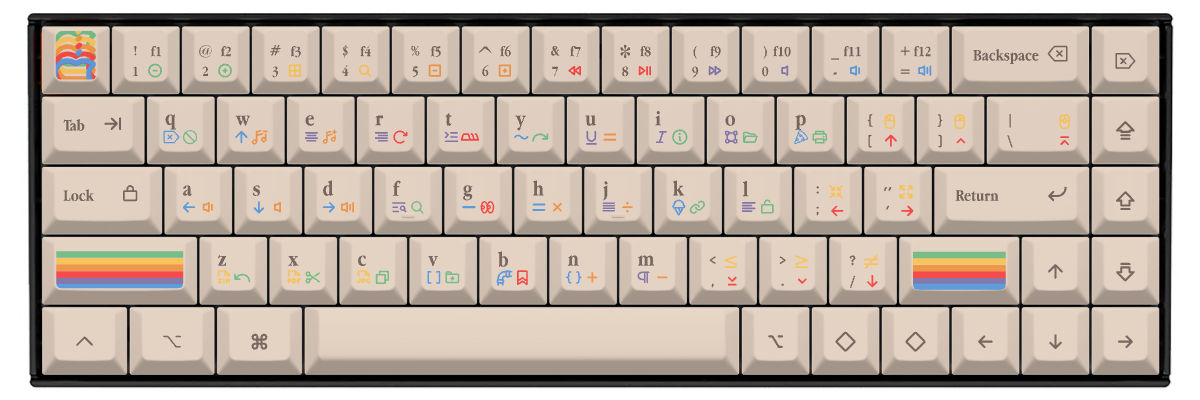
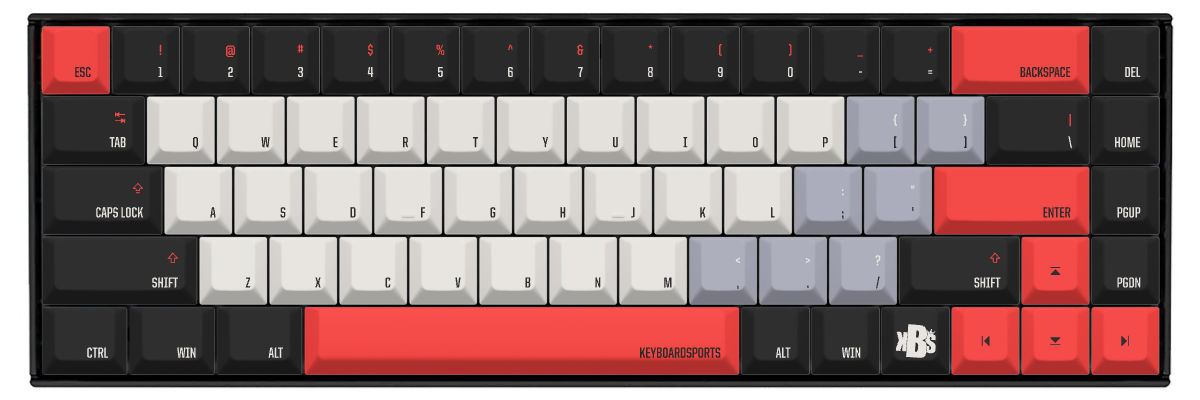
Comment créer des keycaps personnalisées pour Keychron K6
Creating custom keycaps for your Keychron K6 is straightforward with Yuzu's pre-configured templates. Our tool automatically accounts for the K6's compact 65% layout including the dedicated arrow keys and navigation cluster, so you can focus on designing rather than measuring compatibility.
The customization process:
- Select Keychron K6 from our keyboard catalog
- Choose your preferred profile (Cherry, KAM, PBS recommended for standard MX switches)
- Design your colors, legends, and special keys
- Select Mac or Windows modifier keys (or both)
- Preview in real-time on an accurate K6 template
- Order your custom set with confidence in perfect compatibility
Our system ensures all 68 keys are accounted for, including the right-side navigation cluster that makes the 65% layout so practical. You can customize every key individually or use smart tools to apply color schemes across entire sections.
New to keycap customization? Learn the fundamentals and avoid common mistakes in our complete guide to custom keycaps.
Comparez vos options de keycaps pour Keychron K6
When considering keycap options for your Keychron K6, you'll typically compare three paths: keeping the stock keycaps, shopping for compatible pre-made sets, or creating fully custom keycaps. Each approach has distinct tradeoffs in compatibility, design flexibility, cost, and availability.
The K6's standard 65% layout makes it relatively easy to find compatible pre-made sets, as most modern keycap manufacturers include 65% support in their base kits. However, you'll still want to verify that sets include sufficient 1u keys for the navigation cluster before purchasing.
| Caractéristique | Keycaps d'origine | Sets préfabriqués | Yuzu personnalisé |
|---|---|---|---|
| Ajustement parfait | ✓ Conçues pour le modèle | ⚠ Vérifiez la compatibilité | ✓ Préconfigurées |
| Choix de design | Limité | Des centaines d'options | Illimité |
| Fourchette de prix | Incluses | 40 à 300 $ et plus | $64 |
| Délai | Immédiat | Selon le stock | 9 jours ouvrés |
| Design unique | ✗ | ✗ | ✓ |
| Qualité du matériau | Laser-etched ABS | Très variable | PBT premium |
| Méthode de légende | Laser etching | Variable | Sublimation |

Keycaps personnalisées pour les claviers Keychron
Que vous possédiez ce modèle ou un autre clavier Keychron, Yuzu propose des keycaps personnalisées conçues pour votre disposition exacte.
Explorer tous les claviers KeychronQuestions fréquentes
Prêt à concevoir vos keycaps Keychron K6 ?
Join thousands of keyboard enthusiasts who've upgraded their Keychron K6 with custom Yuzu keycaps. Professional quality, unlimited design options, and perfect compatibility guaranteed.
✓ Pre-configured for K6's compact 65% layout
✓ Premium PBT with dye-sublimation
✓ Cherry, KAM, and PBS profiles available
✓ All 68 keys mapped correctly including navigation cluster
✓ Mac/Windows keycap options included
✓ Perfect fit guarantee