
Wooting 80HE keycaps
Design custom keycaps perfectly matched to your Wooting 80HE keyboard layout
✓ Full Compatibility Confirmed
The Wooting 80HE uses Lekker V2 Hall Effect switches with standard MX-compatible stems, making it fully compatible with MX keycaps. Our customization tools are pre-configured for this keyboard's unique 84-key compact TKL layout including its condensed navigation cluster and repositioned editing keys.
Wooting 80HE specifications for keycaps
What keycaps come with the Wooting 80HE?
Solid Foundation with Premium Materials
The Wooting 80HE ships with doubleshot PBT keycaps in OEM profile, a mid-height profile that offers a familiar typing experience for most users. At approximately 11.5mm tall on the home row, OEM profile provides a comfortable sculpted surface that works well for both gaming and typing.
Material and Construction
The doubleshot PBT construction ensures legends will never fade, wear, or become shiny over time. The caps feature a subtle textured finish that provides excellent grip without feeling rough or chalky under the fingers. This texturing also helps manage finger oils and sweat during extended gaming sessions. At a decent thickness, these keycaps contribute to the keyboard's overall premium feel and help produce a satisfying, muted sound signature.
Legends and Lighting
The legends use a clean, neutral font that works equally well in professional or gaming environments. The doubleshot construction allows RGB backlighting to shine through consistently, with the south-facing LED orientation preventing interference with keycap compatibility while still providing excellent illumination.
User Reception
Reviews consistently praise these stock keycaps as being among the best bundled with any gaming keyboard. The combination of quality PBT material, good thickness, and tasteful design means many users are perfectly satisfied keeping the stock caps long-term.
While Wooting's stock keycaps represent a solid premium offering, many users still upgrade to custom keycaps for profile preference (trying Cherry or other sculpts), unique colorway designs, or to match specific desk aesthetics.
Custom keycaps for Wooting 80HE
Profile Options
Understanding MX Compatibility
The Wooting 80HE uses Lekker V2 Hall Effect switches with standard MX-compatible stems, giving you access to the entire world of MX keycap profiles. For gaming-focused users, Cherry profile is an excellent choice—at 9.2mm tall, it's lower than OEM and allows for faster finger movement between keys. Many competitive players prefer this reduced travel distance for rapid inputs in games like CS2 and VALORANT.
KAM profile (Keyboard Art Medium) offers a uniform height across all rows with a slightly taller stance than Cherry, providing excellent comfort for both gaming and typing. For users who want the lowest possible profile while maintaining excellent ergonomics, PBS (Penguin Barrel Shaped) at just 7.5mm provides a middle ground between traditional and low-profile keyboards.
Since the 80HE is primarily a gaming keyboard with its rapid trigger capabilities and 8kHz polling rate, profiles that prioritize speed and comfort make the most sense. That said, any MX profile will work perfectly. See our complete keycaps academy for profile comparisons.
Material Options
PBT vs ABS Trade-offs
For a gaming keyboard that sees heavy daily use, PBT (polybutylene terephthalate) remains the gold standard. It resists shine, handles oils better, and maintains its texture longer than ABS. Dye-sublimation printing on PBT produces incredibly durable, fade-resistant legends that can withstand years of intensive gaming without any visible wear.
Thicker keycaps (1.4-1.5mm) will produce a deeper, more satisfying sound and feel more substantial during rapid key presses. For the Wooting 80HE's gaming-oriented use case, the durability and consistent feel of quality PBT makes it the optimal material choice. Learn more about keycap materials in our materials guide.
Layout Compatibility Analysis
Understanding the 80HE's Unique Layout
Comparing the Wooting 80HE layout to standard TKL keyboards reveals one key difference: the condensed navigation cluster. Where standard TKL boards feature a 3x3 grid of nine navigation keys (Insert, Home, Page Up in top row; Delete, End, Page Down in middle row; and Print Screen, Scroll Lock, Pause/Break completing the cluster), the 80HE streamlines this to just six keys in a 2x3 arrangement.
This means Insert and Home occupy the top right, Delete and End below them, and the arrow keys remain in standard position with Print Screen and Pause/Break in the function row. This compact approach saves valuable desk space without sacrificing essential functionality.
What This Means for Custom Keycaps
The good news: the 80HE uses completely standard key sizes throughout. The bottom row is the standard 6.25u spacebar configuration, the right shift is standard 2.75u, and all modifiers follow conventional sizes. When shopping for keycap sets, you'll want to ensure the set includes TKL coverage, which almost all sets do. The repositioned navigation keys simply means you may need to refer to the 80HE's layout when placing those specific caps.
Common Shopping Mistakes
Many users mistakenly think they need a special "80%" keycap set, but this isn't the case. Any standard TKL set will work perfectly—you're simply arranging the navigation keys according to the 80HE's layout rather than a traditional TKL arrangement. The keyboard's hot-swappable nature also makes testing different keycap sets completely risk-free.
Yuzu's Solution
At Yuzu, we've pre-configured our customization tools specifically for the Wooting 80HE:
- All 84 keys mapped correctly, including the condensed navigation cluster
- Cherry, KAM, PBS, and PFF profiles available in unlimited color combinations
- Professional dye-sublimation on premium 1.5mm PBT for fade-resistant legends
- Perfect fit guaranteed for the 80HE's exact layout, including repositioned Insert/Home/Delete/End keys
- South-facing LED compatibility built into our design process
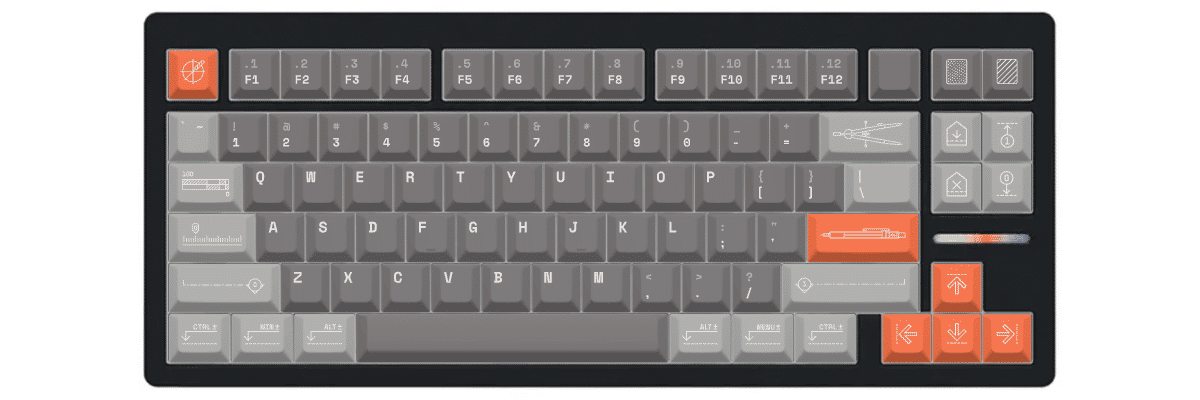
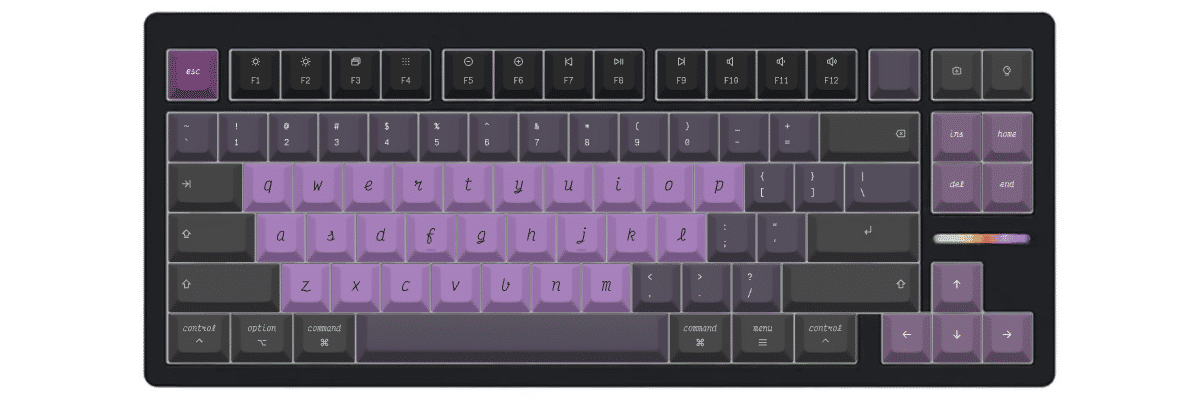
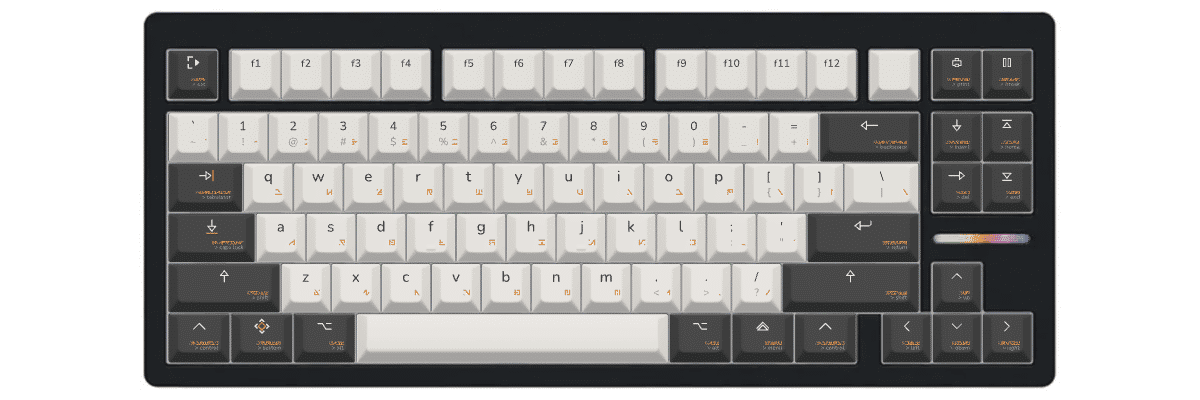
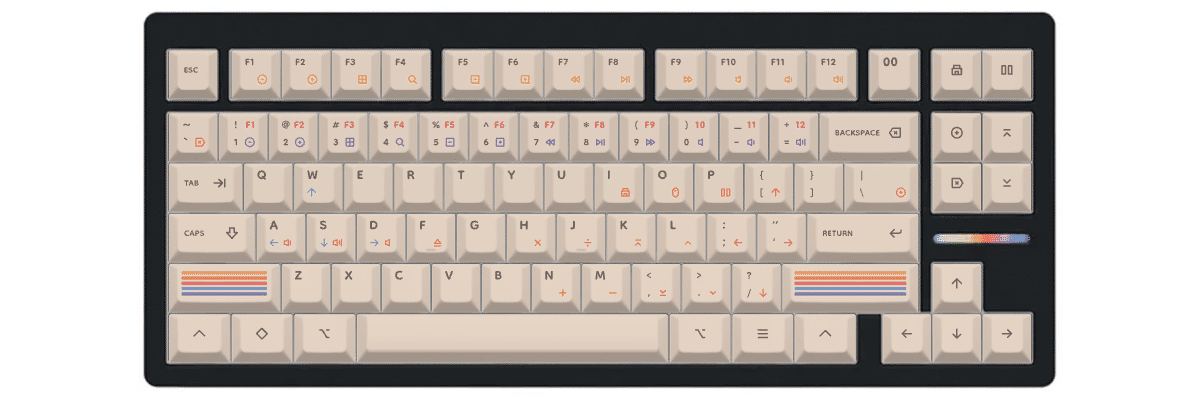
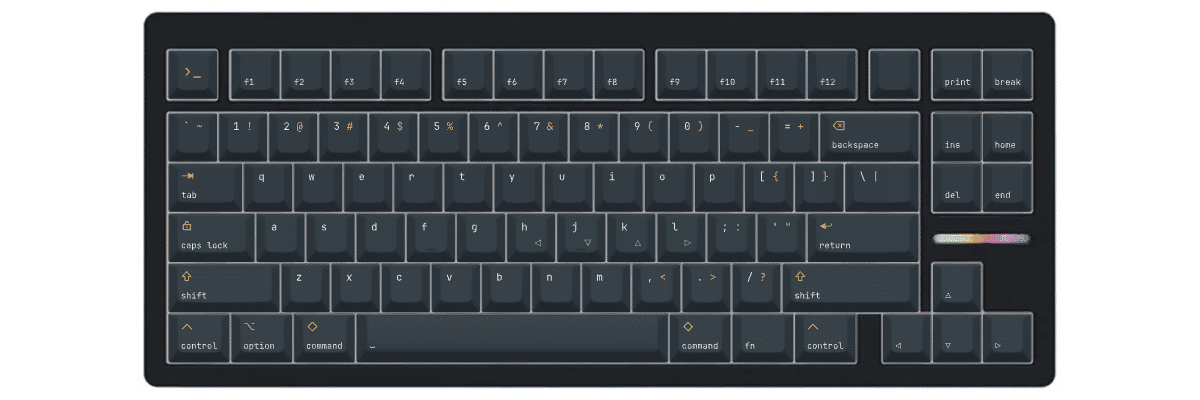
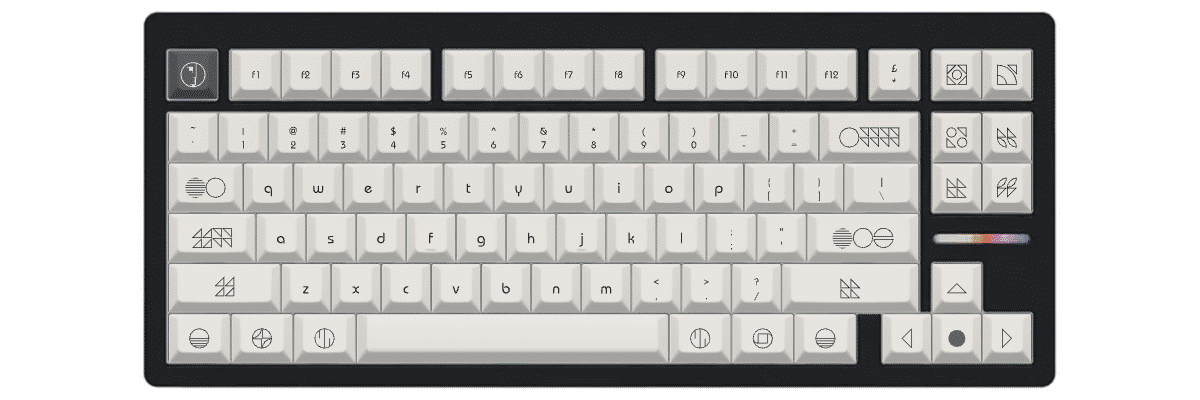
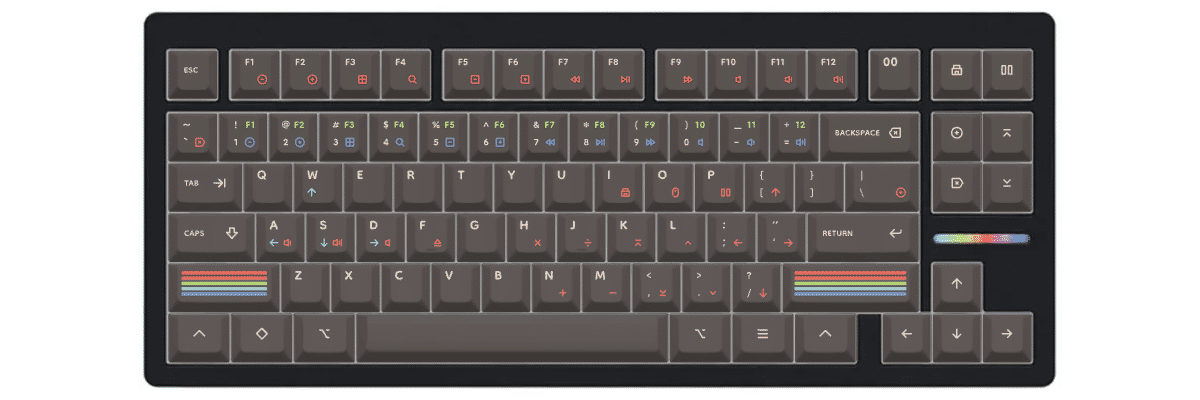
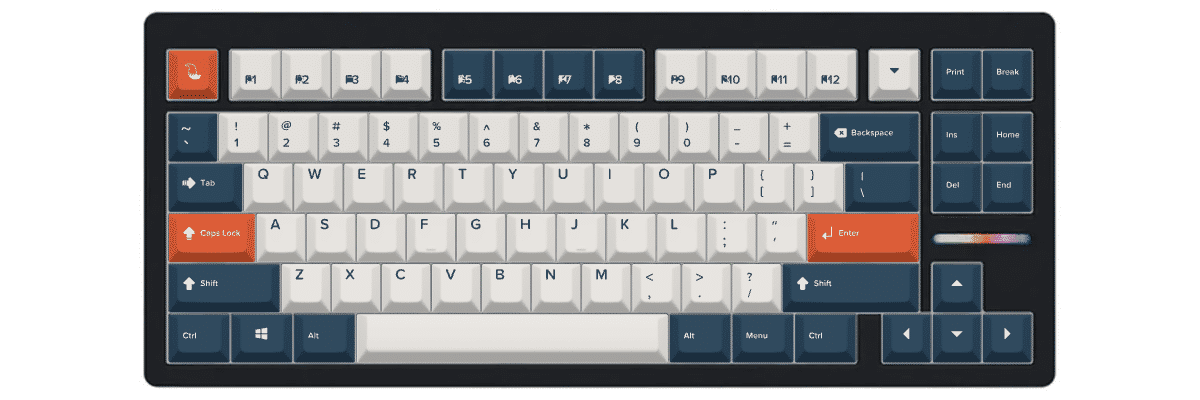
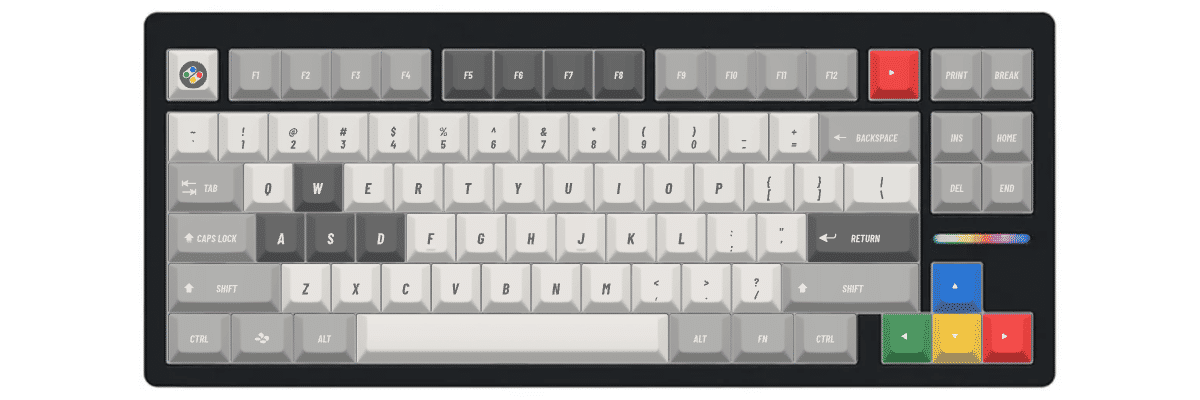
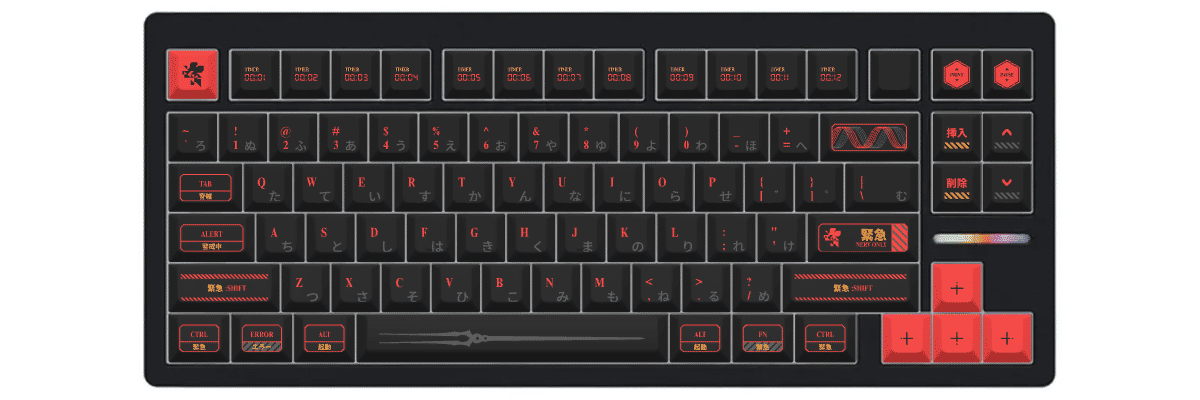
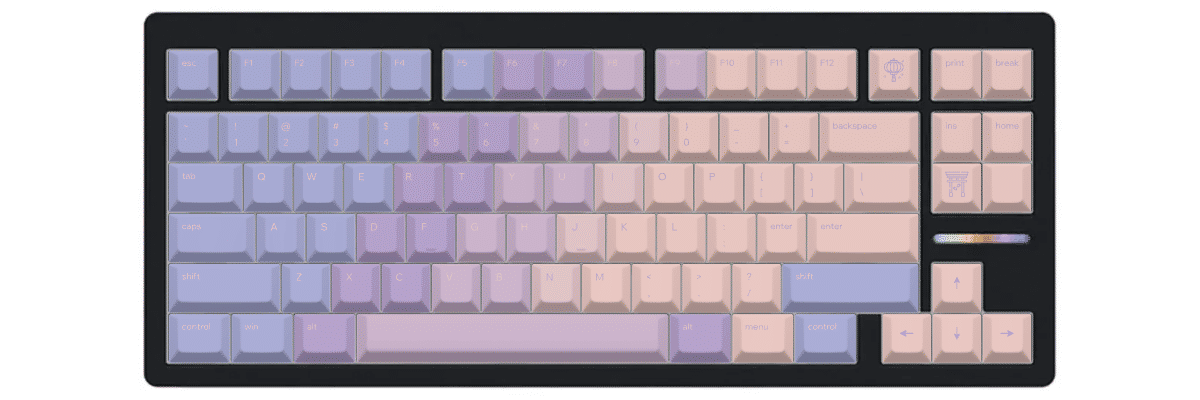
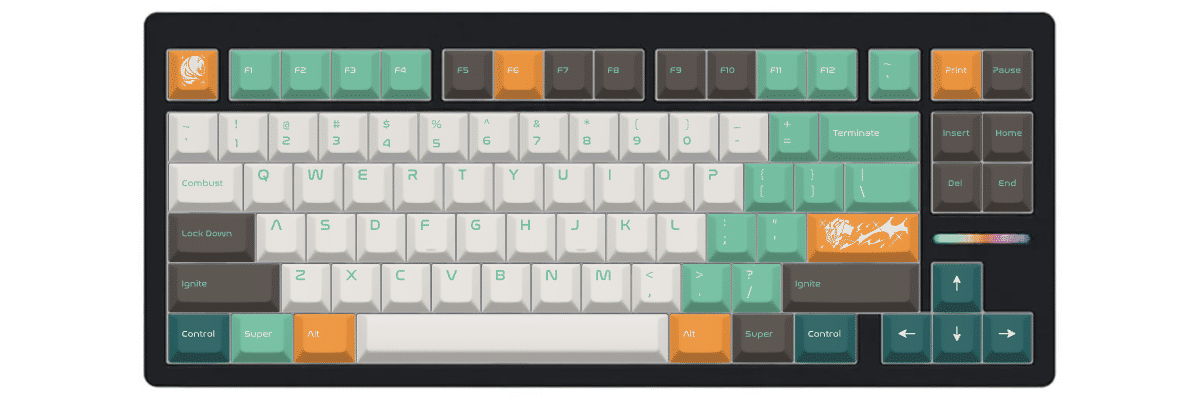
Our customization tool lets you design your keycaps with real-time preview on a Wooting 80HE template, ensuring every key—from the standard alphas to the unique nav cluster arrangement—fits perfectly.
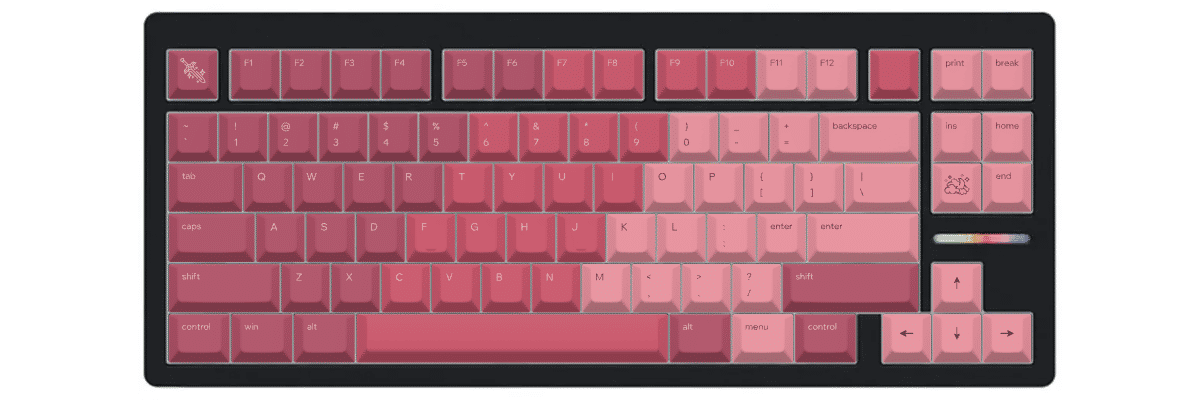
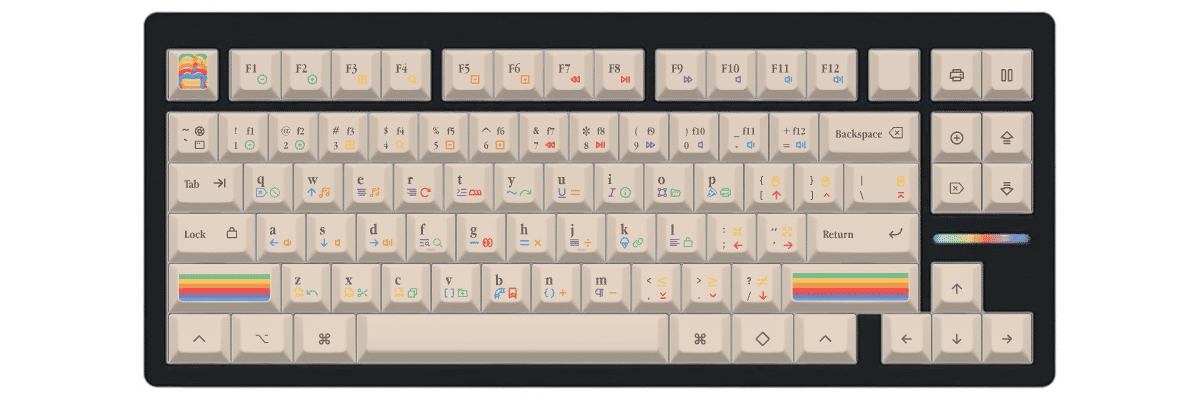
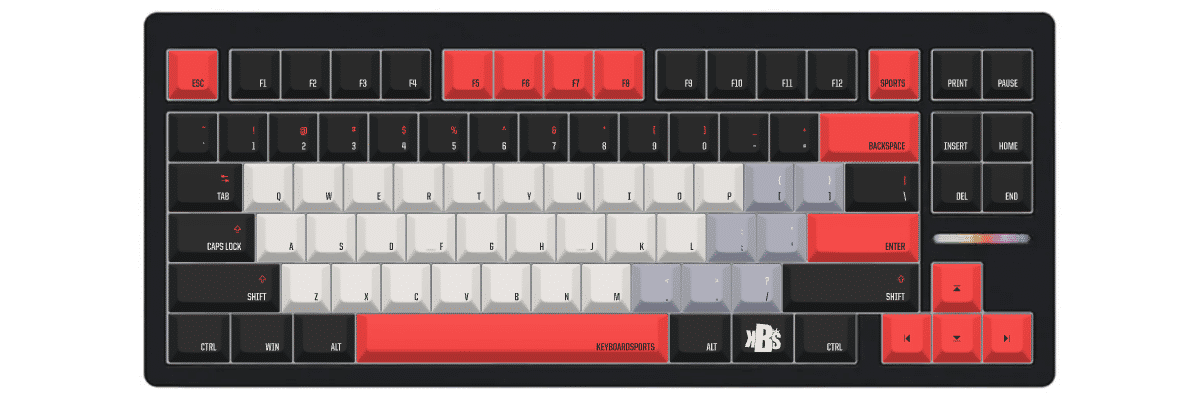
How to create custom keycaps for Wooting 80HE
Creating Custom Keycaps for Your Wooting 80HE
Designing custom keycaps for your Wooting 80HE is straightforward with Yuzu's pre-configured templates. Our tool automatically accounts for the keyboard's condensed navigation cluster and unique 84-key layout, so you can focus on designing rather than measuring compatibility.
The Customization Process:
- Select Wooting 80HE from our keyboard catalog
- Choose your preferred profile (Cherry, KAM, PBS, or PFF)
- Design your colors, legends, and special keys
- Preview in real-time on an accurate Wooting 80HE template
- Order your custom set with confidence in perfect compatibility
Our system ensures the repositioned navigation keys (Insert, Home, Delete, End) are correctly mapped, along with the standard TKL function row and full alphanumeric cluster. The south-facing LED orientation of the 80HE means your custom keycaps will work flawlessly with RGB lighting without any interference.
Design Considerations for Gaming Keyboards
Since the Wooting 80HE excels at competitive gaming, consider designing with high-contrast colors for your WASD cluster or frequently-used gaming keys. Many users opt for accent colors on keys like Q (ultimate), E (ability), R (reload), and their weapon switch numbers to improve visual recognition during intense gameplay.
New to keycap customization? Check out our complete guide to designing custom keycaps for step-by-step instructions and design inspiration.
Compare your Wooting 80HE keycap options
When considering keycap options for your Wooting 80HE, you'll typically evaluate three paths: keeping the stock keycaps, shopping for compatible pre-made sets, or creating fully custom keycaps. Each approach has distinct tradeoffs in compatibility, design flexibility, cost, and availability.
The Wooting 80HE's condensed navigation cluster creates a unique consideration: while all key sizes are standard (making any TKL set technically compatible), you'll need to verify that pre-made sets include the coverage you need and understand that some keys will be in non-traditional positions. Custom keycaps eliminate this guesswork entirely, as they're designed specifically for your board's exact layout.
| Feature | Stock keycaps | Pre-made sets | Yuzu custom |
|---|---|---|---|
| Perfect fit | ✓ Designed for model | ⚠ Check compatibility | ✓ Pre-configured |
| Design choice | Limited | 100s of options | Unlimited |
| Price range | Included | $40–300+ | $78.40 |
| Lead time | Immediate | Stock dependent | 9 working days |
| Unique design | ✗ | ✗ | ✓ |
| Material quality | Doubleshot PBT | Varies widely | Premium PBT |
| Legend method | Doubleshot | Varies | Dye-sublimation |

Custom keycaps for Wooting keyboards
Whether you own this model or another Wooting keyboard, Yuzu offers custom keycaps designed to match your exact layout.
Explore all Wooting keyboardsFrequently asked questions
Ready to design your Wooting 80HE keycaps?
Join thousands of keyboard enthusiasts who've upgraded their Wooting 80HE with custom Yuzu keycaps. Professional quality, unlimited design options, and perfect compatibility guaranteed.
✓ Pre-configured for Wooting 80HE's 84-key layout
✓ Premium PBT with dye-sublimation
✓ Cherry, KAM, PBS, and PFF profiles available
✓ All keys mapped correctly including condensed nav cluster
✓ Perfect fit guarantee