
Keychron K2 keycaps
Design custom keycaps perfectly matched to your Keychron K2 keyboard layout
This keyboard uses low-profile switches, so it takes PFF keycaps to avoid any compatibility issue.
✓ Full Compatibility Confirmed
The Keychron K2 uses standard MX-compatible switches (Gateron mechanical switches), making it fully compatible with all MX keycaps. Our customization tools are pre-configured for this keyboard's 84-key compact 75% layout, ensuring perfect fit for every key position including the standard 6.25u spacebar and 1.75u right shift.
Keychron K2 specifications for keycaps
What keycaps come with the Keychron K2?
Stock Keycap Overview
The Keychron K2 ships with ABS plastic keycaps in OEM profile, which is a mid-height profile commonly found on standard keyboards. The OEM profile features a sculpted design with varying heights across rows, providing a familiar and comfortable typing angle for most users.
Material and Build Quality
The stock ABS keycaps are lightweight and feature pad-printed legends. While ABS is less expensive than PBT, it's prone to developing shine over time with regular use, particularly on frequently used keys like WASD and the spacebar. The keycaps measure approximately 1.2-1.4mm in thickness, which is standard for entry-level mechanical keyboards.
Backlight and Aesthetics
With north-facing LEDs, the K2's RGB or white backlight shines brightly through the legends, providing excellent visibility in low-light conditions. The stock gray colorway with an orange ESC key creates a subtle, professional aesthetic that works well in both office and home environments.
Durability and User Feedback
Reviews indicate that while functional, the stock ABS keycaps show wear relatively quickly compared to PBT alternatives. Some users have reported inconsistent texture between keys and occasional manufacturing variations. The spacebar in particular has been noted to exhibit wobble and sometimes produces a metallic reverberation.
While Keychron's stock keycaps provide a decent starting point for the price, many users upgrade to custom keycaps for improved durability, better texture, and premium PBT material that resists shine and provides a more refined typing experience.
Custom keycaps for Keychron K2
Profile Options
With standard MX compatibility, the Keychron K2 works beautifully with all popular keycap profiles. Cherry profile is an excellent choice for this keyboard, offering a low, sculpted design that complements the K2's already substantial height. The shorter profile helps reduce overall typing angle, which can improve ergonomics given the keyboard's thicker chassis.
KAM profile provides a uniform, comfortable typing experience with its spherical tops, while PBS (Penguin Big Spherical) delivers deep, satisfying acoustics that many enthusiasts prefer. For those seeking familiar ergonomics, OEM profile custom keycaps will feel similar to stock but with superior material quality.
Given the K2's thickness, we particularly recommend lower-profile options like Cherry or PFF to maintain comfortable wrist angles. Taller profiles like MT3 or SA will work but may require a substantial wrist rest for extended typing sessions.
Material Options
Upgrading to PBT (Polybutylene Terephthalate) represents the single biggest improvement you can make to your K2. PBT keycaps offer a textured, premium feel that resists shine even after years of use. The material is thicker and more durable than stock ABS, producing a deeper, more satisfying sound profile.
Dye-sublimation printing creates legends that will never fade, as the ink penetrates into the plastic rather than sitting on top. This printing method is particularly popular for custom PBT sets and ensures your keycaps will look pristine for years. For keyboards with RGB lighting like the K2, dye-sub produces excellent results while maintaining legend clarity under backlighting.
Layout Compatibility Analysis
Comparing the Keychron K2 layout to standard 75% keyboards reveals excellent news: the K2 follows the standard 75% layout perfectly. This means virtually any 75% keycap set on the market will fit your keyboard without issues.
Key compatibility highlights:
- Standard 6.25u spacebar (most common size)
- Standard 1.75u right Shift
- Standard 1.5u Tab and 1.5u backslash
- Standard 1.25u bottom row modifiers
- Standard 1.75u Caps Lock
- Complete F-row and navigation cluster
The K2's standard layout eliminates the compatibility concerns that plague keyboards with unusual bottom rows or non-standard key sizes. When shopping for keycap sets, simply look for "75% support" or "compact TKL" coverage, and you'll have everything you need. The standard bottom row is particularly important, as this is where many keyboards create compatibility challenges.
One consideration: the K2's Mac/Windows dual functionality means you'll want sets that include both Windows and Mac modifier legends, or plan to use the included stock modifiers for those specific keys.
Yuzu's Solution
At Yuzu, we've pre-configured our customization tools specifically for the Keychron K2:
- All 84 keys mapped correctly with full 75% layout coverage
- Cherry and KAM profiles available in unlimited color combinations
- Professional dye-sublimation on premium PBT for fade-resistant legends
- Perfect compatibility with the K2's standard layout
- Support for north-facing LED configurations
- Both Windows and Mac modifier options available
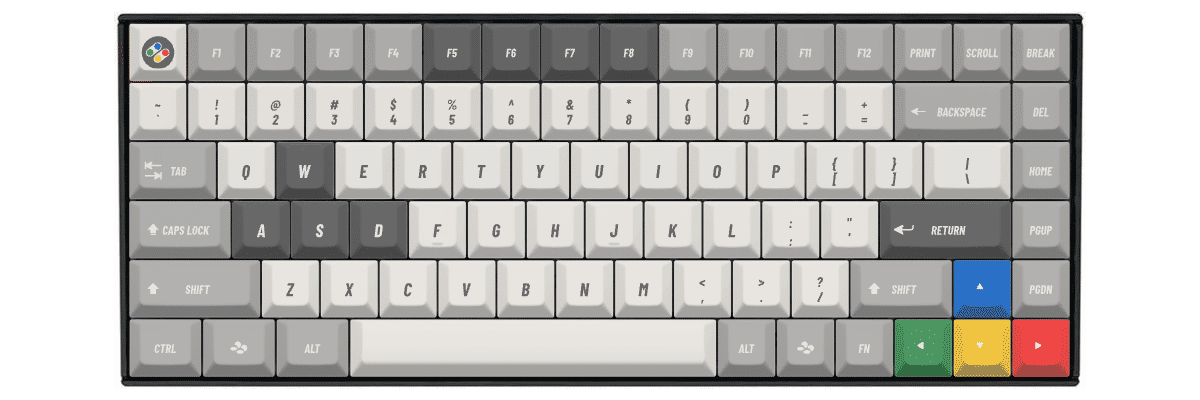
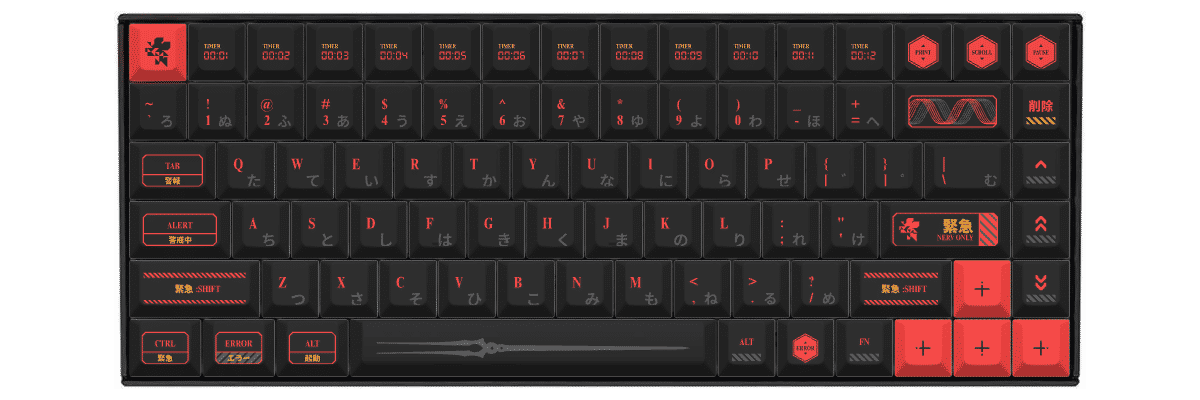
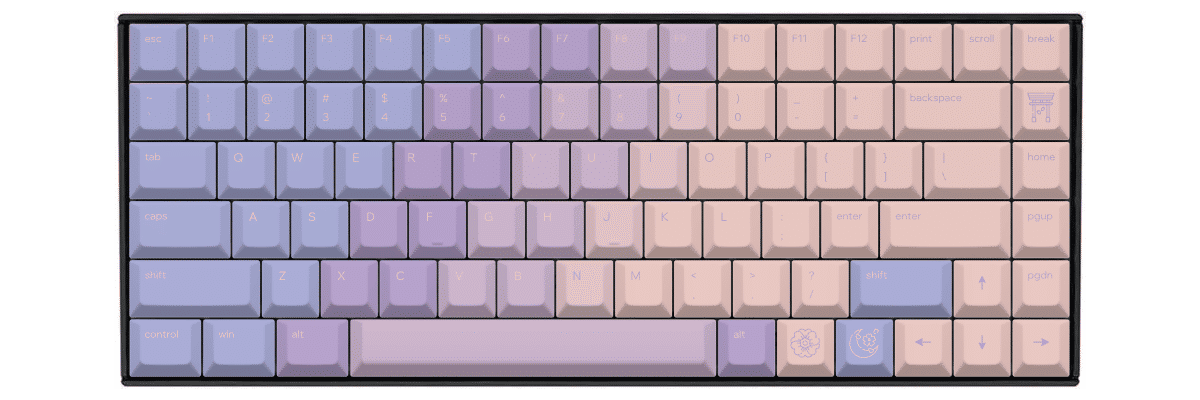
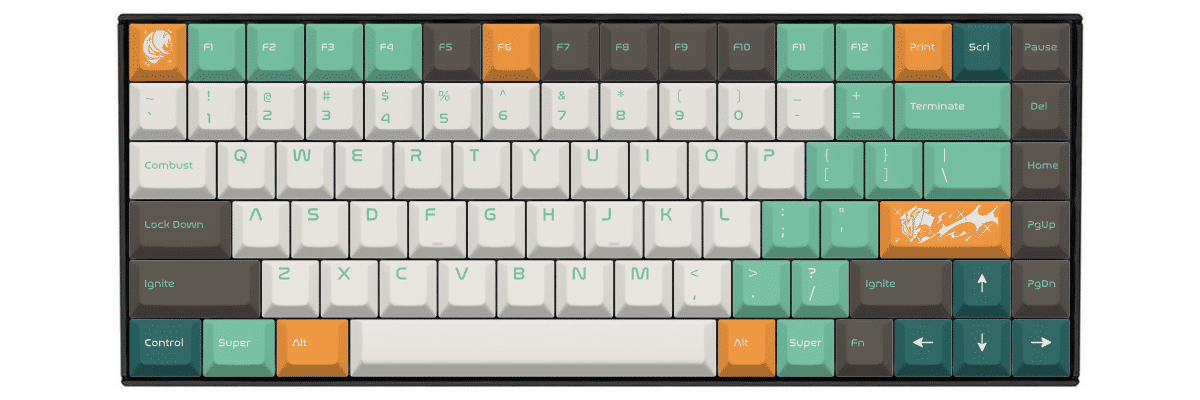
Our platform's real-time preview shows exactly how your design will look on the K2's compact 75% layout, with accurate key positioning and proportions. Every set is custom-made for your specific design, ensuring perfect fit and finish for your Keychron K2.
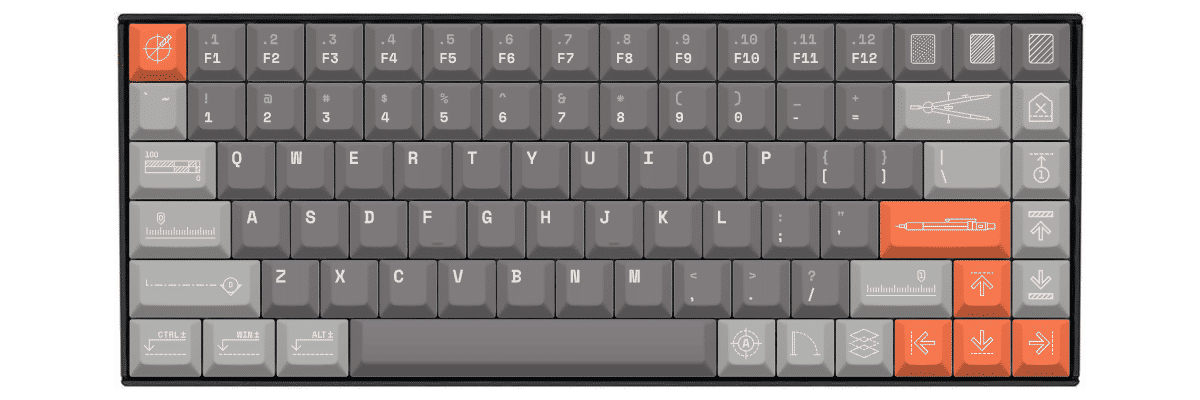
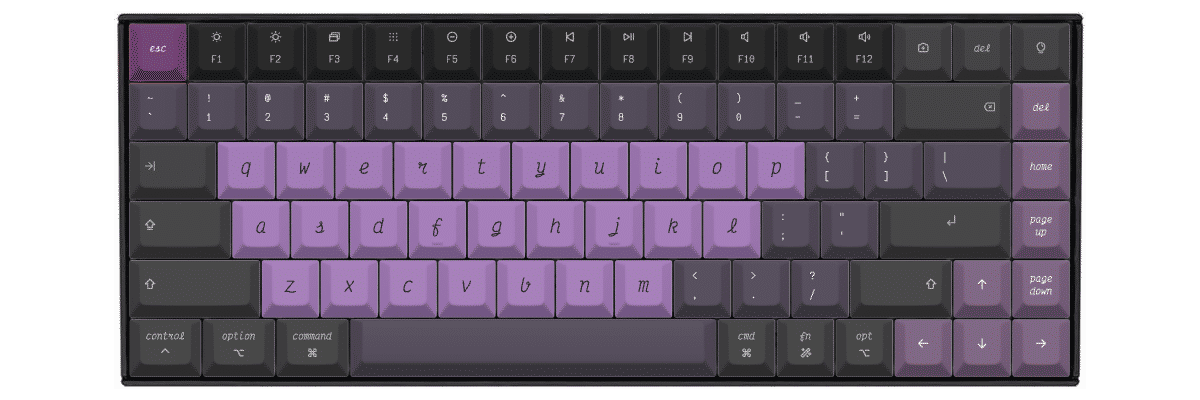
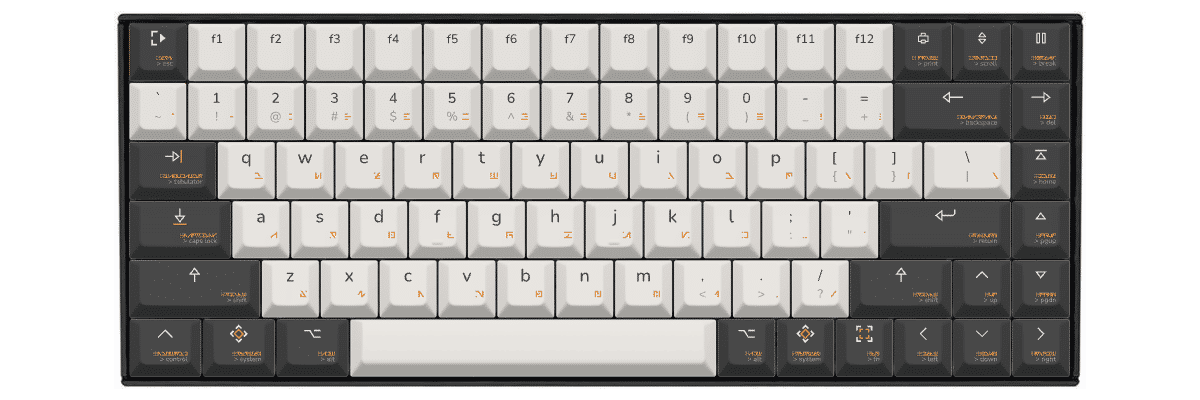
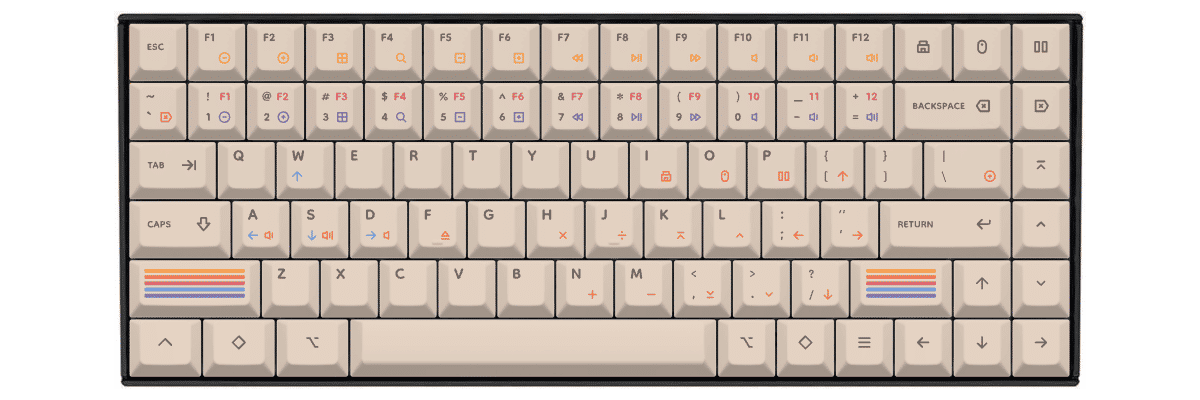
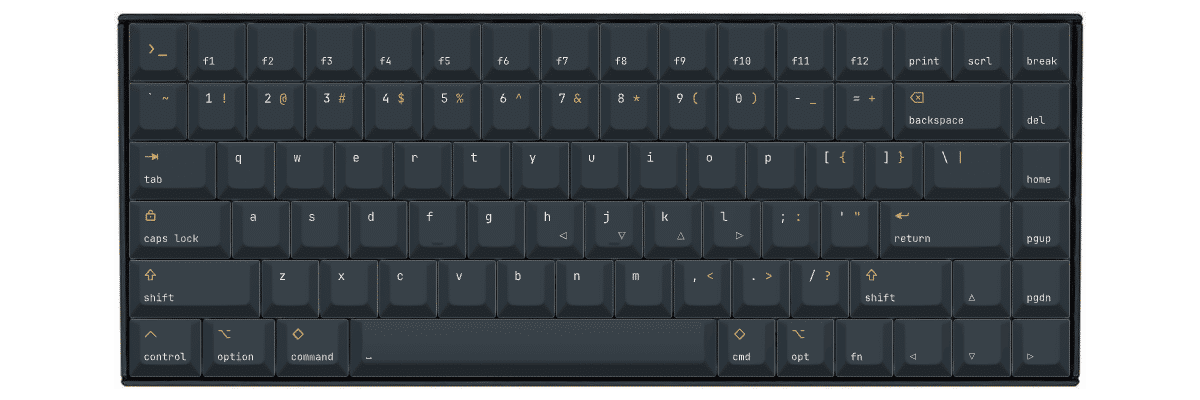
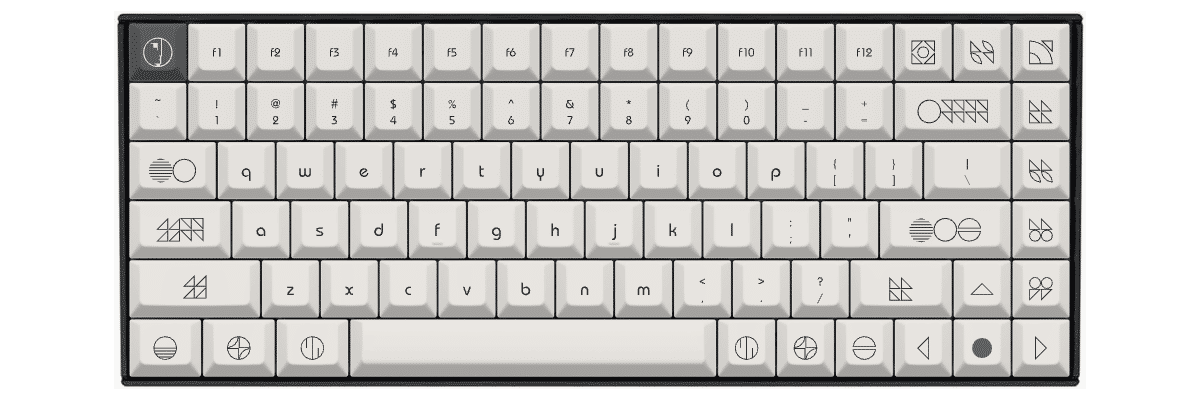
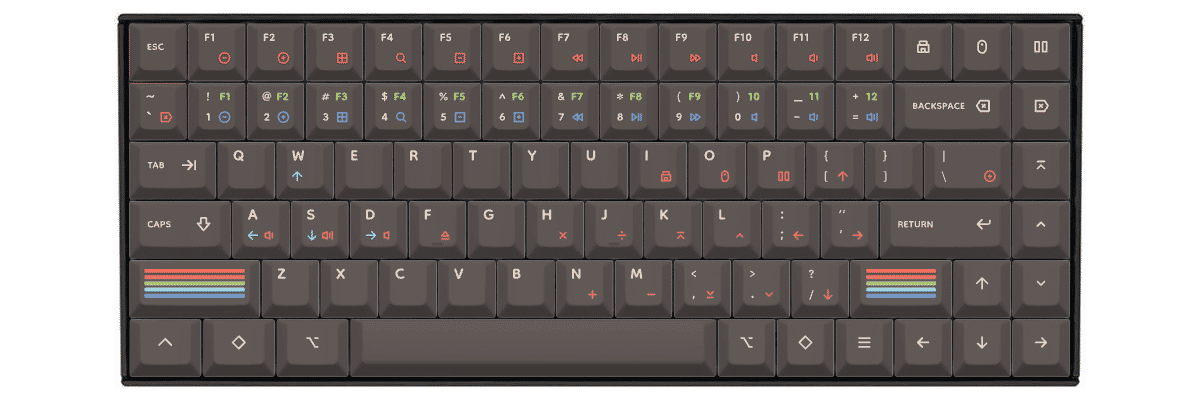
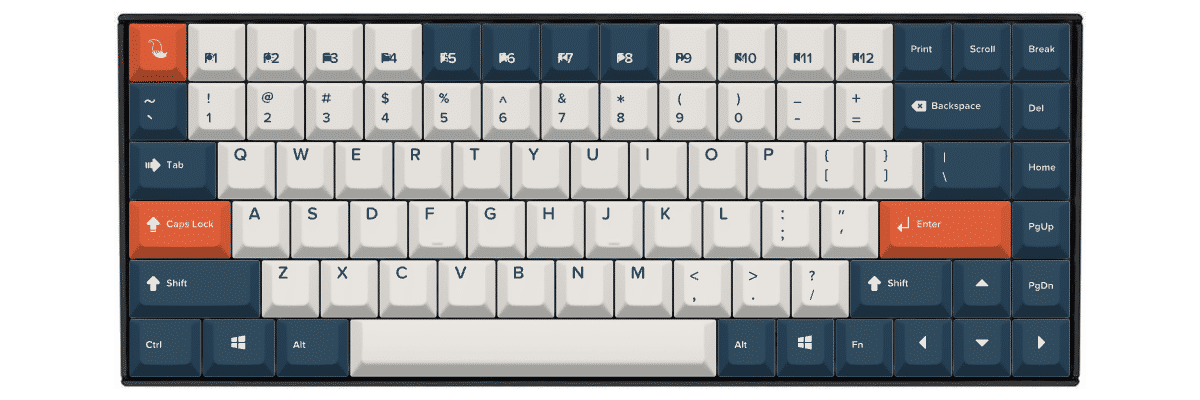
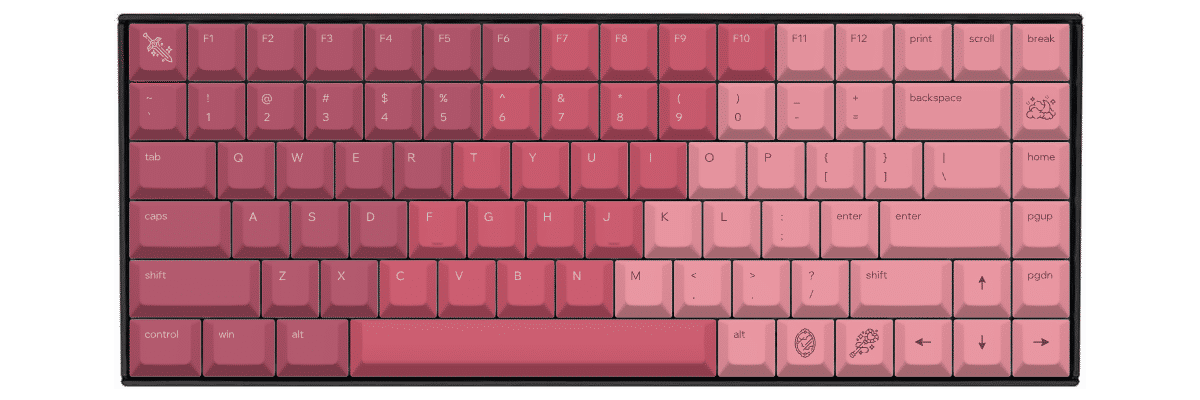
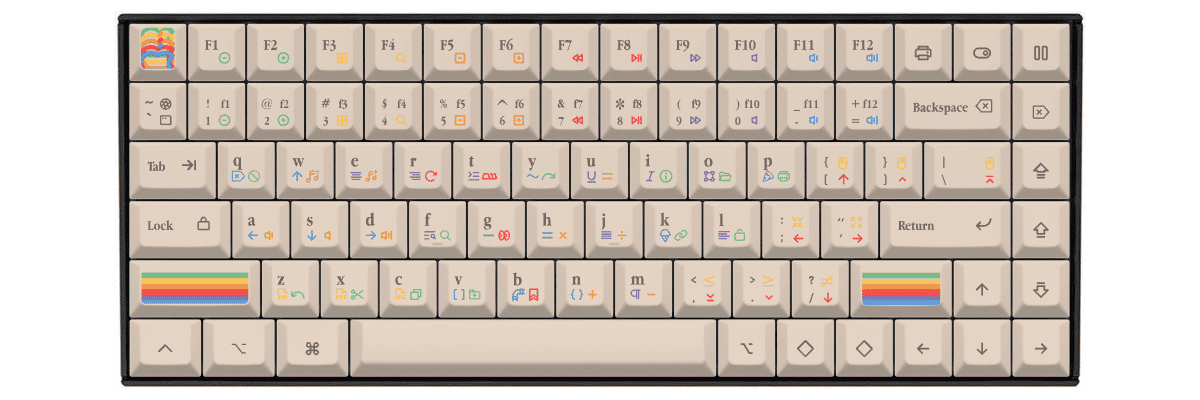
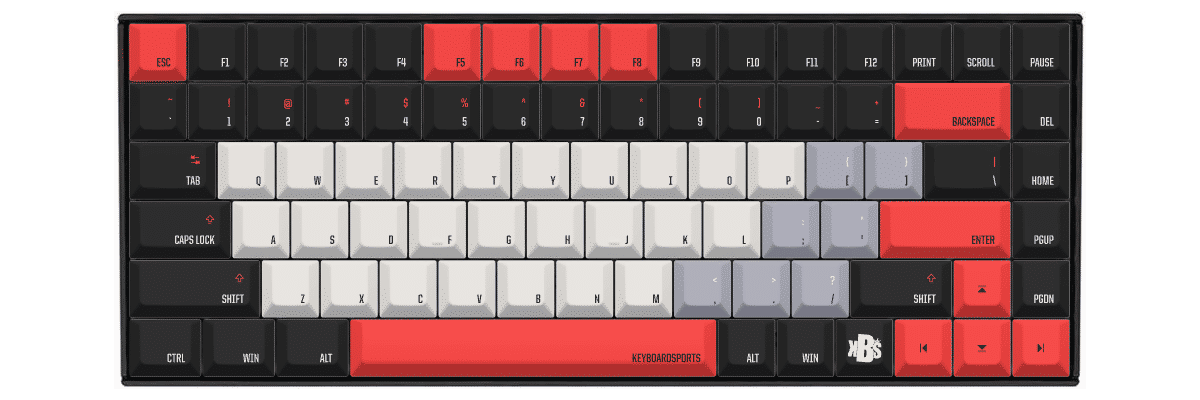
How to create custom keycaps for Keychron K2
Creating Custom Keycaps for Your Keychron K2
Creating custom keycaps for your Keychron K2 is straightforward thanks to its standard 75% layout. Our tool automatically accounts for all 84 keys in their proper positions, including the complete function row, navigation cluster, and standard bottom row configuration.
The customization process:
- Select Keychron K2 from our keyboard catalog
- Choose your preferred profile (Cherry or KAM recommended)
- Design your colors, legends, and special keys
- Preview in real-time on an accurate K2 template
- Order your custom set with confidence in perfect compatibility
Since the K2 uses a standard layout, you won't need to worry about unusual key sizes or compatibility concerns. Every key follows standard dimensions, making the design process simple and ensuring your custom keycaps will fit perfectly.
The K2's north-facing LEDs mean legends will be brightly lit if you use our standard legend positioning. For Mac users, remember to specify Mac modifier legends, or plan to keep your stock Command and Option keys.
New to keycap customization? Our Keycaps Academy covers everything from profile selection to color theory, helping you create the perfect set for your K2.
Compare your Keychron K2 keycap options
When considering keycap options for your Keychron K2, you'll typically compare three paths: keeping the stock keycaps, shopping for compatible pre-made sets, or creating fully custom keycaps. Each approach has distinct tradeoffs in compatibility, design flexibility, cost, and availability.
The K2's standard 75% layout makes compatibility verification straightforward when shopping for pre-made sets. Unlike keyboards with non-standard bottom rows or unusual key sizes, the K2 works with virtually any 75% keycap set on the market, significantly simplifying your upgrade path.
| Feature | Stock keycaps | Pre-made sets | Yuzu custom |
|---|---|---|---|
| Perfect fit | ✓ Designed for model | ⚠ Check compatibility | ✓ Pre-configured |
| Design choice | Limited | 100s of options | Unlimited |
| Price range | Included | $40–300+ | $76.80 |
| Lead time | Immediate | Stock dependent | 9 working days |
| Unique design | ✗ | ✗ | ✓ |
| Material quality | ABS plastic | Varies widely | Premium PBT |
| Legend method | Pad printing | Varies | Dye-sublimation |

Custom keycaps for Keychron keyboards
Whether you own this model or another Keychron keyboard, Yuzu offers custom keycaps designed to match your exact layout.
Explore all Keychron keyboardsFrequently asked questions
Ready to design your Keychron K2 keycaps?
Join thousands of keyboard enthusiasts who've upgraded their Keychron K2 with custom Yuzu keycaps. Professional quality, unlimited design options, and perfect compatibility guaranteed.
✓ Pre-configured for K2's standard 75% layout
✓ Premium PBT with dye-sublimation
✓ Cherry and KAM profiles available
✓ All 84 keys mapped correctly including Mac/Windows modifiers
✓ Perfect fit guarantee