
Keychron K2 HE keycaps
Design custom keycaps perfectly matched to your Keychron K2 HE keyboard layout
✓ Magnetic Switch Compatibility Confirmed
The Keychron K2 HE uses Gateron Double-Rail magnetic Hall Effect switches, making it fully compatible with this specialized switch type. Our customization tools are pre-configured for this keyboard's 84-key 75% layout including the function row, navigation cluster, and arrow keys. Note that this keyboard uses magnetic switches, not traditional mechanical switches.
Keychron K2 HE specifications for keycaps
What keycaps come with the Keychron K2 HE?
Stock Keycap Analysis
The Keychron K2 HE ships with double-shot PBT keycaps in two variants. The Special Edition features OSA profile keycaps—a mid-height uniform profile at approximately 9.5mm that delivers a comfortable, sculpted typing experience with slightly rounded tops. The Standard Edition uses Cherry profile keycaps with shine-through legends for maximum RGB brightness.
Material Quality
The double-shot PBT construction is excellent for a keyboard in this price range. Double-shot molding means the legends are molded from a second layer of plastic rather than printed, making them virtually indestructible—they won't fade, wear off, or become illegible even after years of heavy use. The PBT plastic itself resists shine and oil buildup better than ABS, maintaining a textured, premium feel over time.
Profile Characteristics
The OSA profile on the Special Edition provides a comfortable typing angle with gentle sculpting across rows, while the textured PBT surface offers excellent grip. Reviewers consistently praise the typing feel of these stock keycaps. The Cherry profile on the Standard Edition is the most common profile in mechanical keyboards, offering familiar ergonomics with more pronounced row sculpting.
RGB Compatibility
The K2 HE features north-facing RGB LEDs. The Special Edition's solid keycaps create a subtle underglow effect, while the Standard Edition's shine-through legends allow full RGB brightness to illuminate the characters—ideal for low-light gaming or working environments.
While Keychron's stock PBT keycaps are genuinely high-quality with excellent durability and feel, many users still upgrade to custom keycaps for unique colorways, alternative profiles like KAM or XDA, or personalized legends that better match their aesthetic preferences.
Custom keycaps for Keychron K2 HE
Custom Keycap Options for Keychron K2 HE
Profile Options
The Keychron K2 HE's Gateron Double-Rail magnetic switches use standard MX-style stems, making them compatible with the vast majority of custom keycap profiles on the market. The 75% compact layout with dedicated arrow keys and navigation cluster makes this an incredibly versatile board for both productivity and gaming.
Recommended profiles for the K2 HE:
- Cherry Profile: The most common profile, offering comfortable sculpting with a low height (11-13mm) that's excellent for both gaming and typing. The K2 HE's compact size pairs beautifully with Cherry's traditional feel.
- KAM Profile: A uniform mid-height profile (12mm) with minimal sculpting, delivering a modern aesthetic and comfortable typing. Great choice if you want a clean, uniform look.
- PBS Profile: An ultra-low profile specifically designed for modern typing, sitting at just 7.5mm tall. Excellent for those who prefer minimal key travel and a sleek aesthetic.
- DSA/XDA Profiles: Uniform low profiles that work well for users who frequently switch between keys or prefer a flatter typing surface.
See our complete keycap profiles guide to explore how each profile affects typing feel and ergonomics.
Material Options
When selecting custom keycaps for your K2 HE, material choice significantly impacts both aesthetics and performance:
PBT (Polybutylene Terephthalate) offers superior durability, excellent texture that resists shine and oils, and a deeper, more satisfying sound profile. Dye-sublimation printing on PBT produces incredibly durable, fade-resistant legends that will outlast the keyboard itself. The slightly rougher texture provides excellent grip during intense gaming sessions.
ABS (Acrylonitrile Butadiene Styrene) is smoother to the touch and allows for brighter, more vibrant colors through double-shot molding. While ABS will develop shine over time with heavy use, premium thick ABS keycaps produce a higher-pitched, crisper sound that many enthusiasts prefer.
For maximum RGB brightness through your K2 HE's north-facing LEDs, shine-through double-shot keycaps (either PBT or ABS) are your best option. For durability and premium feel, solid dye-sublimated PBT is hard to beat.
Deep dive into keycap materials to understand the science behind these choices.
Layout Compatibility Analysis
Comparing the Keychron K2 HE layout to standard 75% keyboards reveals excellent compatibility. The K2 HE follows standard 75% conventions with:
- Standard alphanumeric cluster: All letter and number keys are standard 1u size
- Standard modifiers: 1.5u Tab, 1.75u Caps Lock, 2.25u Left Shift, 2.25u Enter, 1.75u Right Shift
- Standard bottom row: 6.25u spacebar with 1.25u Ctrl/Win/Alt on the left and 1u Alt/Fn/Ctrl on the right
- Standard function row: Full-size function keys from F1-F12
- Compact navigation cluster: Page Up, Page Down, Home, and End keys positioned vertically on the right side
The K2 HE's layout is exceptionally compatible with aftermarket keycap sets. The only consideration is ensuring your chosen set includes the compact 75% layout with the right-side navigation cluster—most modern keycap sets marketed as "75% compatible" or "TKL + arrow keys" will work perfectly.
What to verify when shopping:
- Confirm the set includes 1.75u Right Shift (standard on 75% boards)
- Check for dedicated navigation keys (Home, End, Page Up/Down) separate from the function layer
- Verify bottom row compatibility (6.25u spacebar with standard modifier sizes)
- For ISO users: ISO versions of the K2 HE require ISO Enter (2.25u vertical) and appropriate left shift sizing
The K2 HE's standard layout means you won't face the compatibility challenges that plague keyboards with unique bottom rows or unusual key sizes. Most group buy sets, in-stock keycap collections, and custom sets will fit perfectly.
Yuzu's Solution
At Yuzu, we've pre-configured our customization tools specifically for the Keychron K2 HE:
- All 84 keys mapped correctly, including the complete navigation cluster and function row
- Cherry and KAM profiles available in unlimited color combinations
- Professional dye-sublimation on premium 1.4mm PBT for fade-resistant legends and exceptional durability
- Support for both ANSI and ISO variants of the K2 HE
- Perfect fit guaranteed for the K2 HE's exact 75% layout
- Custom legends available for personalization
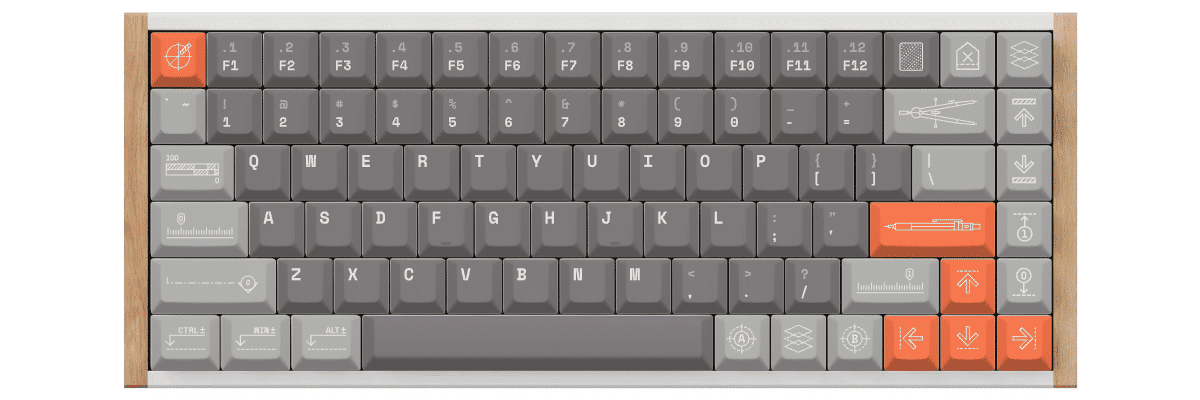
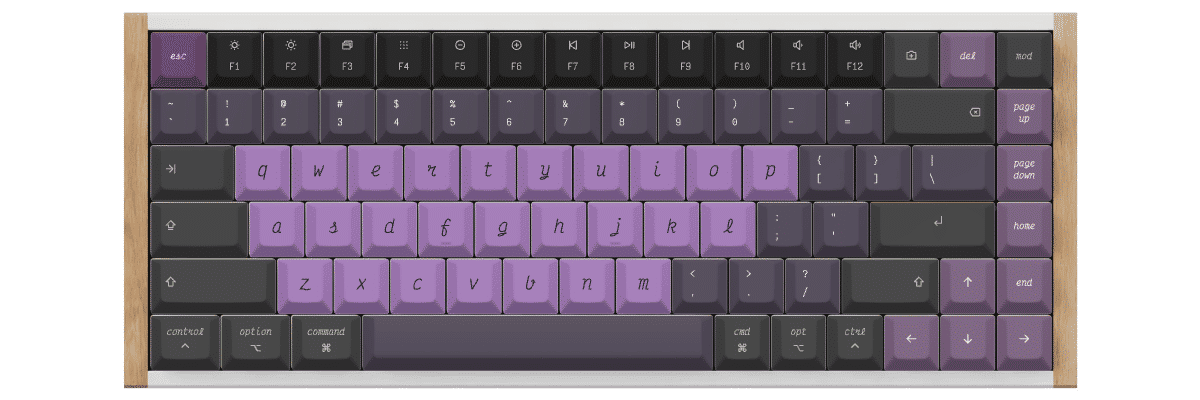
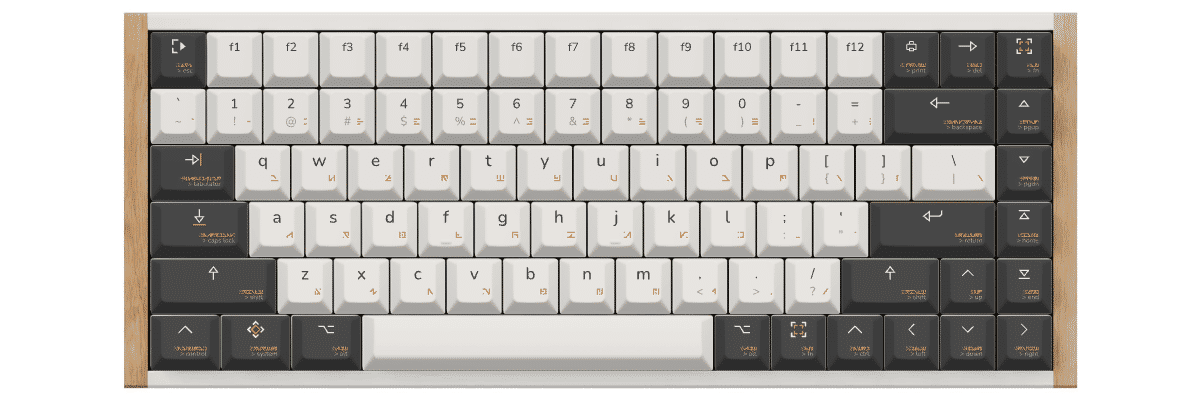
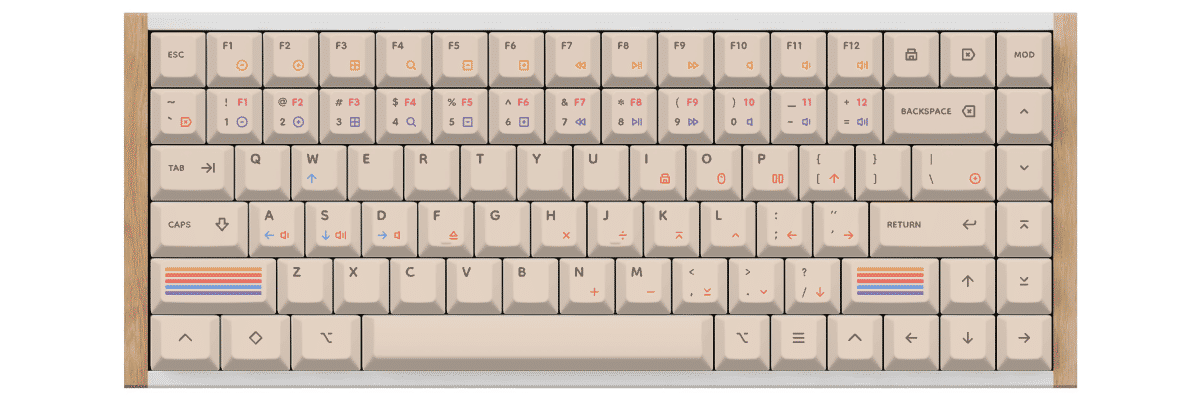
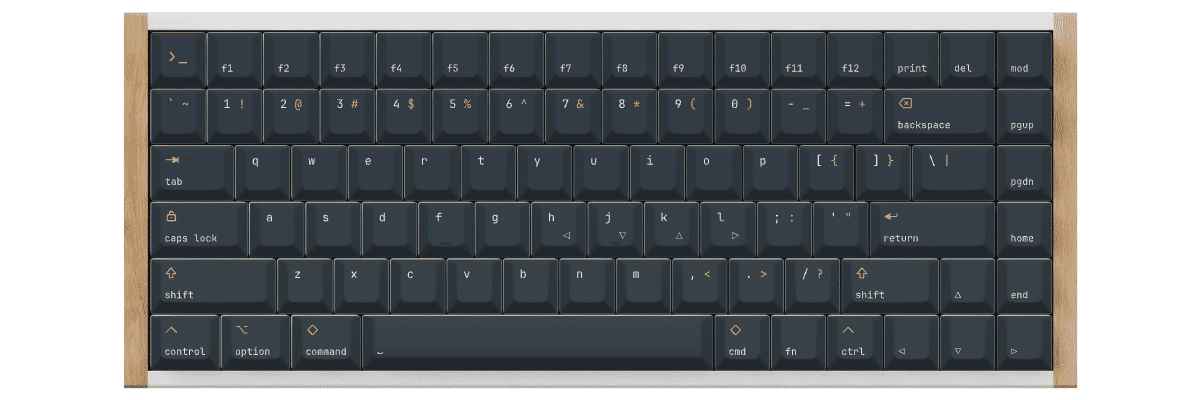
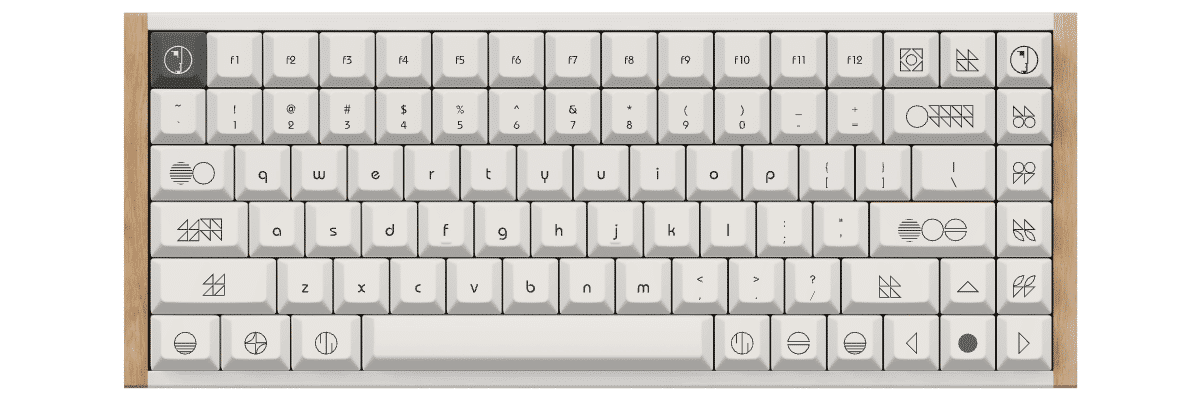
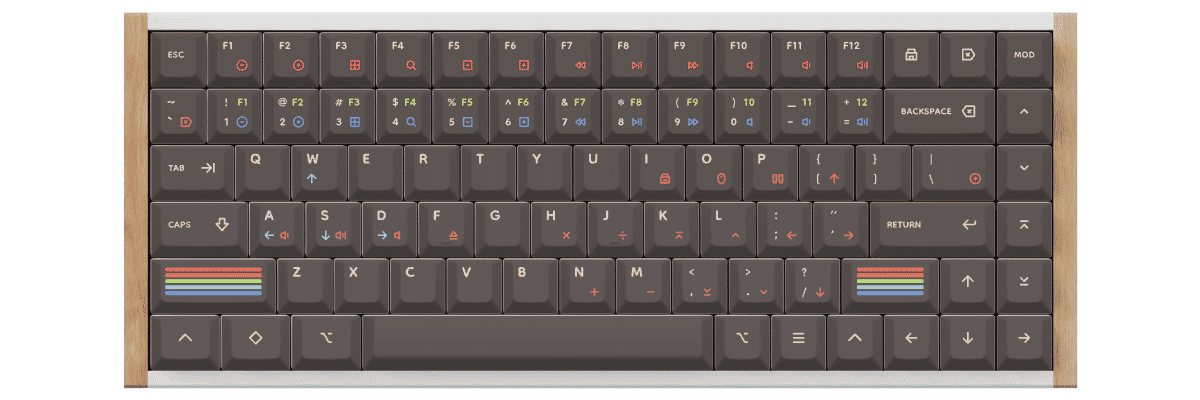
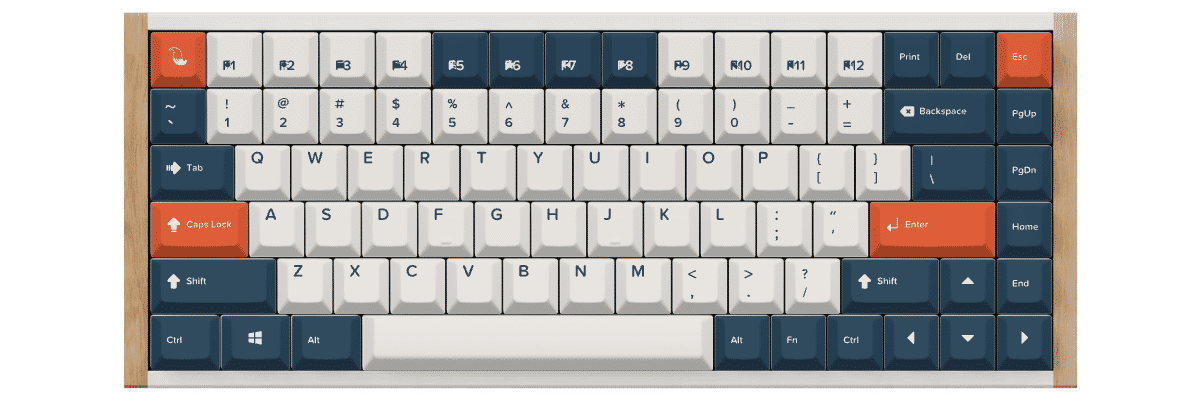
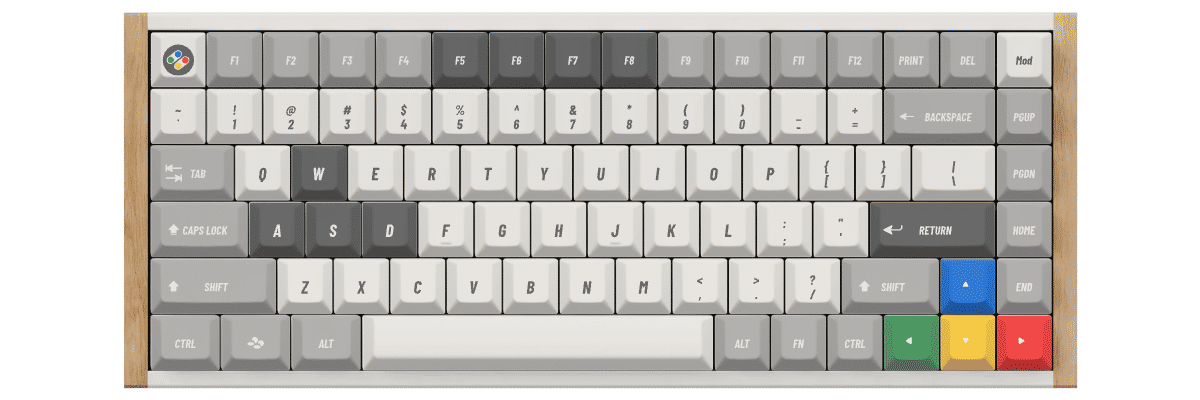
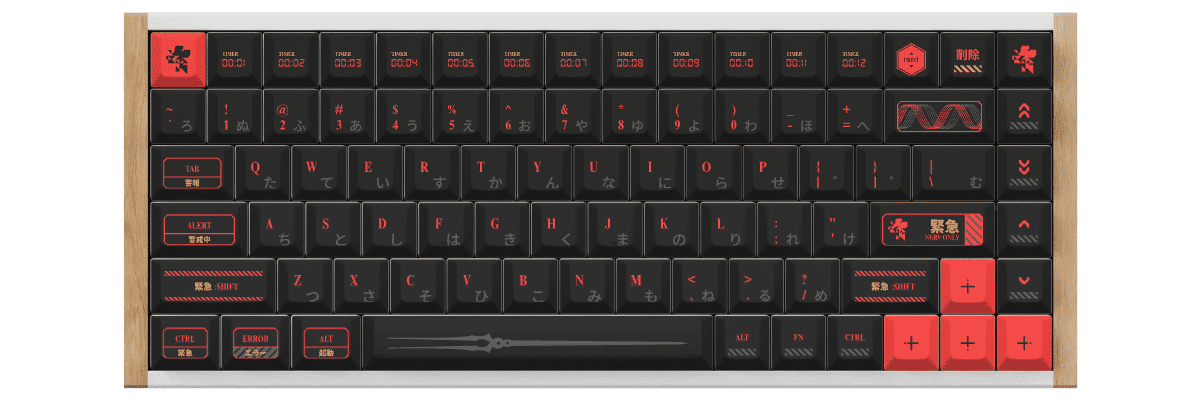
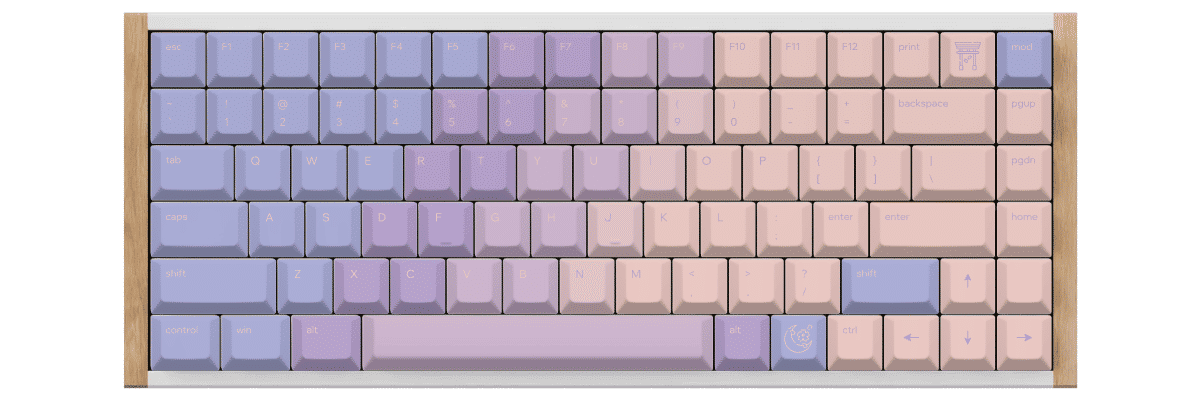
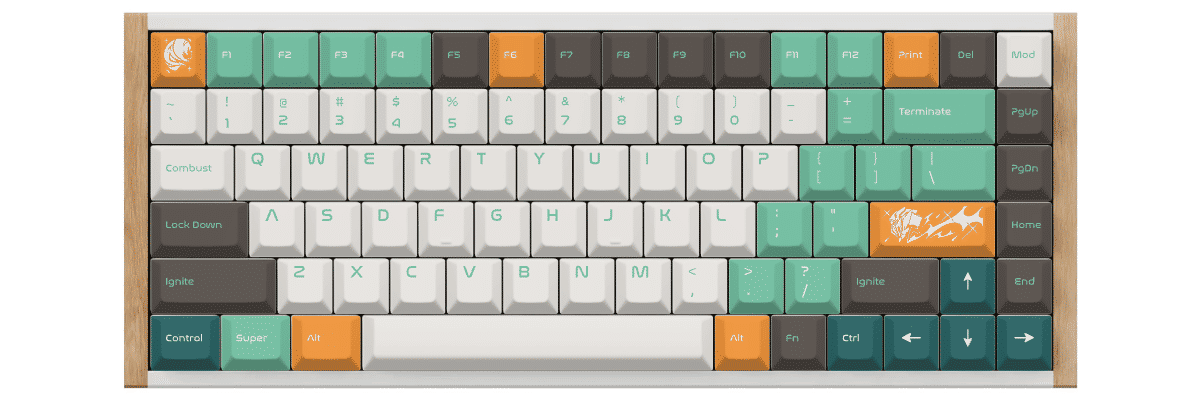
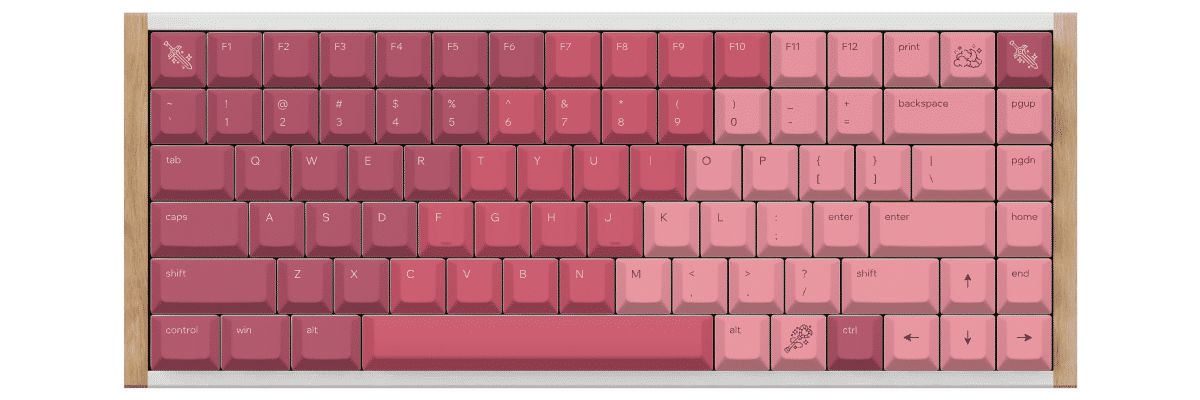
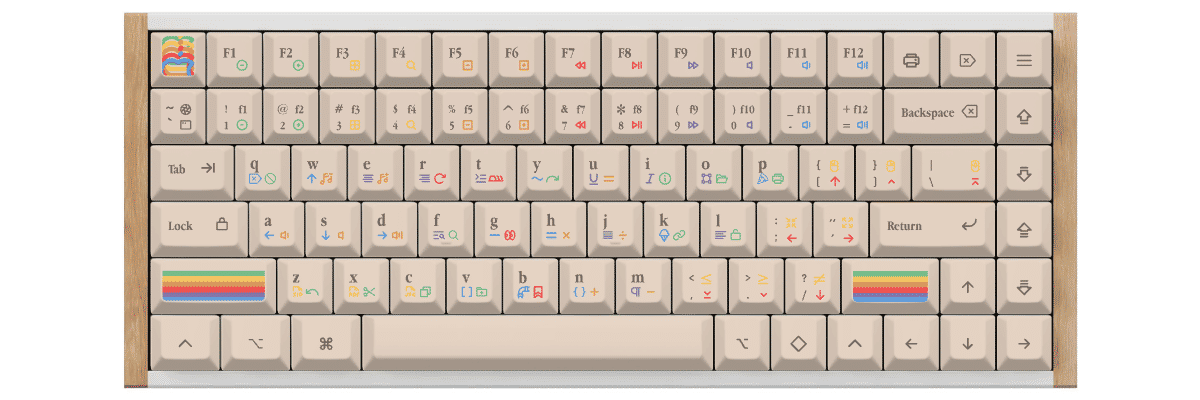
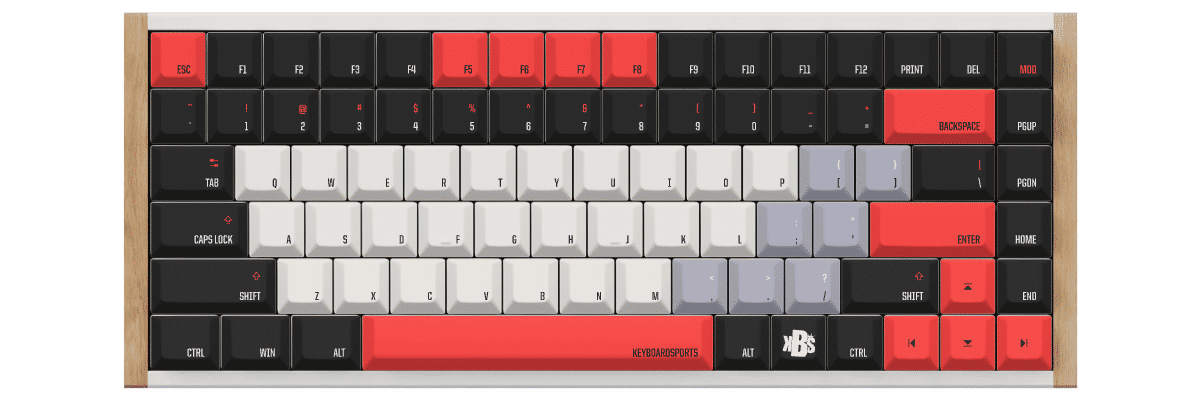
Our customization tool lets you design your keycaps with real-time preview on a Keychron K2 HE template. Experiment with colors, test legend combinations, and see exactly how your custom set will look before ordering. Every set is manufactured to order with your exact specifications, ensuring a truly unique keyboard that matches your style and workspace.
How to create custom keycaps for Keychron K2 HE
Customization Guide for Keychron K2 HE
Creating custom keycaps for your Keychron K2 HE is straightforward thanks to its standard 75% layout and MX-compatible magnetic switches. Our tool automatically accounts for the K2 HE's 84-key layout including the function row, navigation cluster, and arrow keys, so you can focus on designing rather than worrying about compatibility.
The Customization Process
- Select Keychron K2 HE from our keyboard catalog to load the correct 84-key template
- Choose your preferred profile - Cherry for traditional sculpting, KAM for uniform comfort, or PBS for ultra-low sleekness
- Design your color scheme - unlimited color combinations for base keys, modifiers, accents, and legends
- Add custom legends if desired - personalize function keys, create custom icon keys, or add unique text
- Preview in real-time on an accurate Keychron K2 HE template showing your exact layout
- Order your custom set with confidence in perfect compatibility
Our platform automatically includes all necessary keys for the K2 HE's layout, including the compact navigation cluster and standard bottom row. You won't need to manually verify sizes or hunt for compatibility information.
New to keycap customization? Read our complete guide on how to customize keycaps to learn about color theory, legend design, and creating cohesive themes.
Pro tip for K2 HE owners: The magnetic switches are hot-swappable, so you can easily swap keycaps without tools. The north-facing RGB LEDs look stunning with both solid and shine-through designs—experiment with both to find your preference.
Compare your Keychron K2 HE keycap options
When considering keycap options for your Keychron K2 HE, you'll typically compare three paths: keeping the excellent stock double-shot PBT keycaps, shopping for compatible pre-made sets, or creating fully custom keycaps. Each approach has distinct tradeoffs in compatibility, design flexibility, cost, and availability.
The K2 HE's standard 75% layout makes it highly compatible with aftermarket keycap sets, though you'll want to verify that any pre-made set includes the compact navigation cluster and 1.75u right shift key that 75% layouts require. The keyboard's magnetic switches use standard MX stems, ensuring broad compatibility across the keycap ecosystem.
| Feature | Stock keycaps | Pre-made sets | Yuzu custom |
|---|---|---|---|
| Perfect fit | ✓ Designed for model | ⚠ Check compatibility | ✓ Pre-configured |
| Design choice | Limited | 100s of options | Unlimited |
| Price range | Included | $40–300+ | $76.80 |
| Lead time | Immediate | Stock dependent | 9 working days |
| Unique design | ✗ | ✗ | ✓ |
| Material quality | Double-shot PBT | Varies widely | Premium PBT |
| Legend method | Double-shot molding | Varies | Dye-sublimation |

Custom keycaps for Keychron keyboards
Whether you own this model or another Keychron keyboard, Yuzu offers custom keycaps designed to match your exact layout.
Explore all Keychron keyboardsFrequently asked questions
Ready to design your Keychron K2 HE keycaps?
Join thousands of keyboard enthusiasts who've upgraded their Keychron K2 HE with custom Yuzu keycaps. Professional quality, unlimited design options, and perfect compatibility guaranteed for your magnetic switch keyboard.
✓ Pre-configured for K2 HE's 84-key 75% layout
✓ Premium 1.4mm PBT with dye-sublimation
✓ Cherry and KAM profiles available
✓ All navigation cluster and function keys included
✓ Compatible with magnetic switches
✓ Perfect fit guarantee