
Keychron K5 Pro keycaps
Design custom keycaps perfectly matched to your Keychron K5 Pro keyboard layout
This keyboard uses low-profile switches, so it takes PFF keycaps to avoid any compatibility issue.
✓ Low-Profile MX Compatibility
The Keychron K5 Pro uses Gateron low-profile MX switches, making it compatible with low-profile MX keycaps. Our customization tools are pre-configured for this keyboard's 108-key full-size layout including the complete function row, navigation cluster, and full numpad. The ultra-slim design pairs perfectly with low-profile keycap profiles for an ergonomic typing experience.
Keychron K5 Pro specifications for keycaps
What keycaps come with the Keychron K5 Pro?
Keychron's Low-Profile Double-Shot PBT Keycaps
The K5 Pro ships with low-profile double-shot PBT keycaps in LSA (Low-profile Spherical-Angled) profile, specifically designed to complement the keyboard's ultra-slim design. At approximately 11mm total height from desk to keycap top, the LSA profile provides a comfortable, ergonomic typing angle that reduces wrist strain during extended use.
Material Quality: The double-shot PBT construction ensures legends won't fade over time, even with heavy use. The PBT material offers excellent oil resistance and a slightly textured surface that provides good grip without feeling coarse. At this price point, the material quality is solid, though the keycaps are noticeably thinner than premium aftermarket options.
Legend Clarity: The double-shot molding process produces crisp, clear legends that shine through beautifully when RGB backlighting is enabled. The north-facing LED placement provides excellent visibility for the legends, making typing in low-light conditions effortless.
Sound Profile: The PBT material combined with the low-profile design produces a quieter, more muted typing sound compared to standard-height keyboards. The sound is pleasant and professional, making the K5 Pro suitable for office environments.
Compatibility Considerations: The keyboard includes extra keycaps for both Windows and macOS layouts, showing Keychron's attention to cross-platform users. This is a thoughtful touch that adds value.
While Keychron's stock low-profile keycaps are functional and durable for daily use, many users upgrade to custom low-profile keycaps for optimized ergonomics with PFF profile, unique color schemes, or premium materials that enhance the typing experience further.
Custom keycaps for Keychron K5 Pro
Profile Options
For Low-Profile MX Switches:
The K5 Pro uses Gateron low-profile MX switches, making PFF (Penguin Flat Feet) the optimal keycap profile choice. At just 5mm tall, PFF is specifically engineered for low-profile MX switches like those on the K5 Pro, delivering proper ergonomics and clearance that standard-height profiles cannot match.
While standard-height MX keycaps will physically fit on low-profile switches, they create an awkward, elevated typing angle that negates the ergonomic benefits of the low-profile design. The switches are designed to work with keycaps that sit much closer to the board, and using standard keycaps essentially turns your low-profile keyboard into a taller, less ergonomic setup.
The K5 Pro's ultra-slim design is one of its key selling points, offering reduced wrist strain and a more portable profile. Maintaining this advantage requires low-profile keycaps like PFF that complement the board's 18.2mm front height and 23.5mm rear height (with stock keycaps).
Learn more about PFF profile and low-profile keycap options.
Material Options
PBT Advantages for Low-Profile Boards:
For the K5 Pro, PBT material is the ideal choice. Its durability and oil resistance ensure the keycaps maintain their texture and appearance through years of use. Dye-sublimation printing produces fade-resistant, crisp legends that complement the keyboard's professional aesthetic.
The slightly textured surface of quality PBT keycaps provides excellent grip, which is particularly important on low-profile keyboards where your fingers sit closer to the keys. The material's sound-dampening properties also work well with the K5 Pro's already quiet typing experience.
Thickness considerations matter less on low-profile keycaps since the overall design prioritizes slim profiles, but quality low-profile PBT keycaps still offer superior durability compared to ABS alternatives.
Layout Compatibility Analysis
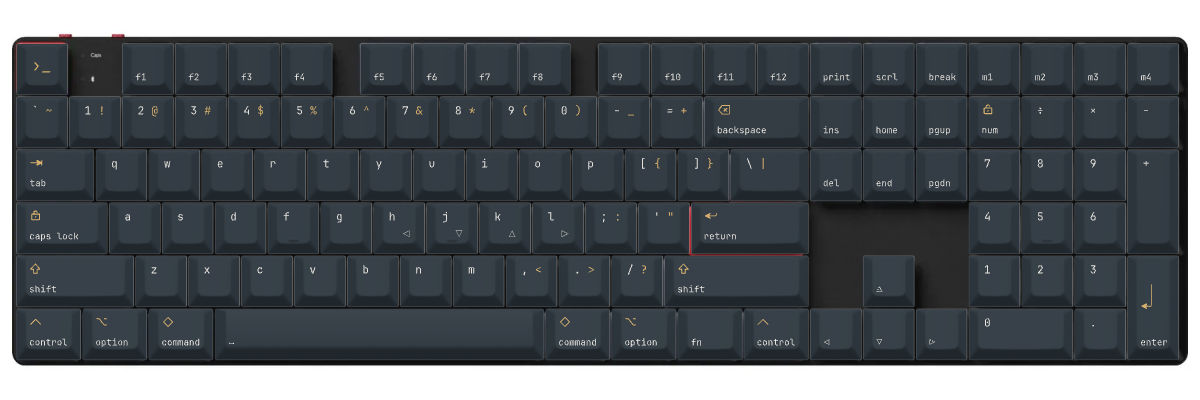
The Keychron K5 Pro follows the standard full-size (100%) layout perfectly, making keycap compatibility straightforward. Comparing the K5 Pro layout to standard full-size keyboards reveals no layout differences—it features the complete 108-key arrangement with:
- Standard function row (F1-F12) plus Print Screen, Scroll Lock, Pause/Break
- Full alphanumeric section with standard key sizes
- Standard 6.25u spacebar with 1.25u modifiers (Ctrl, Win/Cmd, Alt)
- Complete navigation cluster (Insert, Delete, Home, End, Page Up, Page Down, arrow keys)
- Full number pad with standard layout
- 2.25u left Shift and 2.75u right Shift
- Standard stabilizer positions on larger keys
The Critical Consideration: While the layout is standard, the switch type is low-profile MX, which means you need low-profile keycaps specifically. Standard-height keycap sets designed for regular MX switches will fit but will dramatically increase the keyboard's height and compromise ergonomics.
When shopping for keycaps for the K5 Pro, verify:
- The set is designed for low-profile MX switches (not Choc, not standard MX)
- All 108 keys are included in the kit
- The profile is low-profile compatible (PFF is optimal)
- The set includes the standard stabilized keys (2u Backspace, 2.25u Enter, spacebars, shifts)
The K5 Pro's standard layout means finding complete 108-key low-profile sets is your main requirement—no special sizing accommodations or compatibility workarounds needed.
Yuzu's Solution
At Yuzu, we've pre-configured our customization tools specifically for the Keychron K5 Pro:
- All 108 keys mapped correctly for the full-size layout
- PFF profile available, specifically optimized for low-profile MX switches at 5mm height
- Professional dye-sublimation on premium PBT for fade-resistant legends
- Unlimited color combinations to match your setup
- Support for both ANSI and ISO layouts
- Perfect fit guaranteed for the K5 Pro's exact low-profile specifications
- Ergonomic design that maintains the keyboard's ultra-slim profile benefits
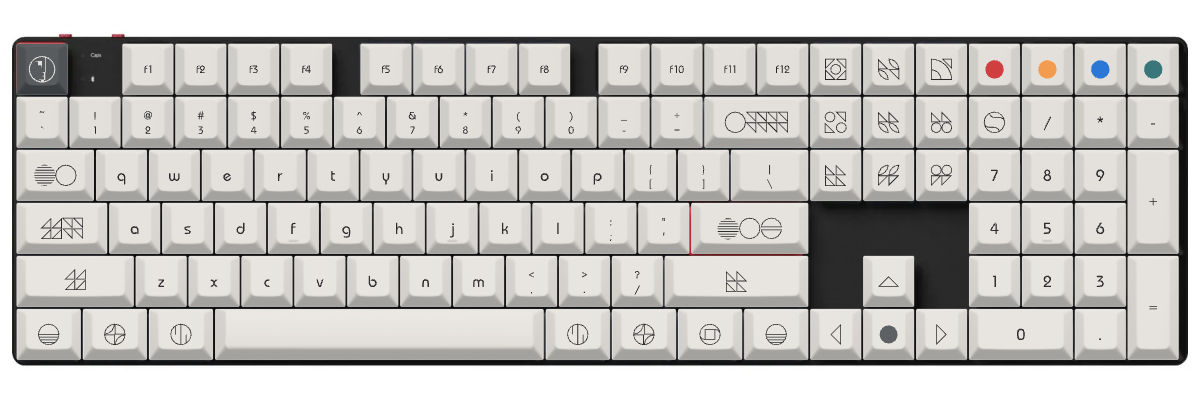
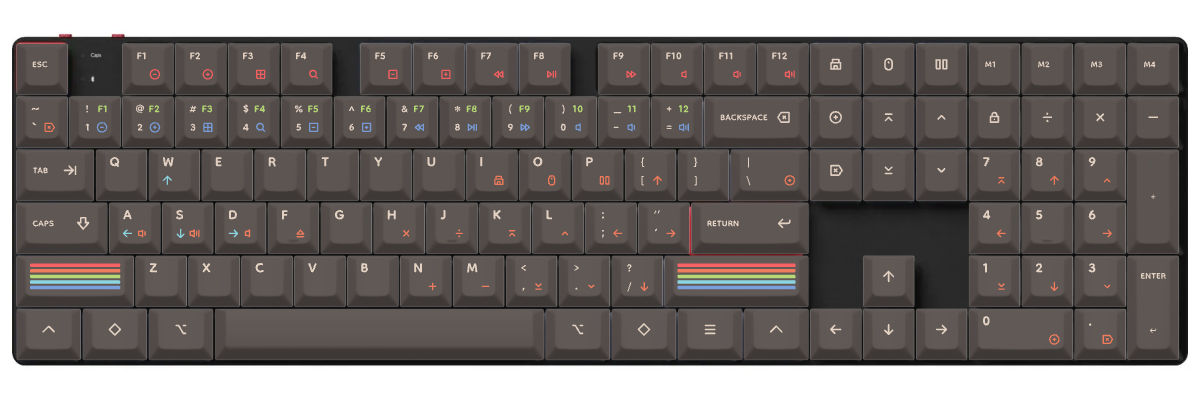
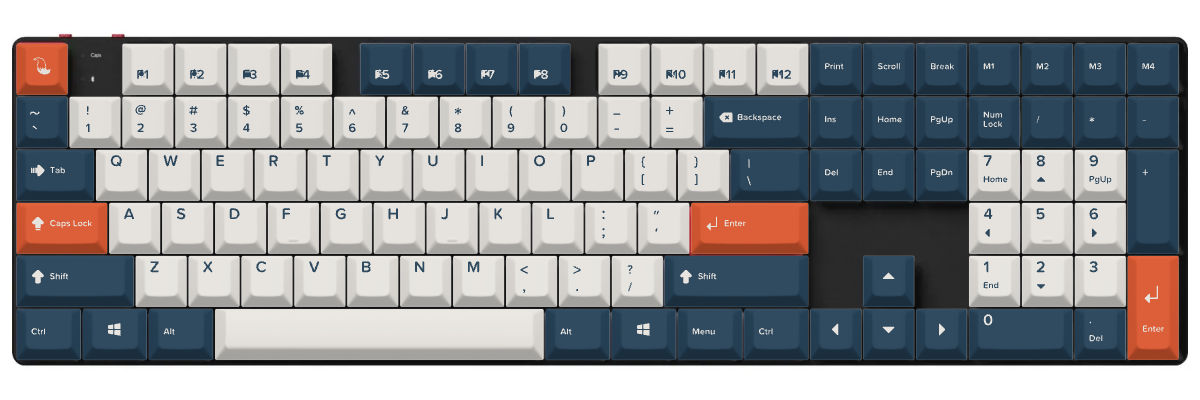
Our customization tool lets you design your low-profile keycaps with real-time preview on a K5 Pro template, ensuring your custom set perfectly complements the keyboard's sleek design.
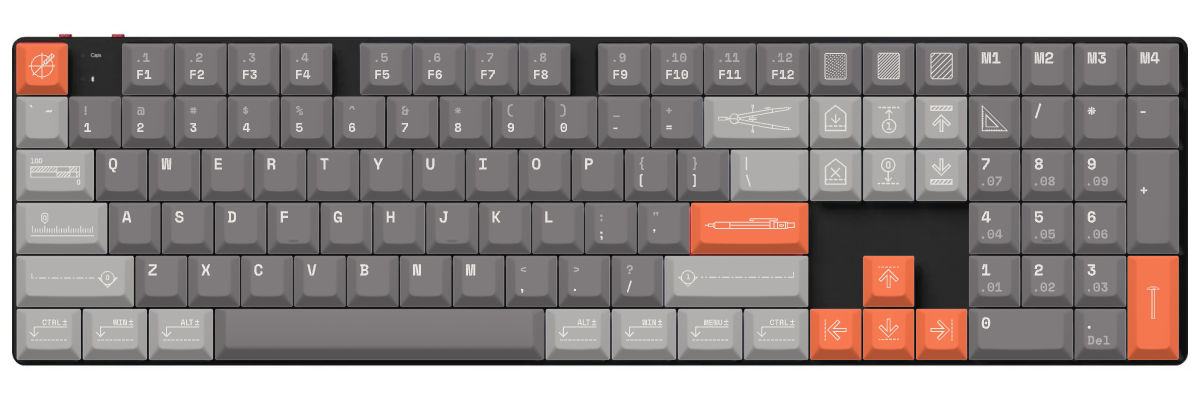
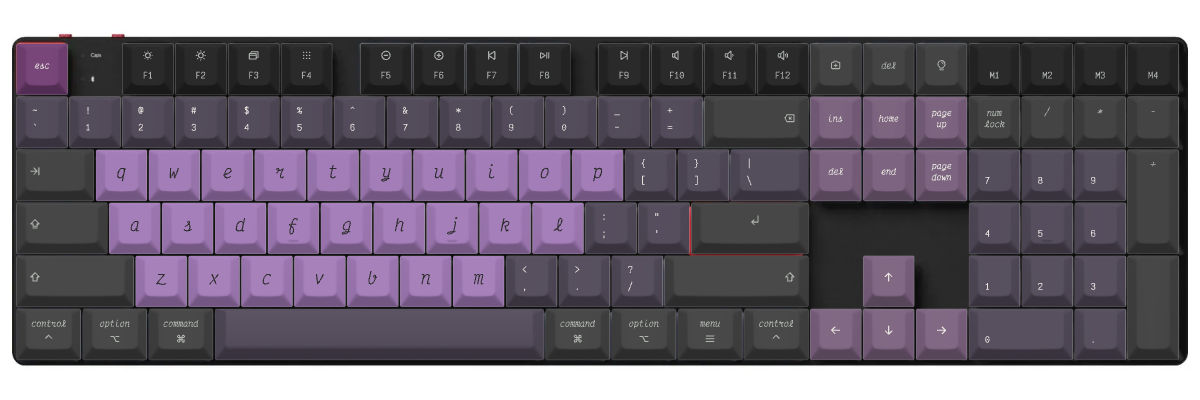
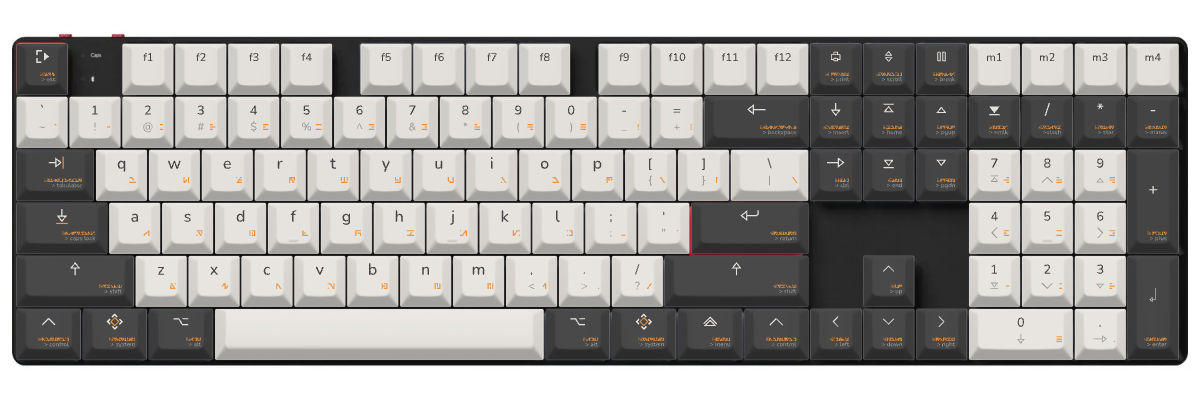
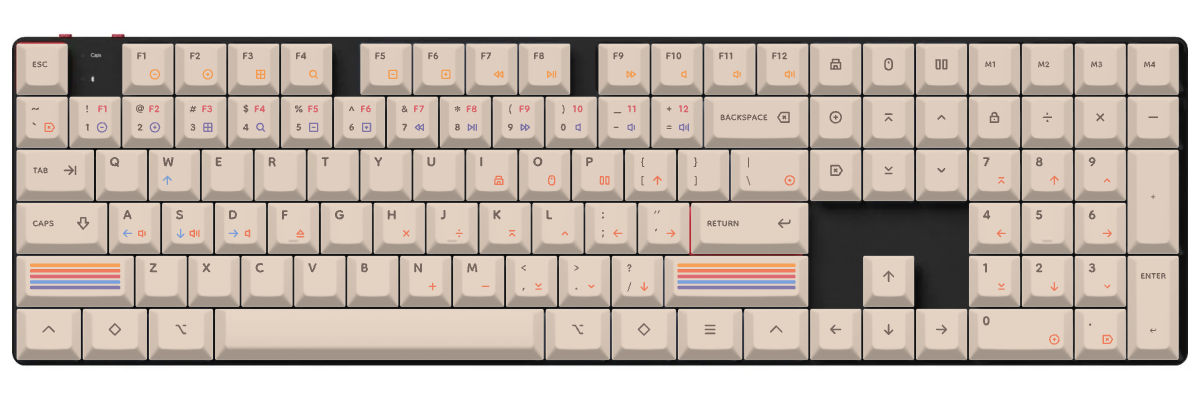
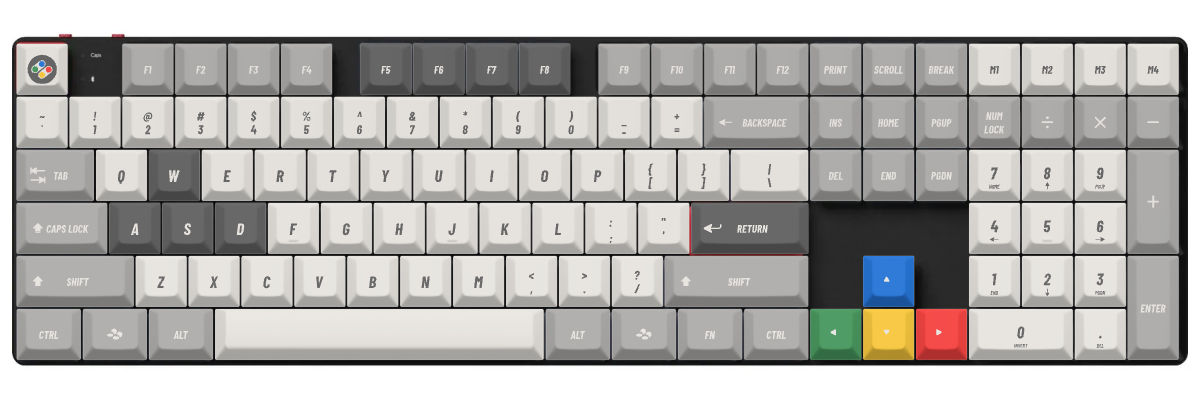
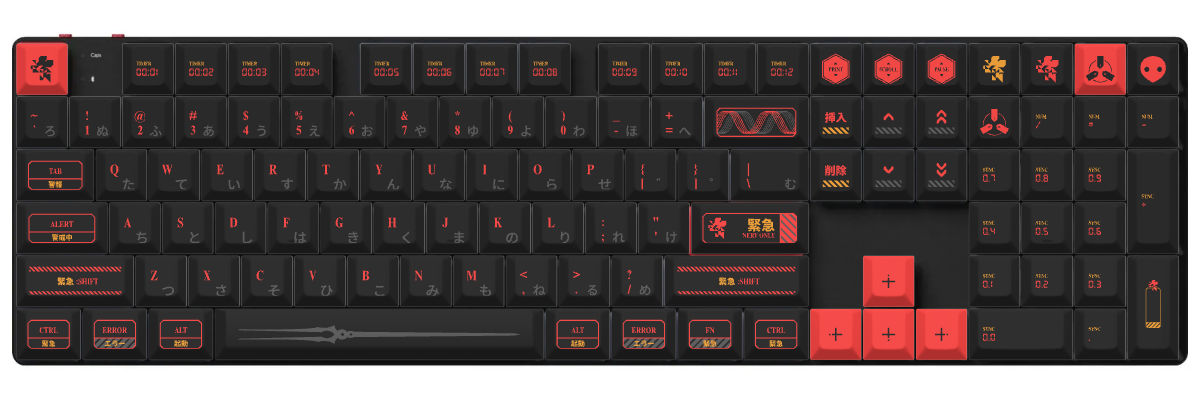
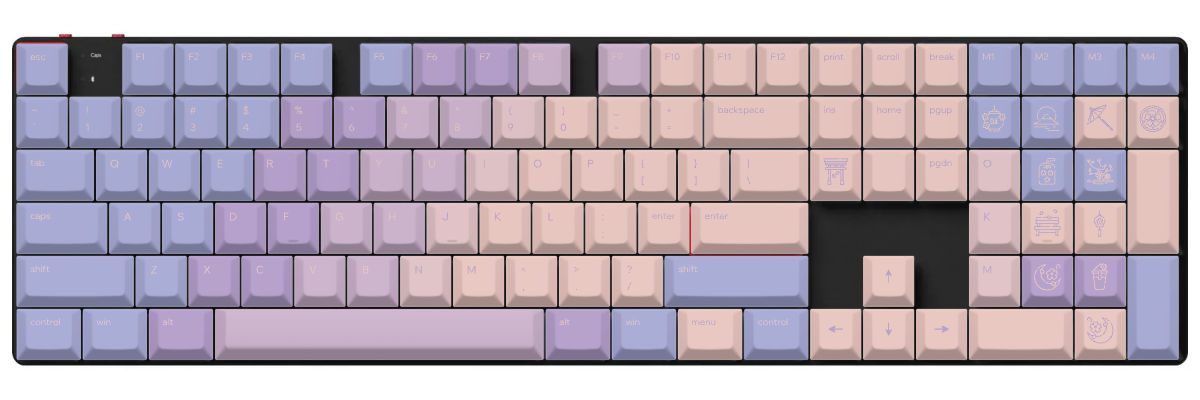
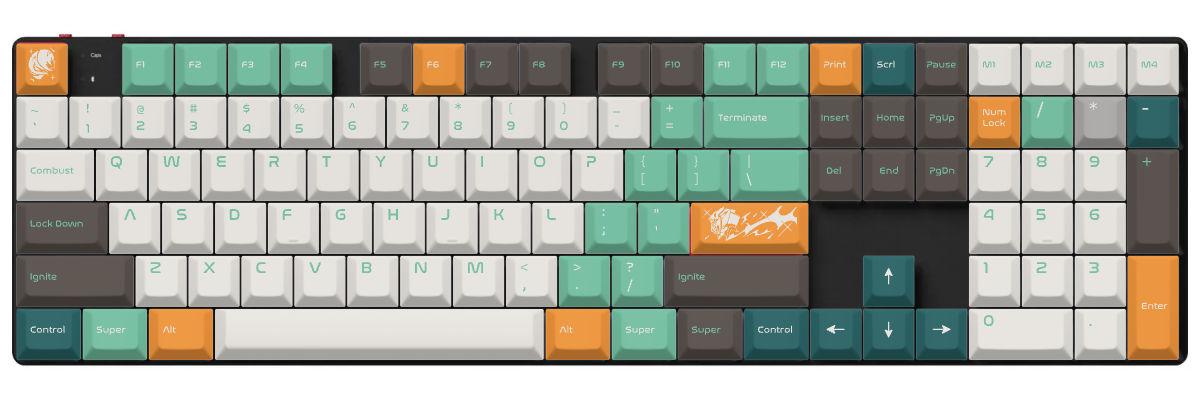
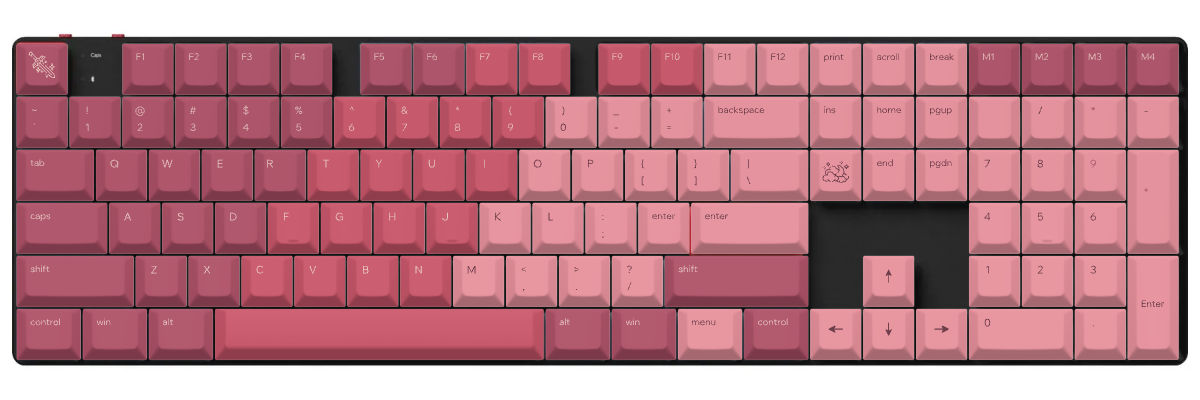
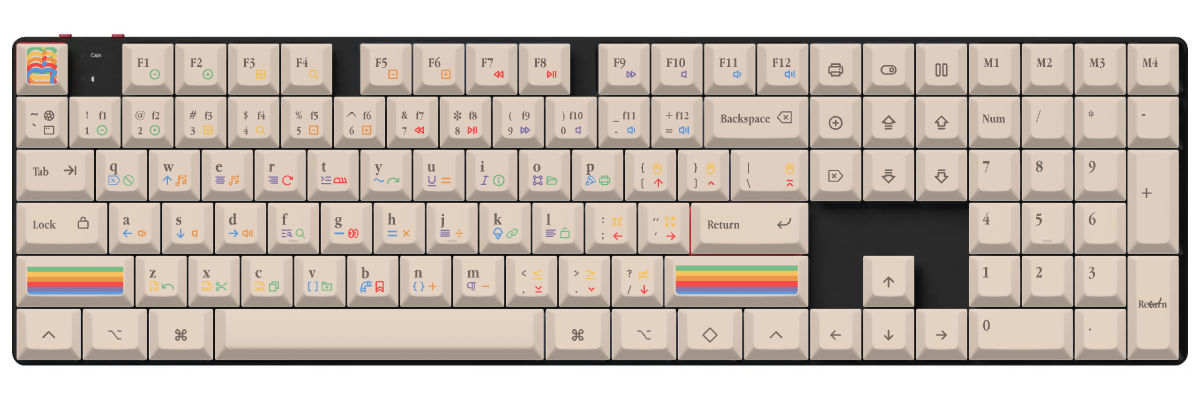
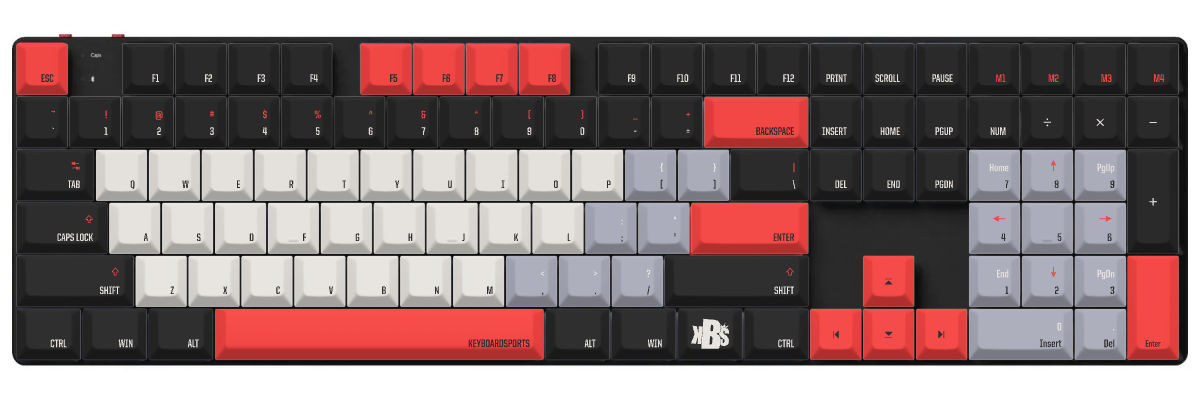
How to create custom keycaps for Keychron K5 Pro
Creating custom keycaps for your Keychron K5 Pro requires understanding its low-profile design. Our tool is specifically configured for low-profile MX switches, ensuring proper fit and ergonomics.
The Customization Process:
- Select the Keychron K5 Pro from our keyboard catalog
- Choose PFF profile—optimized for low-profile switches at just 5mm tall
- Design your colors, legends, and special keys to match your setup
- Preview in real-time on an accurate K5 Pro template showing the ultra-slim profile
- Order your custom set with confidence in perfect low-profile compatibility
We've pre-mapped all 108 keys including the complete function row, navigation cluster, and number pad. The PFF profile maintains the ergonomic benefits that make low-profile keyboards special—reduced wrist strain, comfortable typing angles, and a sleek aesthetic.
New to low-profile keycap customization? Understanding the difference between low-profile and standard-height keycaps is crucial for the best experience with your K5 Pro.
Compare your Keychron K5 Pro keycap options
When considering keycap options for your Keychron K5 Pro, you'll evaluate three paths: keeping the stock low-profile keycaps, shopping for compatible pre-made low-profile sets, or creating fully custom low-profile keycaps. Each approach has distinct tradeoffs in compatibility, design flexibility, cost, and availability.
The K5 Pro's low-profile MX switches significantly narrow the field of compatible keycaps compared to standard-height keyboards. Most aftermarket keycap sets are designed for standard MX switches, making it essential to verify low-profile compatibility when shopping. The PFF profile offers the best ergonomic match for the K5 Pro's ultra-slim design philosophy.
| Feature | Stock keycaps | Pre-made sets | Yuzu custom |
|---|---|---|---|
| Perfect fit | ✓ Designed for model | ⚠ Check compatibility | ✓ Pre-configured |
| Design choice | Limited | 100s of options | Unlimited |
| Price range | Included | $40–300+ | $100 |
| Lead time | Immediate | Stock dependent | 9 working days |
| Unique design | ✗ | ✗ | ✓ |
| Material quality | Double-shot PBT | Varies widely | Premium PBT |
| Legend method | Double-shot | Varies | Dye-sublimation |

Custom keycaps for Keychron keyboards
Whether you own this model or another Keychron keyboard, Yuzu offers custom keycaps designed to match your exact layout.
Explore all Keychron keyboardsFrequently asked questions
Ready to design your Keychron K5 Pro keycaps?
Join thousands of keyboard enthusiasts who've upgraded their Keychron K5 Pro with custom Yuzu keycaps. Professional quality, unlimited design options, and perfect low-profile compatibility guaranteed.
✓ Pre-configured for K5 Pro's 108-key layout
✓ Premium PBT with fade-resistant dye-sublimation
✓ PFF profile optimized for low-profile MX switches
✓ Maintains the ultra-slim ergonomic design
✓ North-facing RGB compatible
✓ Perfect fit guarantee